

Share your invite code
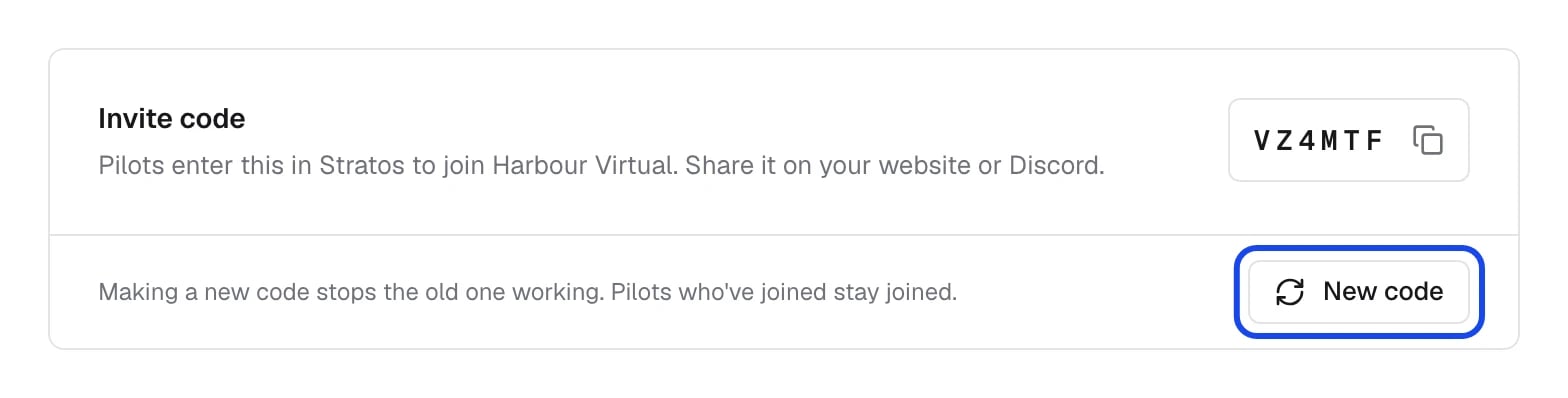
Every airline has a 6-character invite code. Pilots choose Invite code in Stratos’s airline list and enter it. It works whether or not you’re listed, so it suits private airlines and staged rollouts.- Open Settings → General.
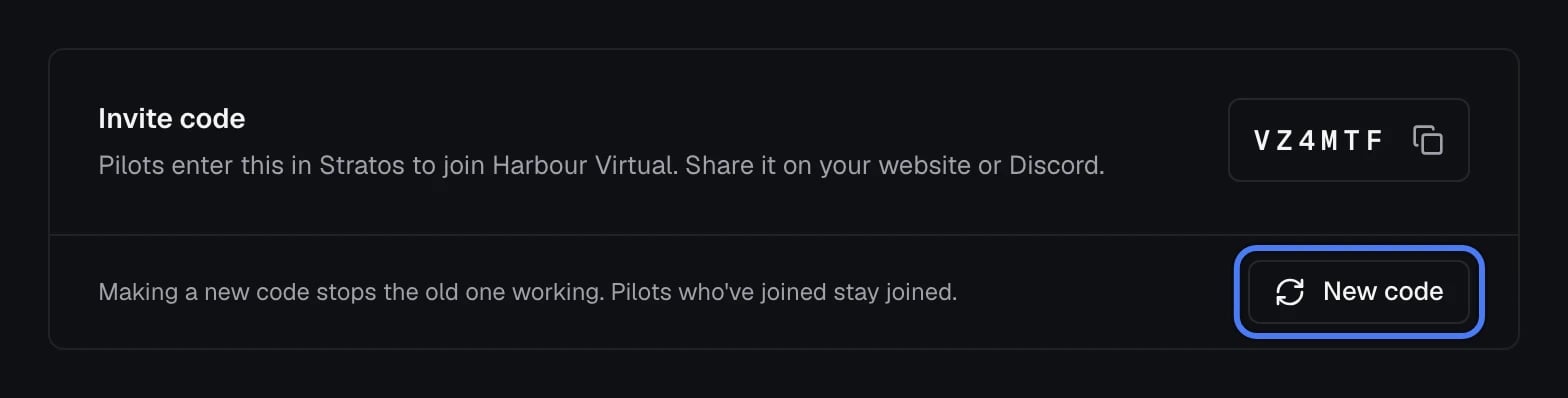
- Copy the code from the Invite code card and share it on your website or Discord.
Make a new code
If a code has leaked, click New code, then Make new code. The old code stops working straight away, so update it anywhere you’ve shared it. Pilots who’ve already joined stay joined.List your airline in Stratos
Turn on Stratos airline directory on Settings → Listing and any pilot can find your airline in Stratos and ask to join. Turn it off and only pilots with your invite code can join.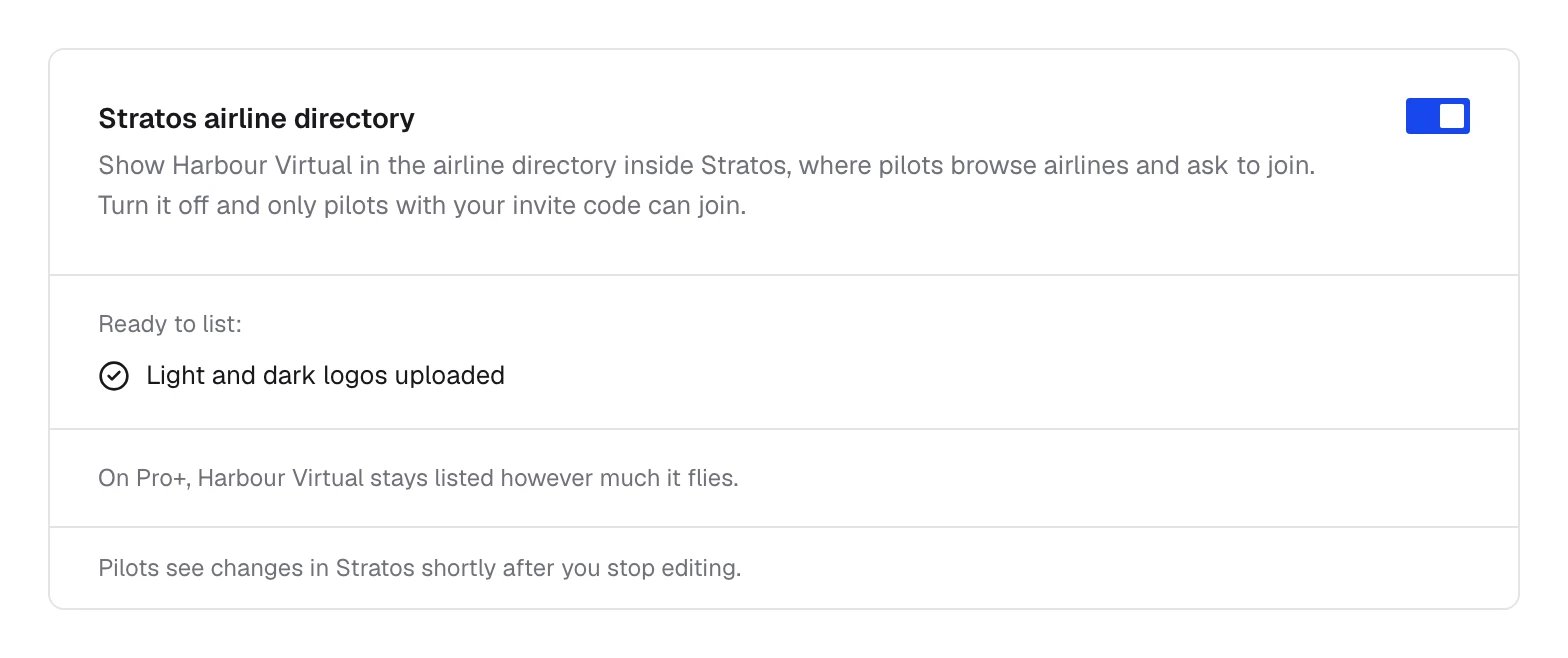
Send pilots the steps
At the end of set-up, Copy the invite for pilots (or Copy the steps) on the journey’s last page copies a short message for your Discord or website: download Stratos, find your airline (or enter your invite code if you’re not listed), and sign in with their crew system account.What pilots see
- They download Stratos from skyvexsoftware.com/download.
- On first launch they find your airline, in the directory or with your invite code.
- They sign in the way you set up on Settings → Connection.
- Stratos installs the plugins your airline gives them: Dashboard, Flight Tracking, Landing Analyser and Logbook for a new airline, less any you’ve removed, plus any you’ve added for them. See Plugins.
- They book a flight, fly it and submit it, and the flight reaches your crew system.