

At a glance
- Stratos is free for pilots. Plans are for airlines.
- Free includes 500 completed flights a month (1,000 for founding owners). Pro and Pro+ have no limit.
- Past the allowance pilots keep flying, until 100 more flights; then new flights pause until the next month.
- Try Pro (or Pro+) free for 30 days, with no card. It never turns into a subscription on its own.
Pilots never pay
Plans are for airlines. Stratos is free for pilots, and every pilot gets the full app whichever plan their airline is on.Seeing and changing your plan
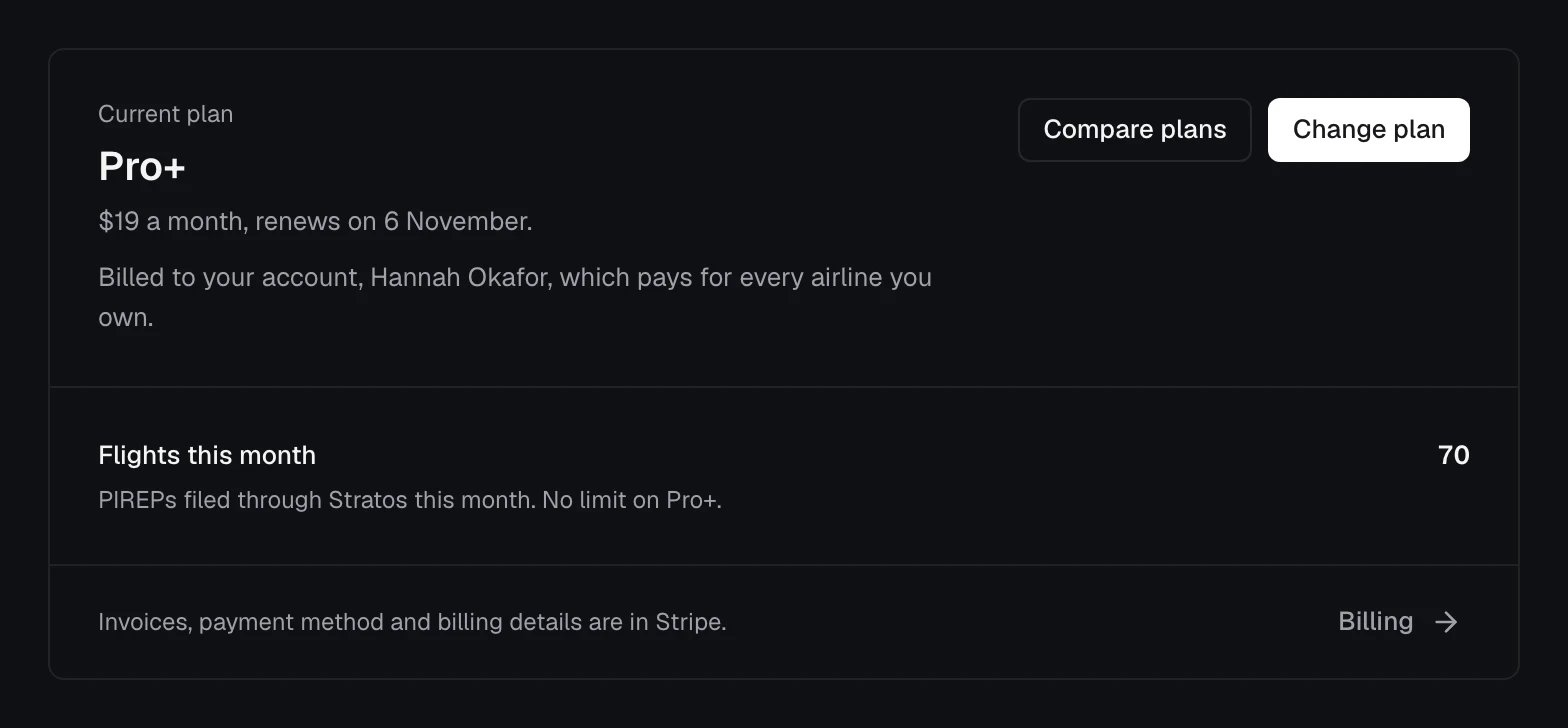
Open your airline’s Settings → Plan in Console. It shows your current plan, and the airline’s owner can upgrade or change it there. Compare plans opens the pricing page, and Billing is where you find invoices, your payment method and billing details. Free and Pro cover one airline. Running more than one airline needs Pro+, which will cover up to five airlines on one plan.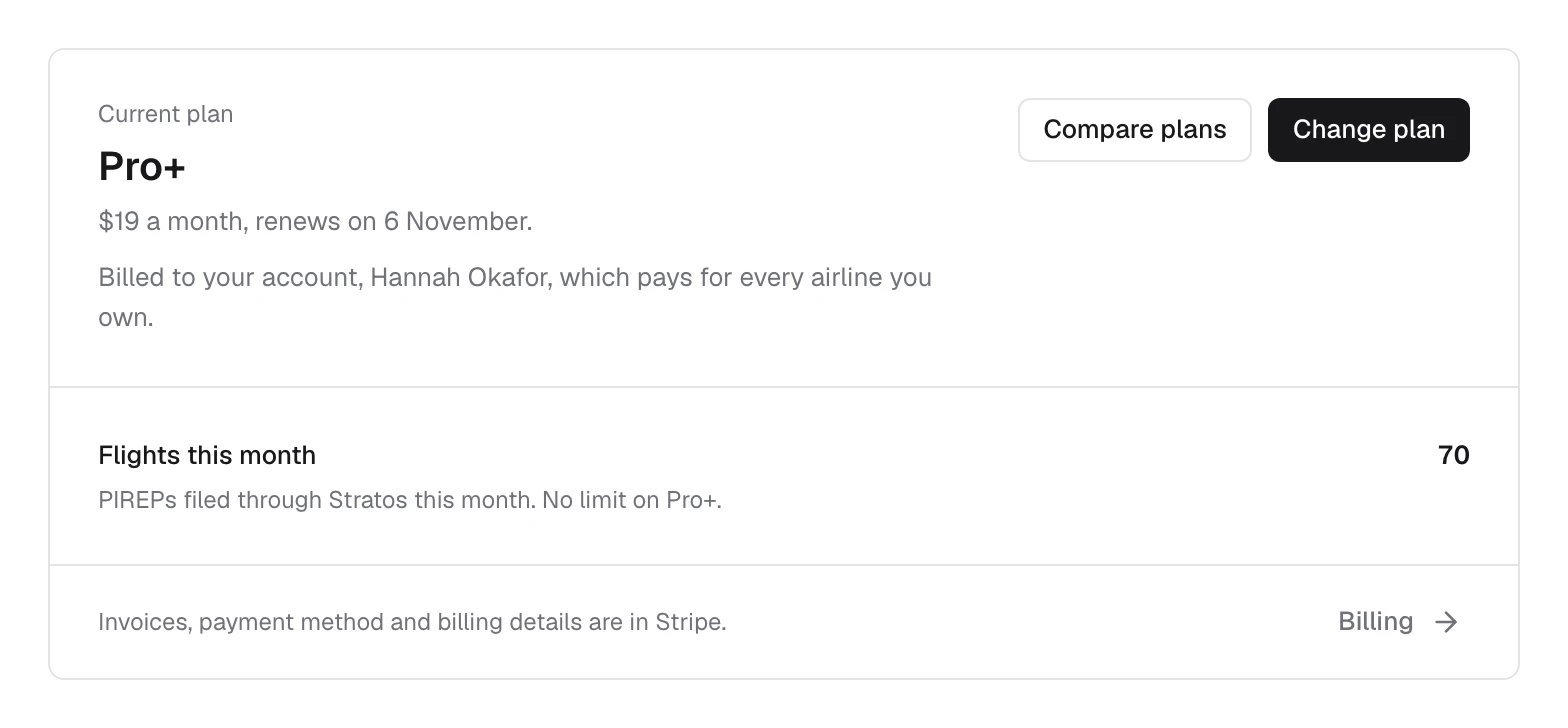
The Free allowance
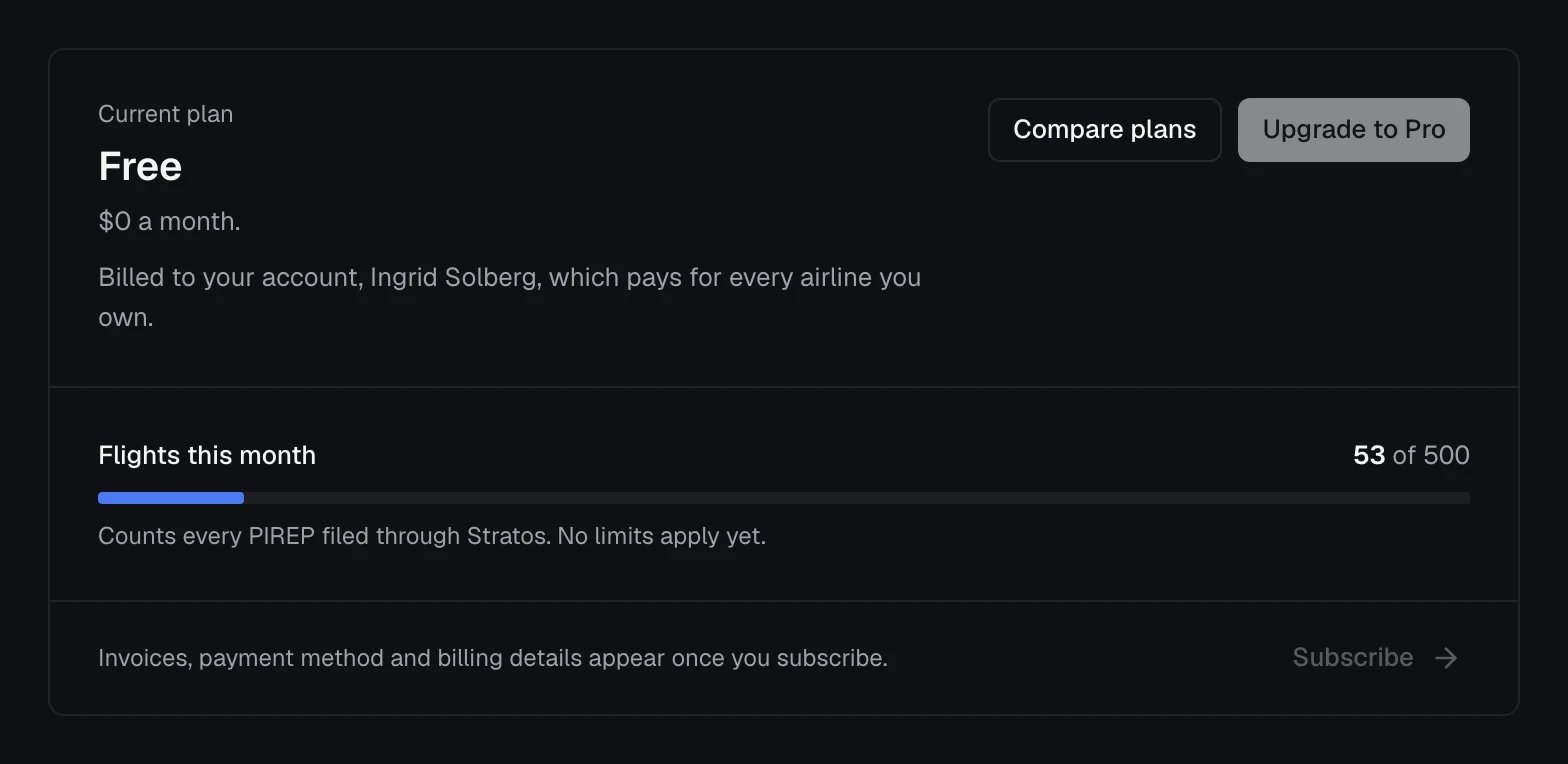
The Free plan includes 500 completed flights a month. Founding owners, whose airline was set up by 31 December 2026, get 1,000 whenever they’re on Free. Pro and Pro+ have no limit. Settings → Plan shows Flights this month against the allowance, and the day it resets. Before billing starts, it counts flights and shows No limits apply yet.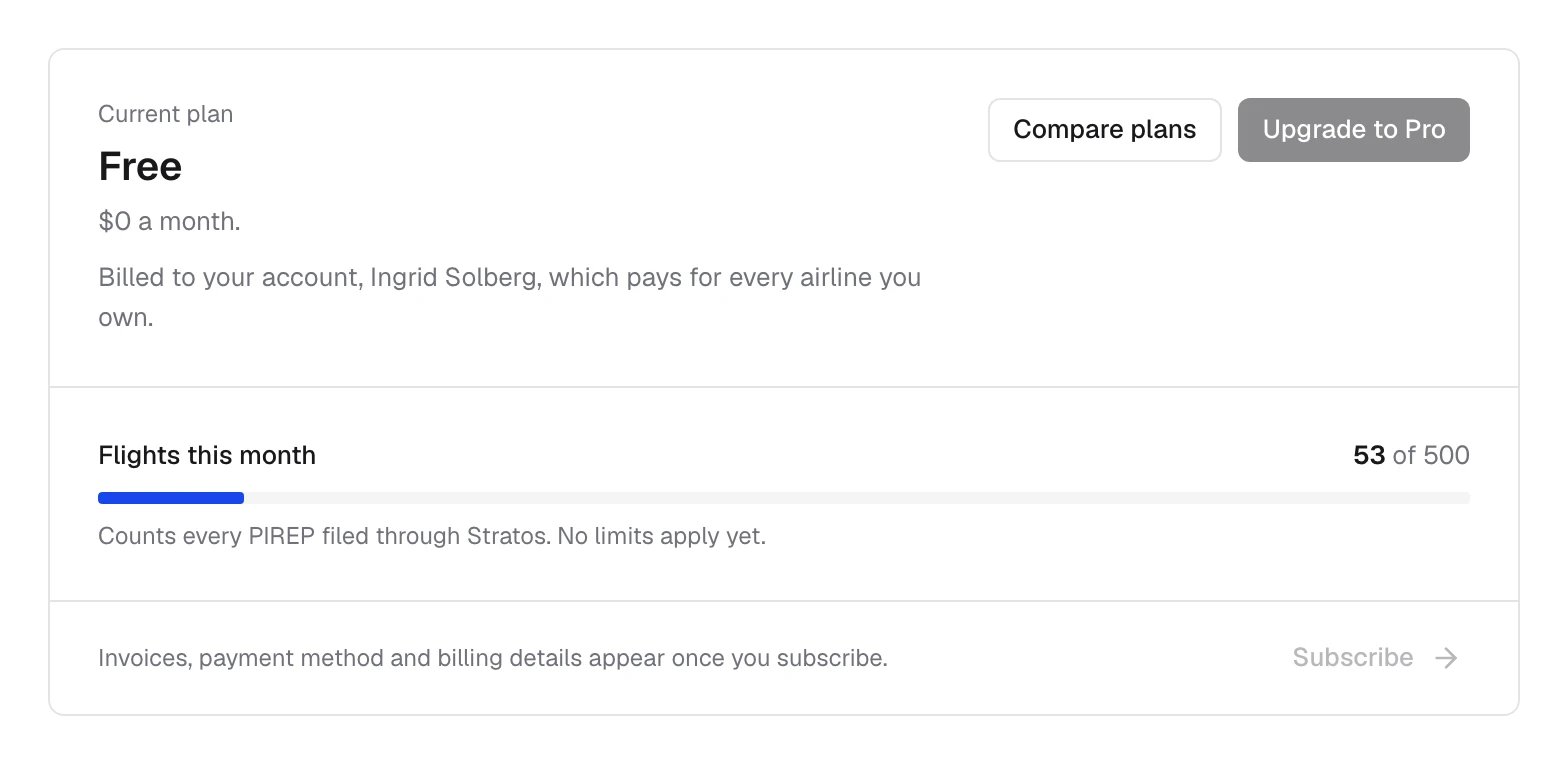
- Every completed or diverted PIREP filed through Stratos counts, in the calendar month it was flown.
- It covers every airline you own, plus any other airline on the same VA backend address, so setting an airline up again under a new account doesn’t start the count again.
- The count resets at the start of each month.
While new flights are paused, flights already in the air still finish and file, and completed flights are never turned away. A pilot who tries to start a new flight sees “Your airline has reached its plan limit. Contact your VA staff.” Upgrading to Pro lifts the pause.
Free trials
You can try a plan for 30 days before you pay for it, with no card needed:- A Free airline can try Pro.
- An airline on Pro can try Pro+. Your Pro subscription carries on as normal, and you’re back on Pro when the trial ends.