

At a glance
- Your numbers and achievements count every airline you fly with, so they come with you.
- Leaderboards cover the airline over a rolling 30 days, plus your place across Stratos.
- Days you finish in the Stratos top 10% by flights turn gold on your activity.
- Turn Appear on leaderboards off in your Profile to leave the leaderboards.
My flying
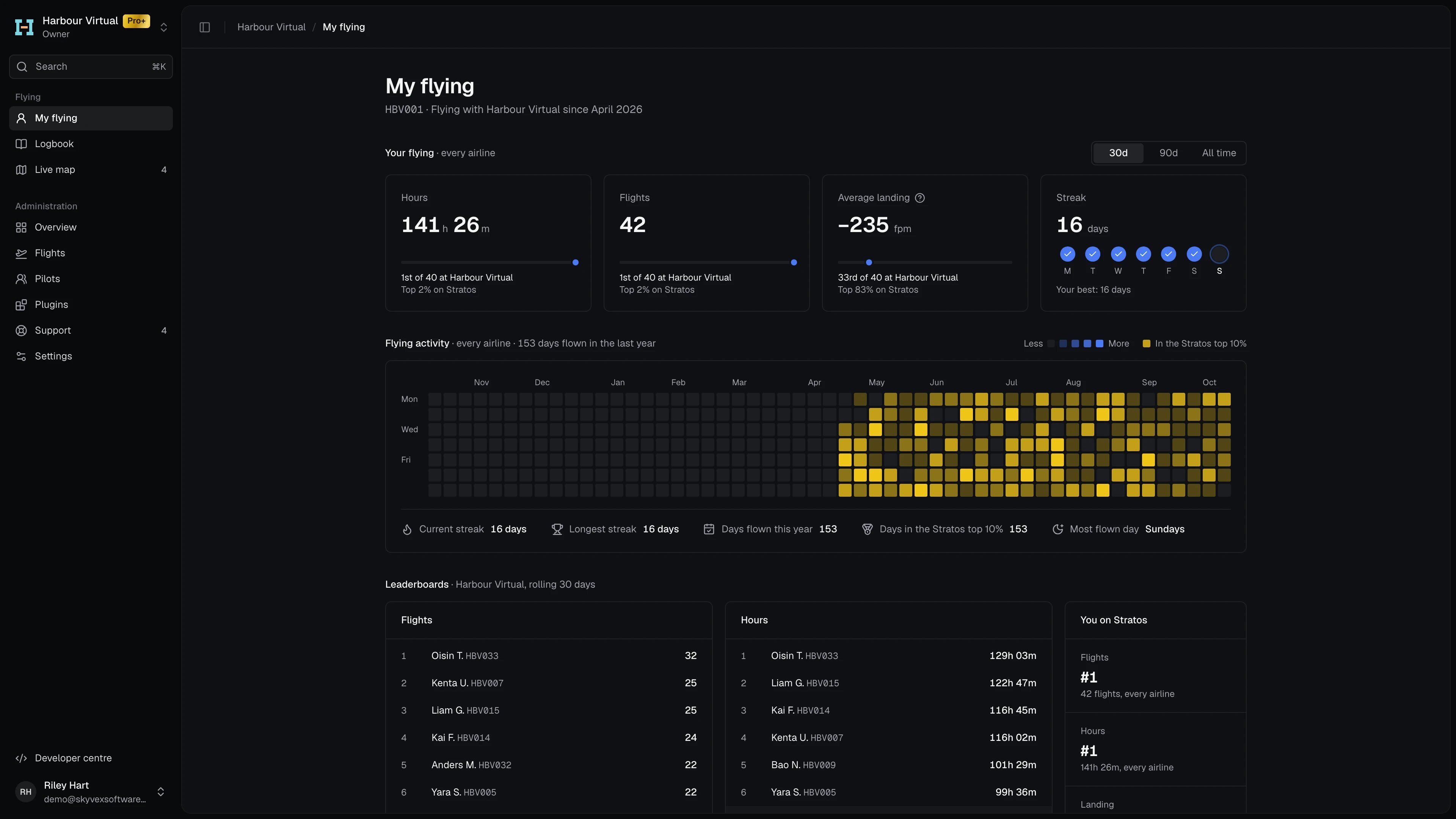
The top of the page shows your pilot ID at the airline and the month you started flying with it.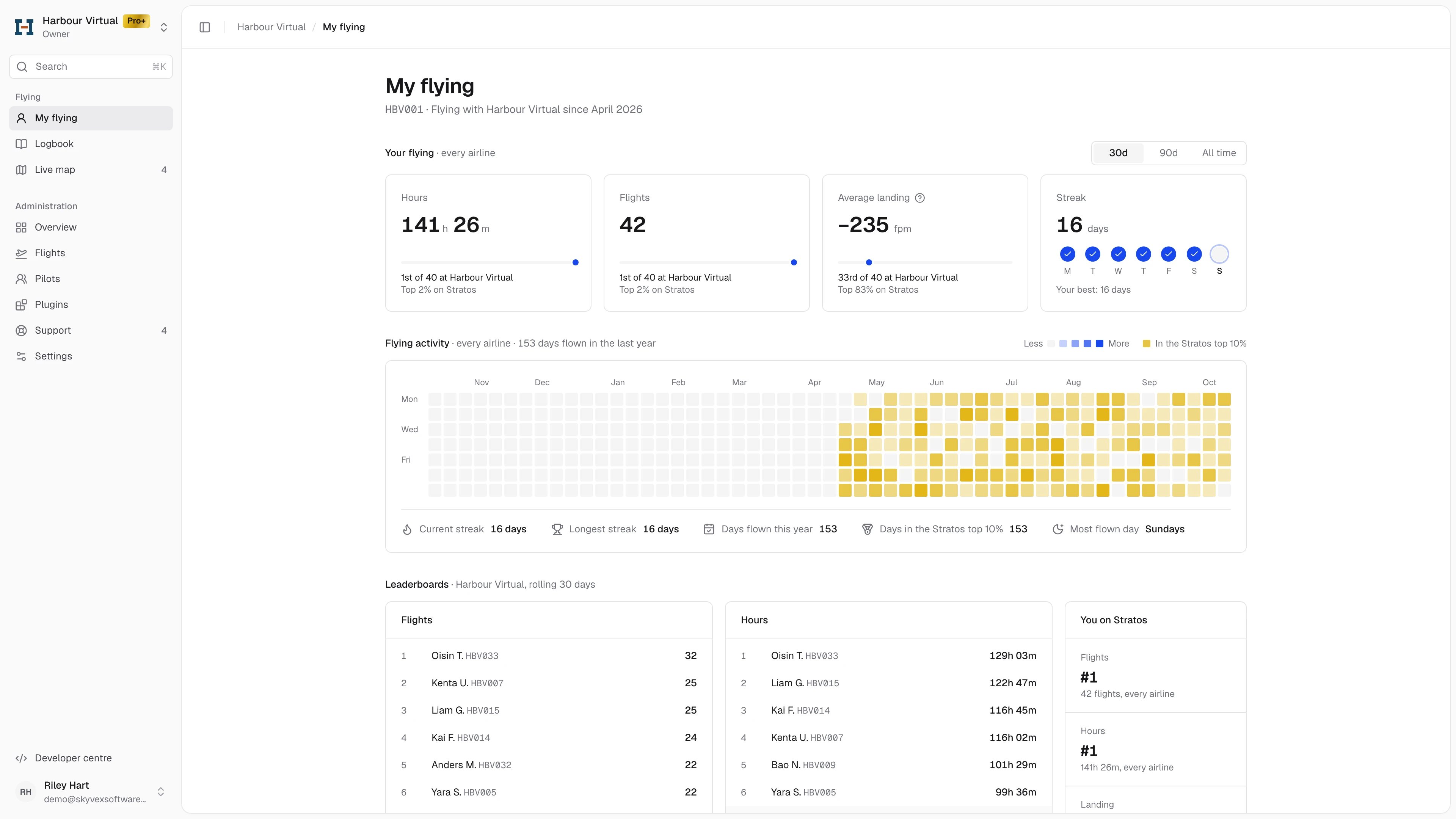
Your flying
Four tiles cover your flying at every airline. Switch between 30d, 90d and All time at the top right.
Under each of the first three, a bar and two lines show where you stand: your place at this airline, and your top percentage on Stratos.
Flying activity
The year as a grid of days, one square a day, darker for more flights. Hover a day for its flights. A gold day is one you finished in the Stratos top 10% by flights over the rolling 30 days. Gold is decided at 00:00 UTC, so today always shows blue. Below the grid: Current streak, Longest streak, Days flown this year, Days in the Stratos top 10% and Most flown day.Leaderboards
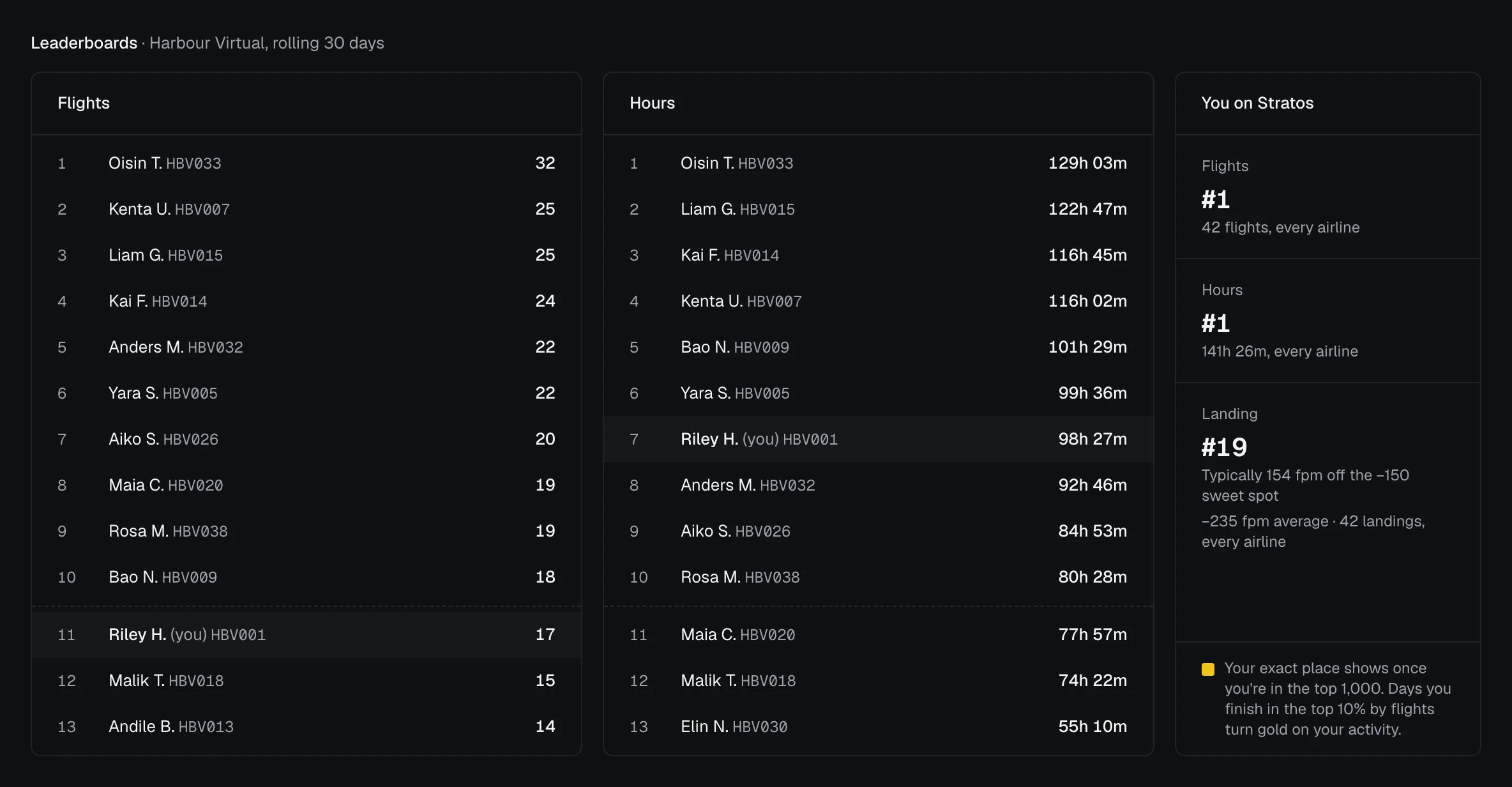
Leaderboards rank the airline’s pilots over a rolling 30 days, by Flights and by Hours. Each board shows the top 10, then the pilot ahead of you, you and the pilot behind (or the next three places, when you’re already in the top 10).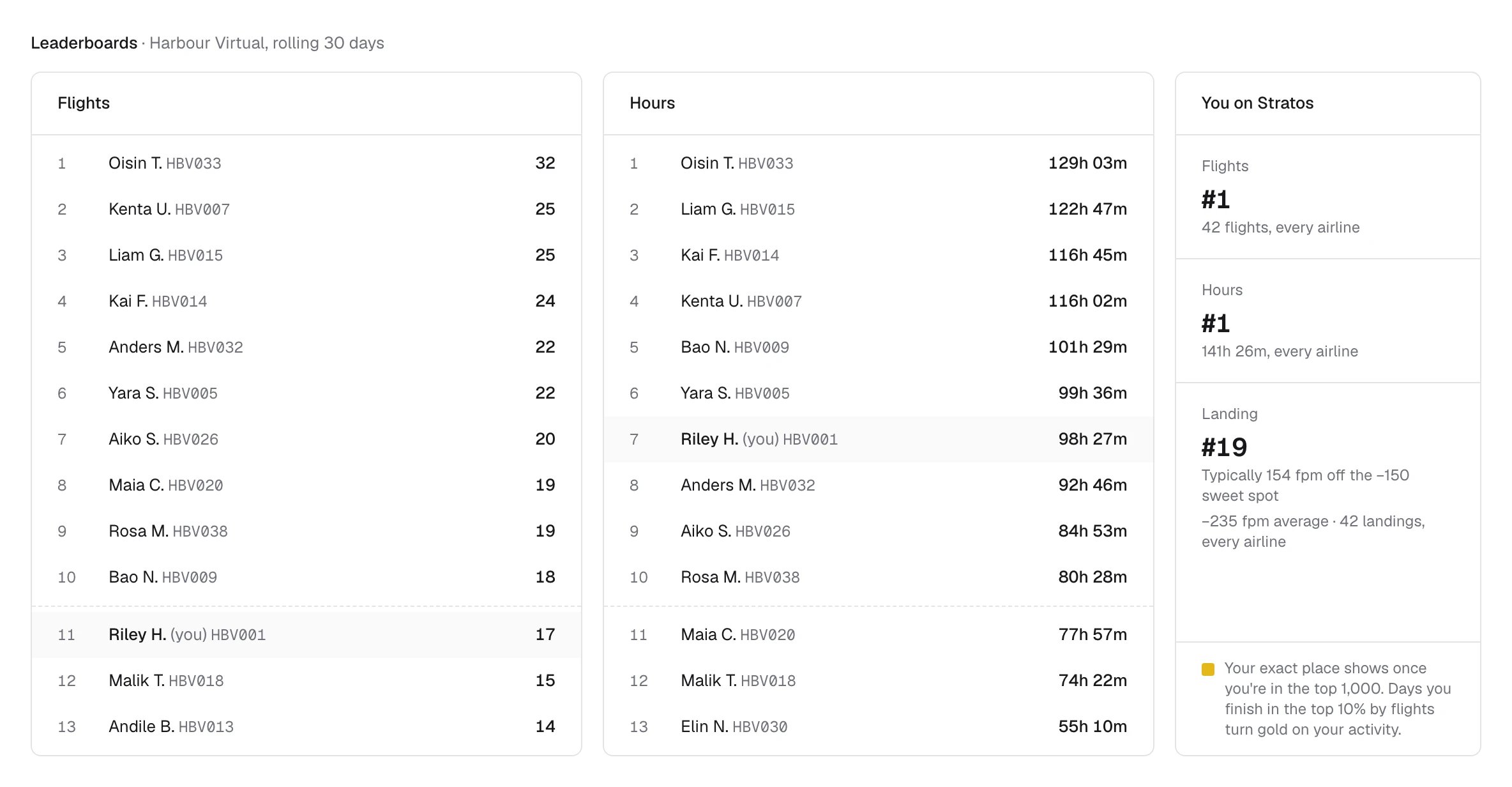
Leave the leaderboards
Turn off Appear on leaderboards in Settings → Profile. It works both ways: other pilots don’t see you on their leaderboards, and the airline’s boards are replaced by You’re off the leaderboards for you. You still see your own place on Stratos, your stats, streaks and gold days. The change reaches the leaderboards within a few minutes, at every airline. See Account settings.Achievements
Achievements are yours across every airline on Stratos, so they come with you. Earned ones show in full; the rest show how far along you are.Every achievement
Every achievement
Before your first flight
Until you’ve flown with the airline, My flying shows Fly your first flight with the airline’s name, and Get Stratos to download the app. Your numbers, streak and achievements start from your first flight.The Logbook
The Logbook lists every flight you’ve flown with Stratos, at every airline, newest first.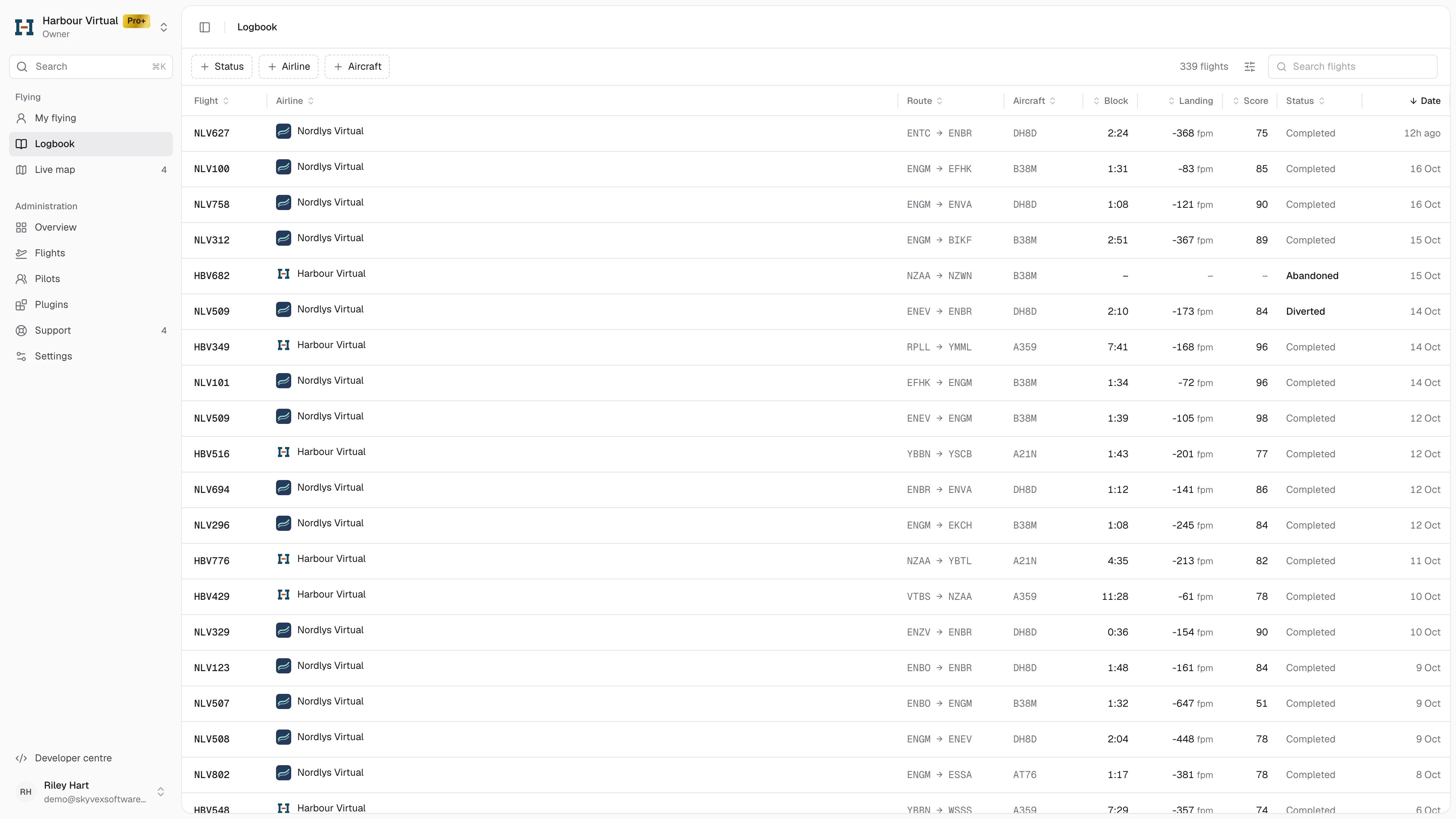
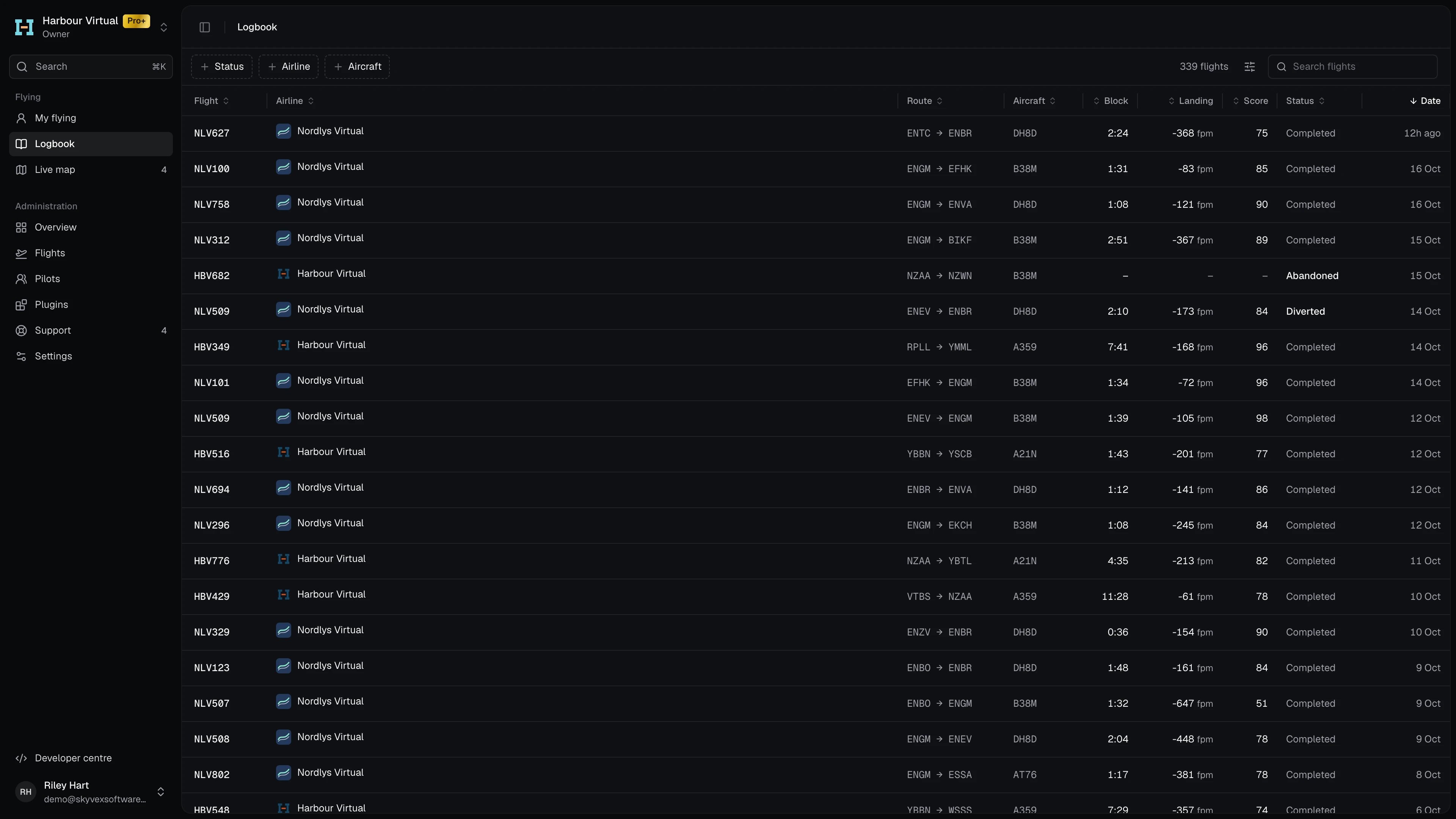
Narrow the list with the Status, Airline and Aircraft filters, or Search flights. Click a column heading to sort by it. The Logbook is read-only for now: its rows don’t open a flight.
The Logbook needs a verified email address on your account.