

See what changed
Go to Settings → Activity. The newest changes are at the top; Older and Newer move between pages.
Narrow the list with the two menus at the top right: one person (or Everyone), and one area (or All areas).
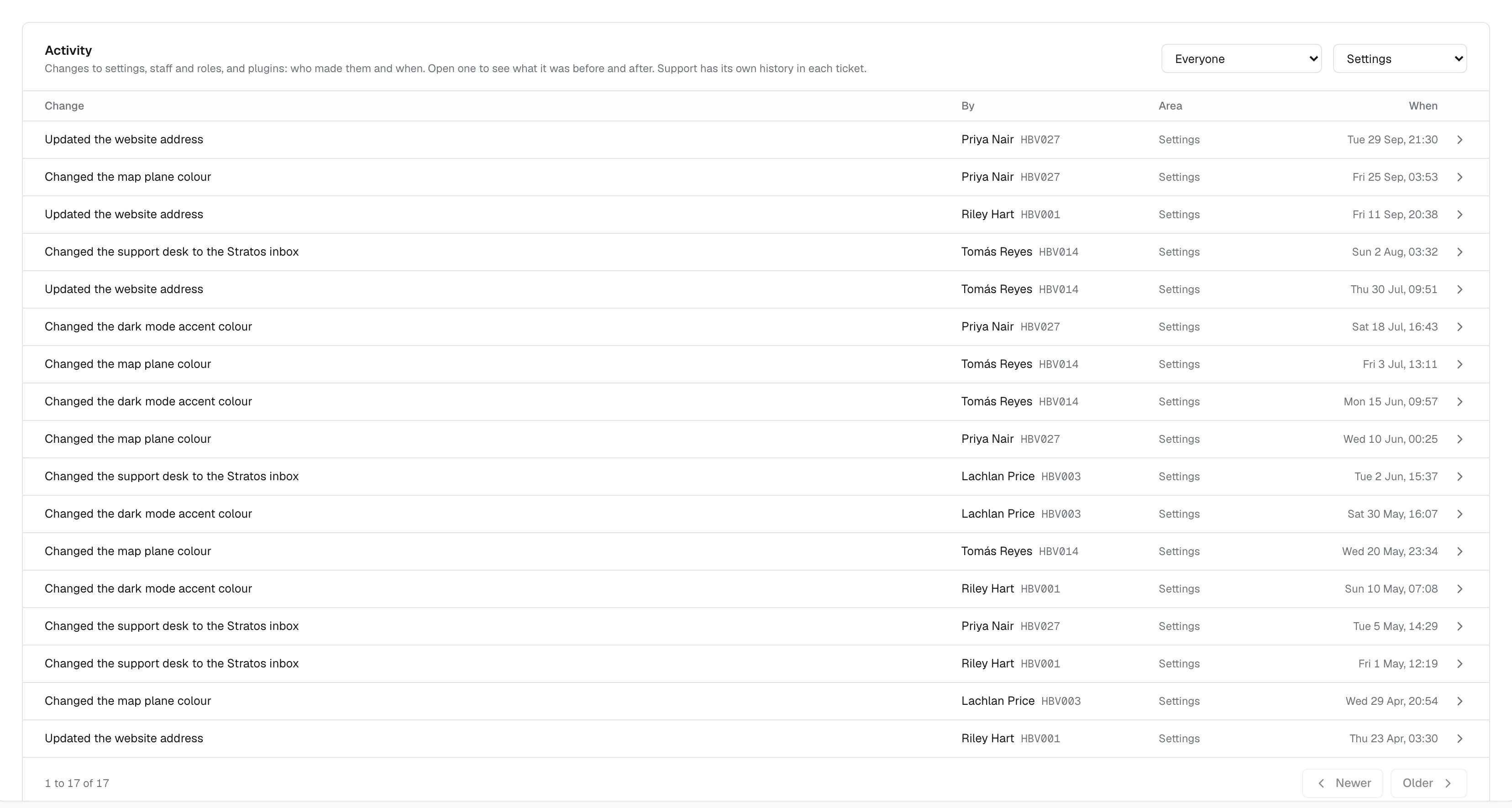
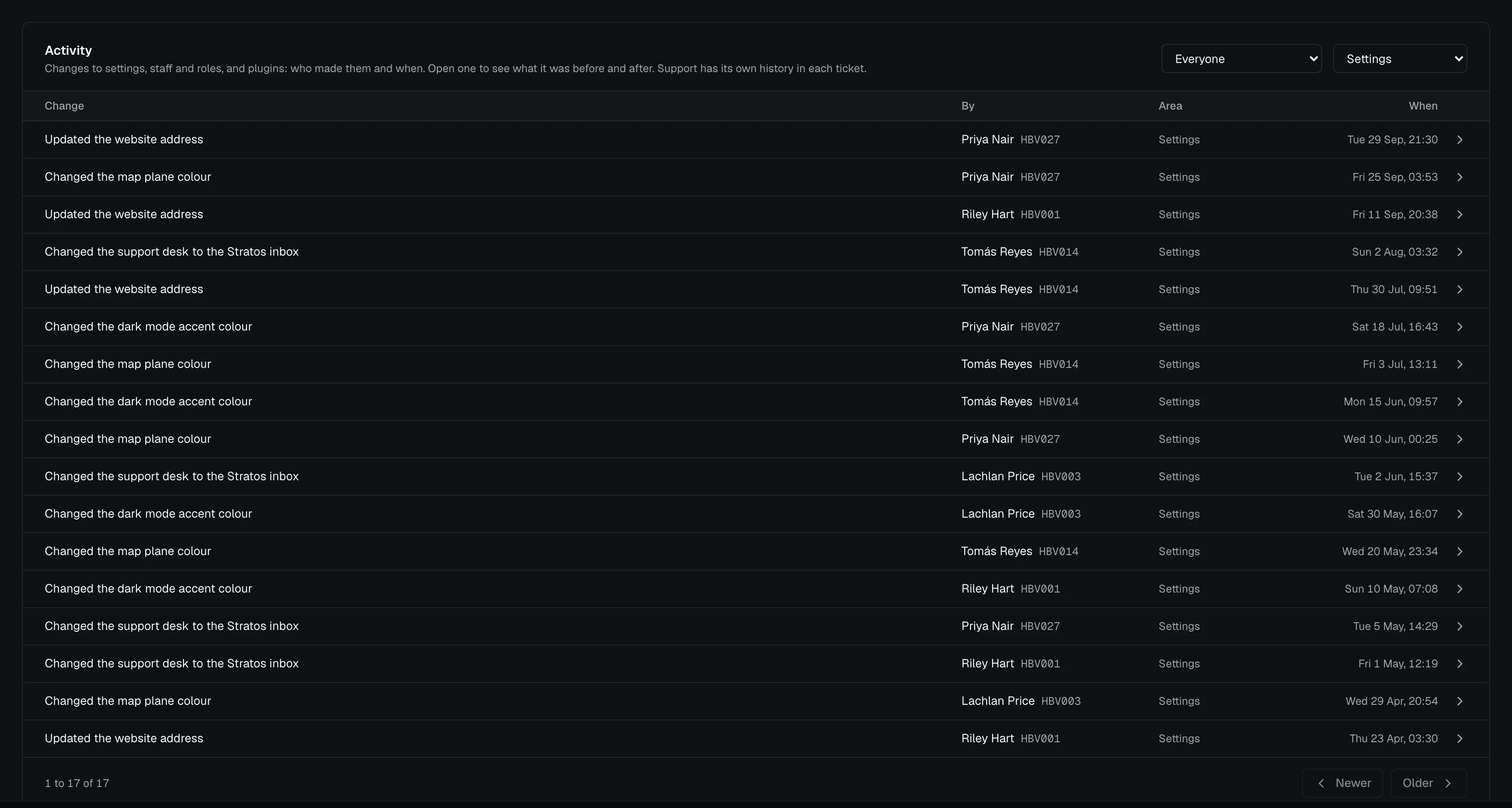
Open a change
Click a row to see its full date and time, and a table of each Field with its value Before and After. Colours show as swatches, and a value that was empty shows as “Not set”.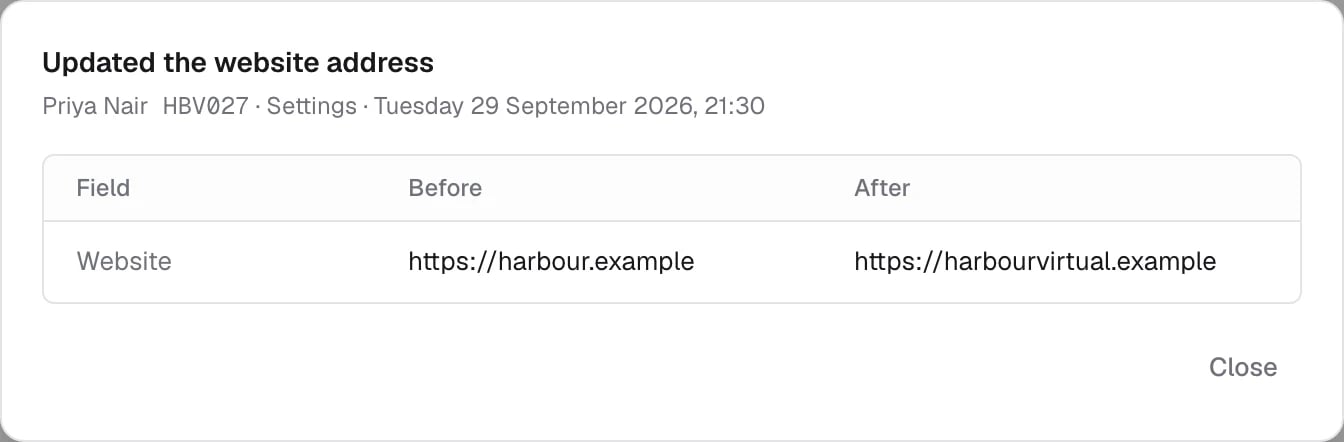
What’s logged
- Settings: your airline’s name, ICAO code, website, whether it shows in Stratos, logos, the light icon, colours, Stratos endpoint, sign-in method and OAuth settings, Require pilots to sign in again, and where pilots get help.
- Plugins: adding, removing and reordering plugins, who gets each one, and each plugin’s settings, such as Flight Tracking’s additional fields or Landing Analyser’s scoring bands.
- Staff and roles: invitations, role changes, suspending and restoring, once staff are switched on.