

At a glance
- A pilot appears here the first time they sign in to your airline in Stratos.
- Filter by Status (Flying now, Active, Inactive) or Simulator, search by name or pilot ID, and sort by any column.
- A pilot’s page has five tabs: Overview, Flights, Landings, Support and Stratos.
- Copy a pilot’s ID with the copy button at the top right of their page.
Find a pilot
Open Pilots in the sidebar, under Administration.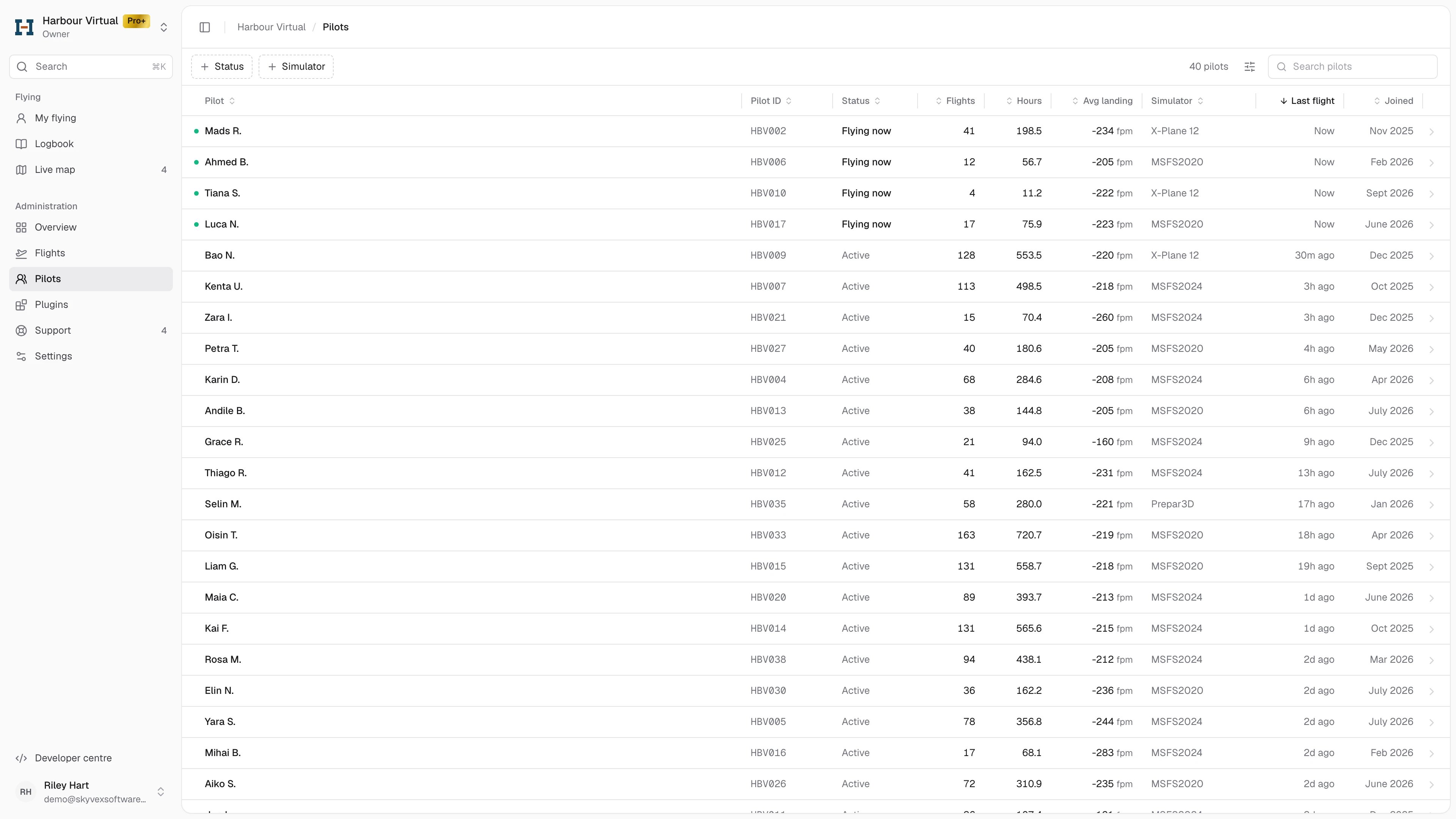
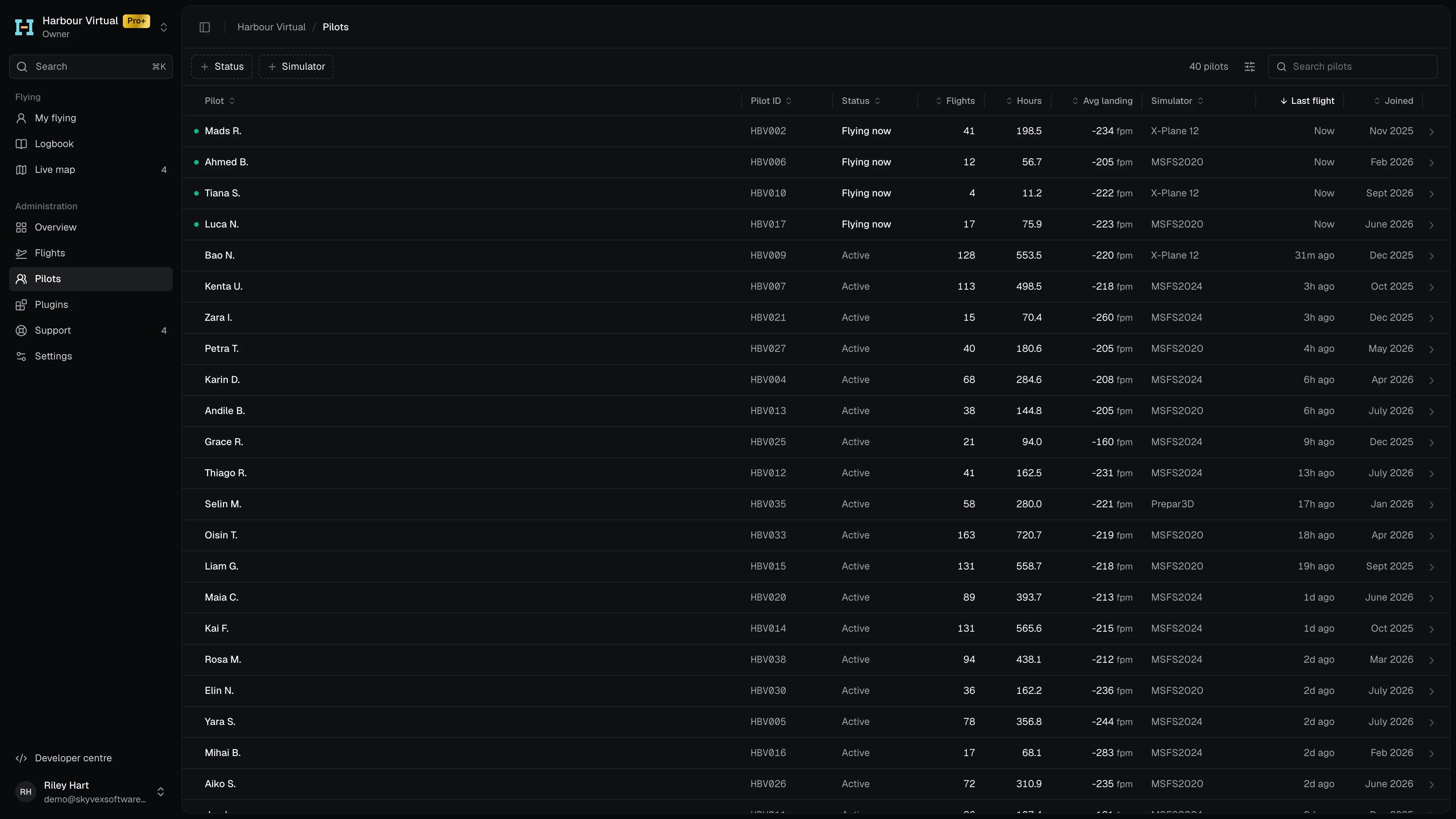
- Filter: Status shows pilots who are Flying now, Active (finished a flight in the last 30 days) or Inactive (no finished flight in the last 30 days). Simulator goes by the simulator of each pilot’s latest completed flight.
- Search: type a name or pilot ID in Search pilots.
- Sort: click a column heading. The list starts sorted by Last flight, with pilots who are flying now at the top.
The list's columns
The list's columns
Display options hides or shows columns and turns on Relative dates or Compact rows.
Read a pilot’s page
The top of the page shows the pilot’s name and pilot ID, with their Rank, when they Joined, when they Last flew and their Simulator. Pilots takes you back to the list.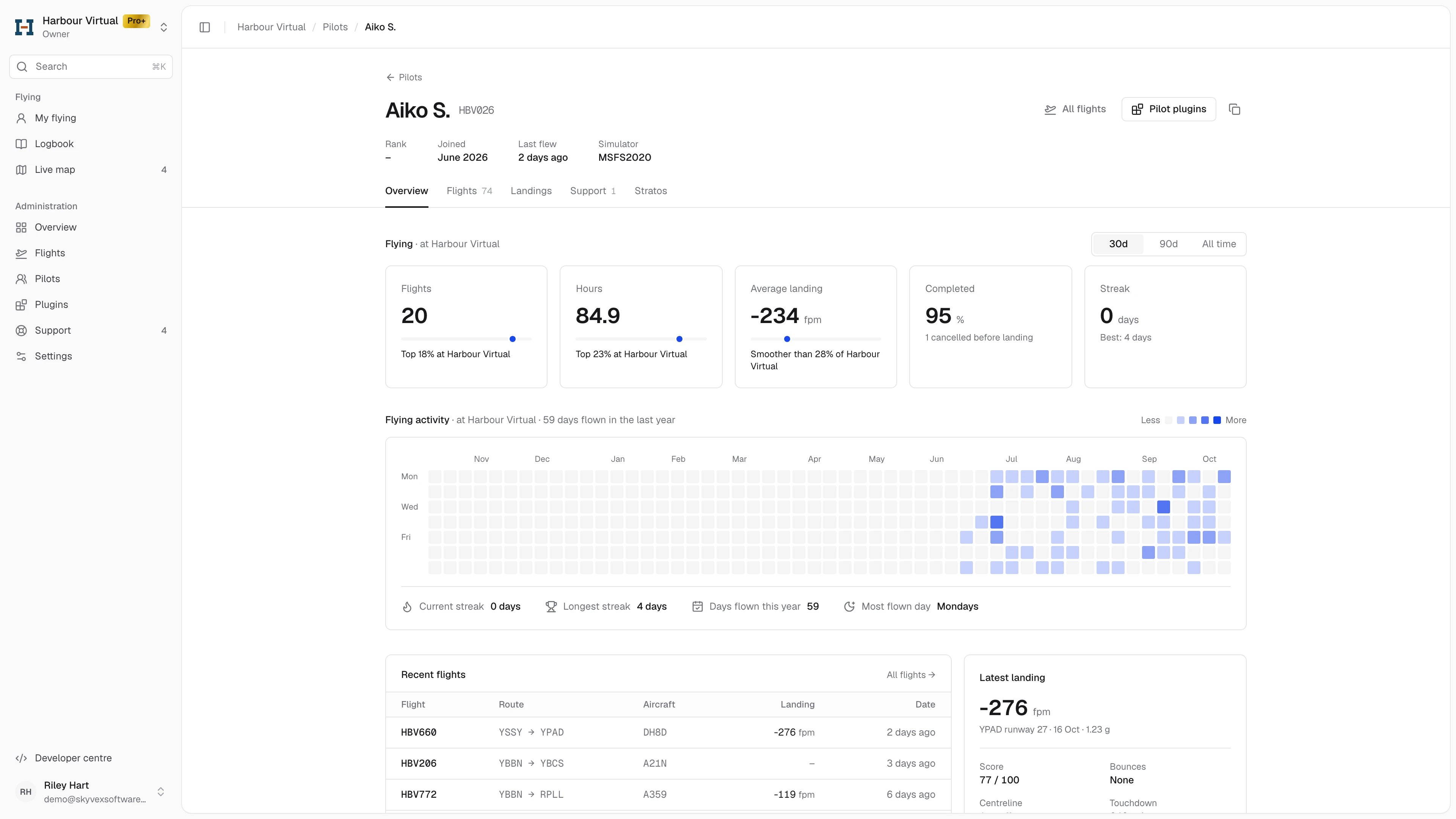
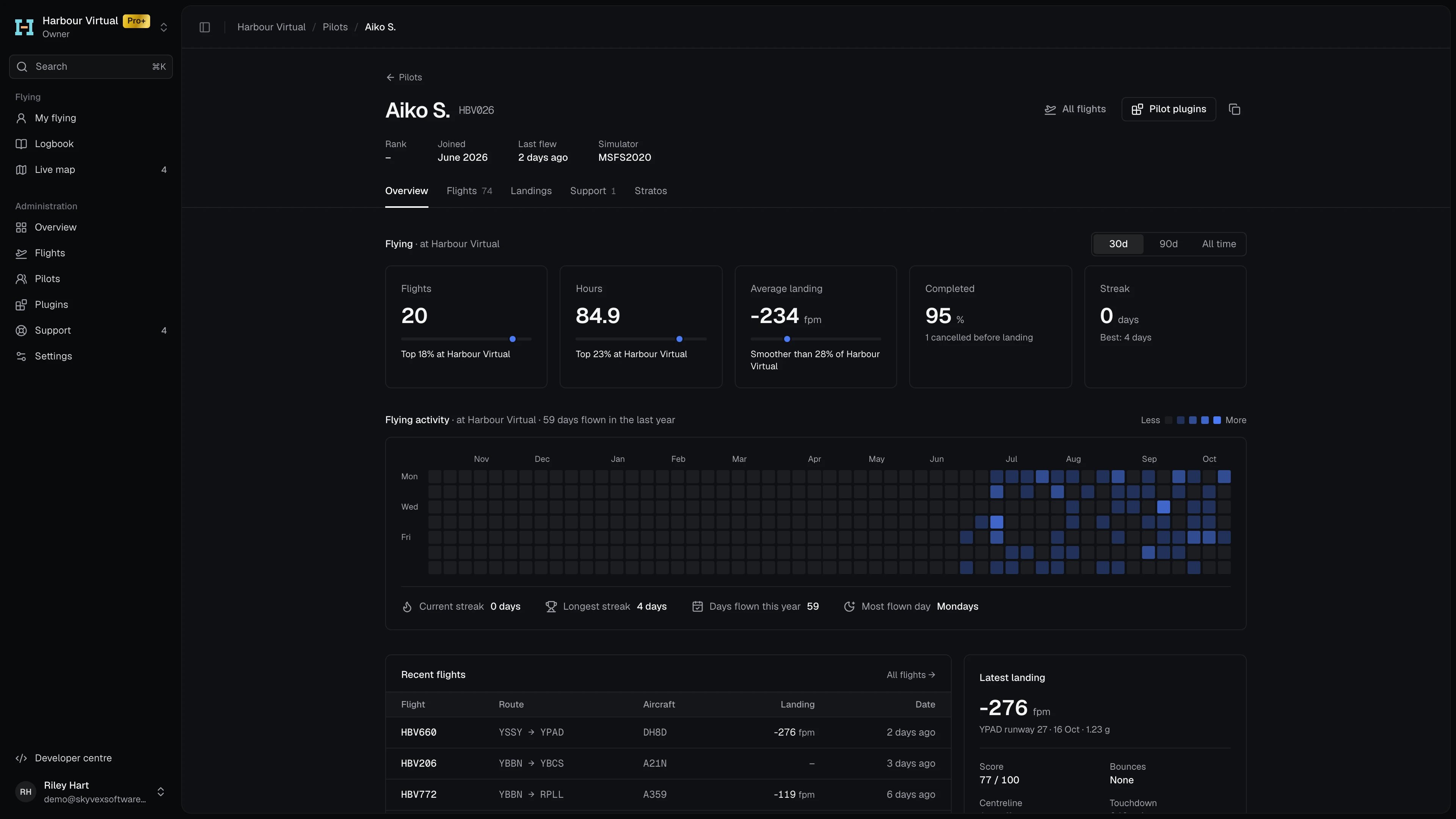
- All flights opens the Flights tab.
- Pilot plugins opens your airline’s Plugins page, where you choose which pilots get which plugins.
- The copy button copies the pilot ID, for pasting into your crew system or a support reply. The icon turns into a tick.
Overview
Flying at your airline, for the last 30d, 90d or All time:
Below the cards: Flying activity, a calendar of the days they flew over the last year, then their Recent flights and Latest landing. A pilot with no flights yet shows zeros, with Nothing yet under the numbers.