

At a glance
- Each rule logs a message when its conditions become true.
- Your edits are a draft until you Save and Publish changes.
- Pilots get published rules from their next flight. A flight in progress keeps the rules it started with.
- Edit with AI drafts a rule from a description. Every plan gets a monthly allowance of drafts.
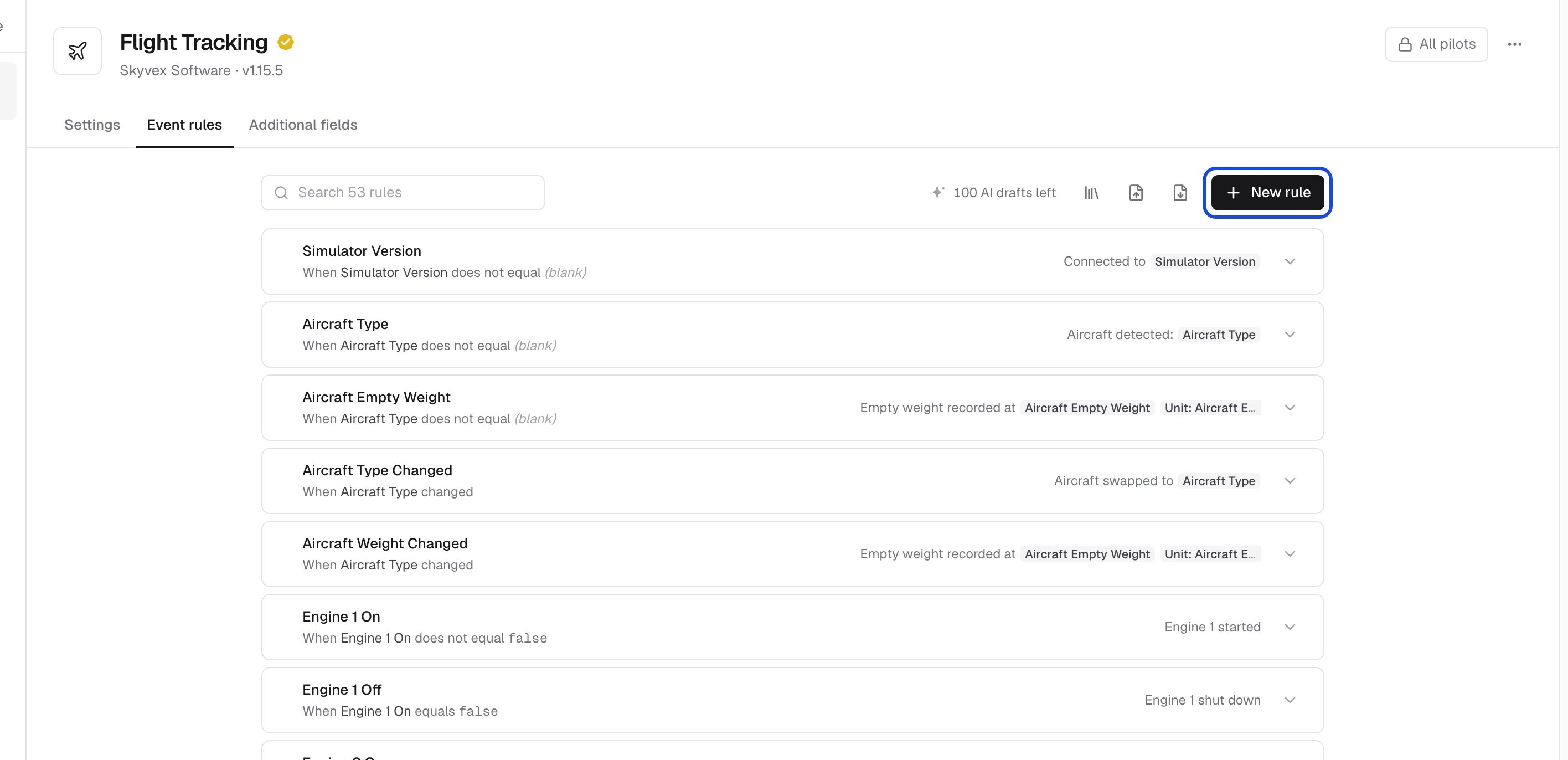
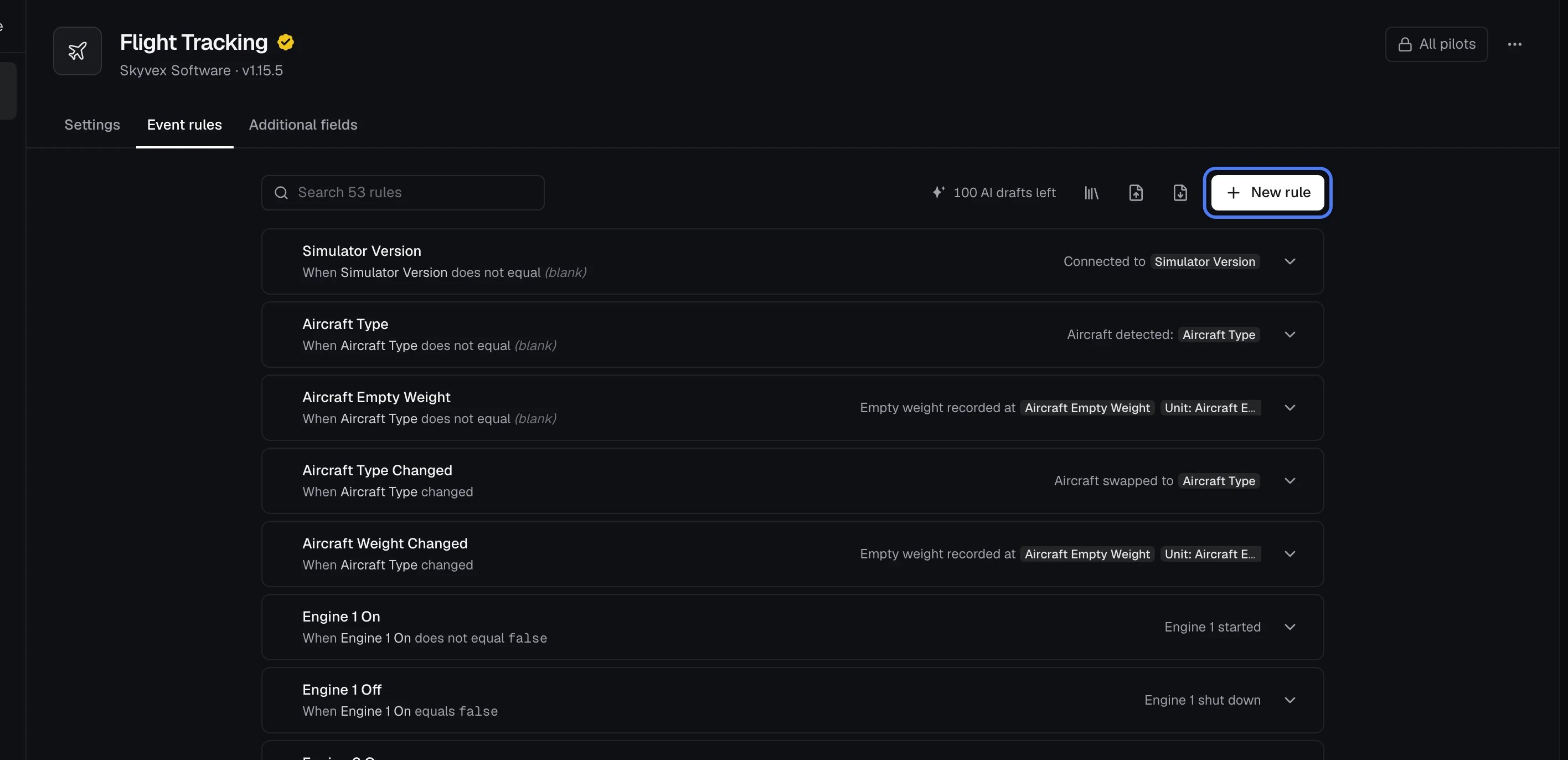
Edit a rule
Click a rule to open it. Each rule has:- A name.
- When: one or more conditions on the flight’s data, such as Gear Control equals
true. Condition adds another, and Log when all/any of these are true decides how they combine. - Log: the message written to the flight log. It can include live values, such as the airspeed, and Preview shows how it reads.
- Hold true for: how long, in milliseconds, the conditions must stay true before the message is logged.
- Skip if true when tracking starts: ignores a condition that’s already true when tracking starts until it changes, so a cold and dark start doesn’t log “Engine 1 shut down” before the engine has ever run.
Add a rule
Click New rule at the top of the list. The toolbar beside it also has:- Defaults: the rules that come with Flight Tracking. Add any you don’t have; they go to the end of your list.
- Import and Export: your rules as JSON, to bring rules in or keep a copy.
Write a rule with AI
Edit with AI on an open rule drafts it for you from a description.- Open a rule, or click New rule, which opens on the prompt.
- Click Edit with AI and describe what the rule should do, such as “Warn when faster than 250 knots below 10,000 feet”.
- Click Write rule. The draft shows under the box, with anything it changes marked Changed.
- Click Apply to put it in place of the rule, Rewrite to try again with a new description, or Discard.


Publish your changes
Your edits stay a draft until you publish them, so you can change several rules at once.- When you’ve made changes, a bar at the foot of the list shows what changed. Click Save, or Discard to go back to what pilots have now.
- Review changes shows each change before and after.
- Click Publish changes.
Related
- Flight Tracking
- Additional fields
- Flight phases
- Plugins, where Reset settings to defaults also resets the event rules