At a glance
- Turn on two-factor authentication under Password and security, and keep your recovery codes somewhere safe.
- Appear on leaderboards (in Profile) takes you off My flying’s leaderboards at every airline.
- Connect Discord under Connections to sign in with it and get your roles in the Skyvex Software Discord.
- Choose what we email you about in Notifications. Account, security, billing and legal emails always go out.
Profile
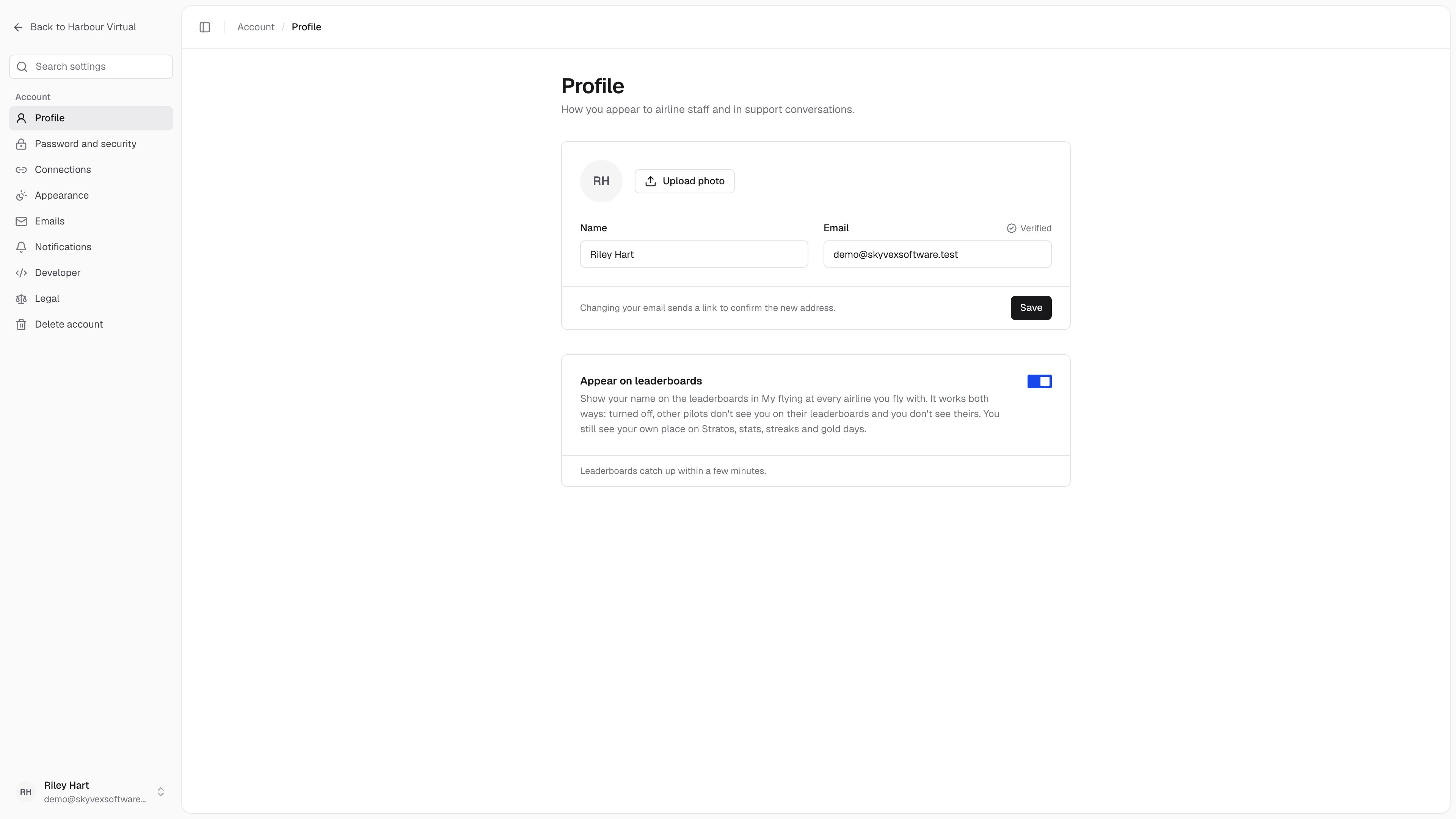
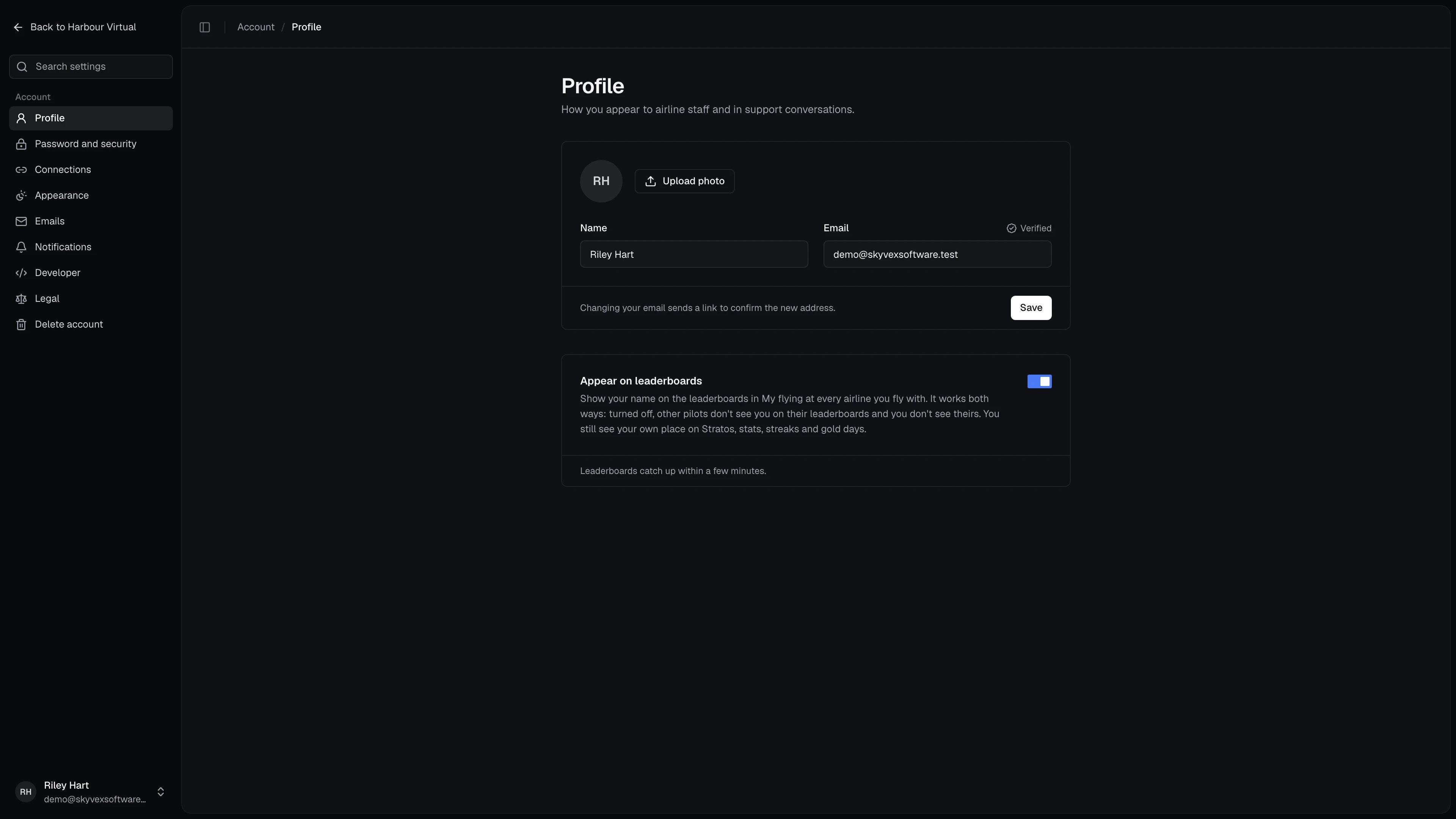
Your Name and Email are how you appear to airline staff and in support conversations. Press Save after changing them. A new email address gets a link to confirm it, and the field shows Verified once it’s confirmed (or Unverified · Resend link until then). Upload photo adds a profile picture: JPEG, PNG or WebP, up to 2MB. Remove takes it off again.Appear on leaderboards
This switch puts your name on the leaderboards in My flying at every airline you fly with. It works both ways: turned off, other pilots don’t see you on their leaderboards, and you don’t see theirs. You still see your own place on Stratos, your stats, streaks and gold days. It saves as soon as you flip it, and the leaderboards catch up within a few minutes.Password and security
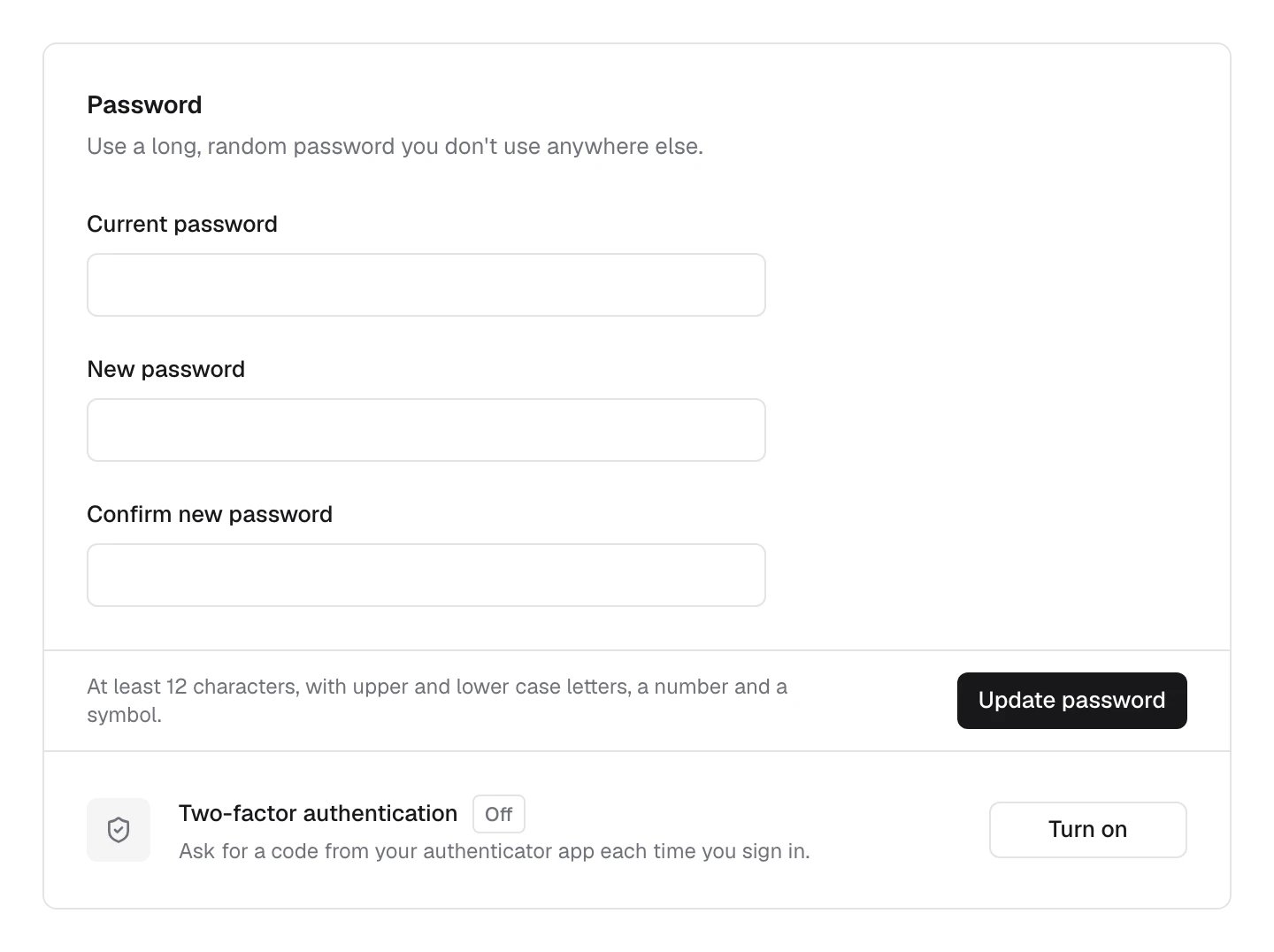
Change your password
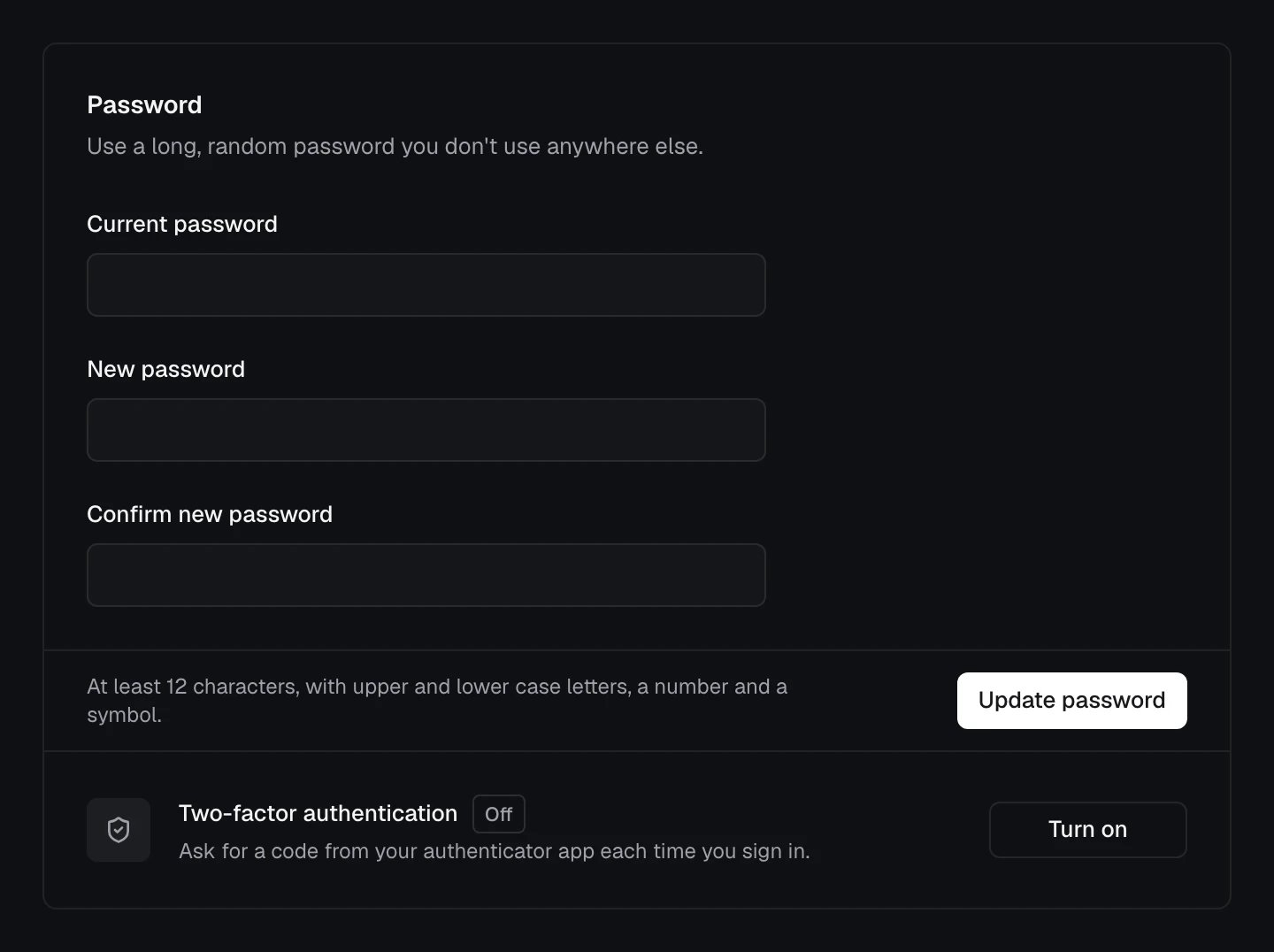
Enter your Current password, then the New password twice, and press Update password. A new password needs at least 12 characters, with upper and lower case letters, a number and a symbol, and mustn’t have turned up in a known data breach.Turn on two-factor authentication
With two-factor authentication on, signing in asks for a code from your authenticator app as well as your password.- Press Turn on on the Two-factor authentication row.
- Enter your password when asked. Managing two-factor authentication needs a recent password confirmation.
- Scan the QR code with your authenticator app, or enter the setup key by hand, then press Continue.
- Enter the 6-digit code from the app to finish.
Keep your recovery codes
Recovery codes get you back in if you lose the device with your authenticator app. Once two-factor authentication is on, press Recovery codes, then View recovery codes, and store them in a password manager. Each code works once and is removed after use. Regenerate codes replaces the whole set, so the old ones stop working.Connections
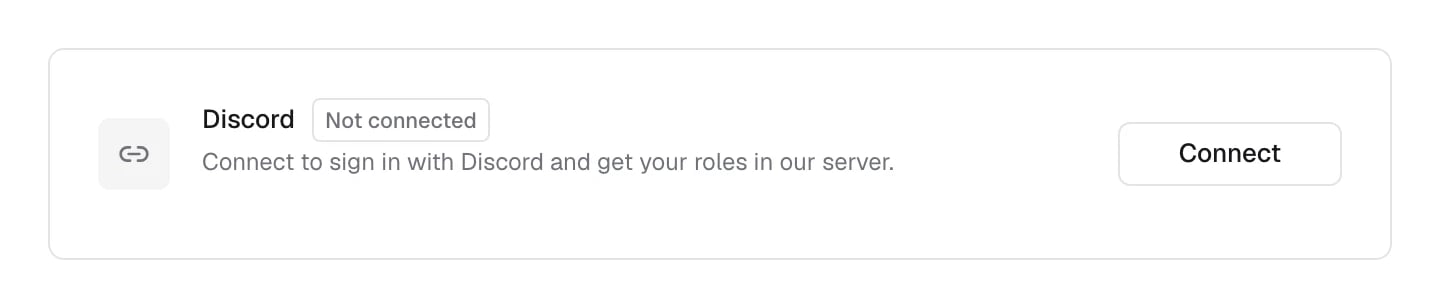
Connections links a Discord account to your Skyvex Software account. Once it’s connected you can sign in with Discord, and you get your roles in the Skyvex Software Discord.- Press Connect on the Discord row.
- Enter your password and press Continue to Discord. A connected Discord account can sign in to your account, so we check it’s you first.
- Approve the connection on Discord. You come back to Connections, showing Connected as your Discord name.
Appearance
Theme is Light, Dark or Match my system. It applies on this device only; Stratos has its own theme setting. Date format decides how dates written with slashes read, including ones you type, like a snooze date on a support ticket. Automatic follows your time zone (month first in the US and the Philippines), or choose Day first or Month first. The date format is saved to your account, so it follows you to every device.Emails
Emails lists the emails we’ve sent you in the last 12 months, newest first. View opens our copy, as it was sent. Each email’s reference is at the bottom of it, which helps if you contact us about one. Some emails, like sign-in links, only worked for a short time, so we don’t keep a copy you can open.Notifications
Notifications chooses what we email you about. Each switch saves as you change it.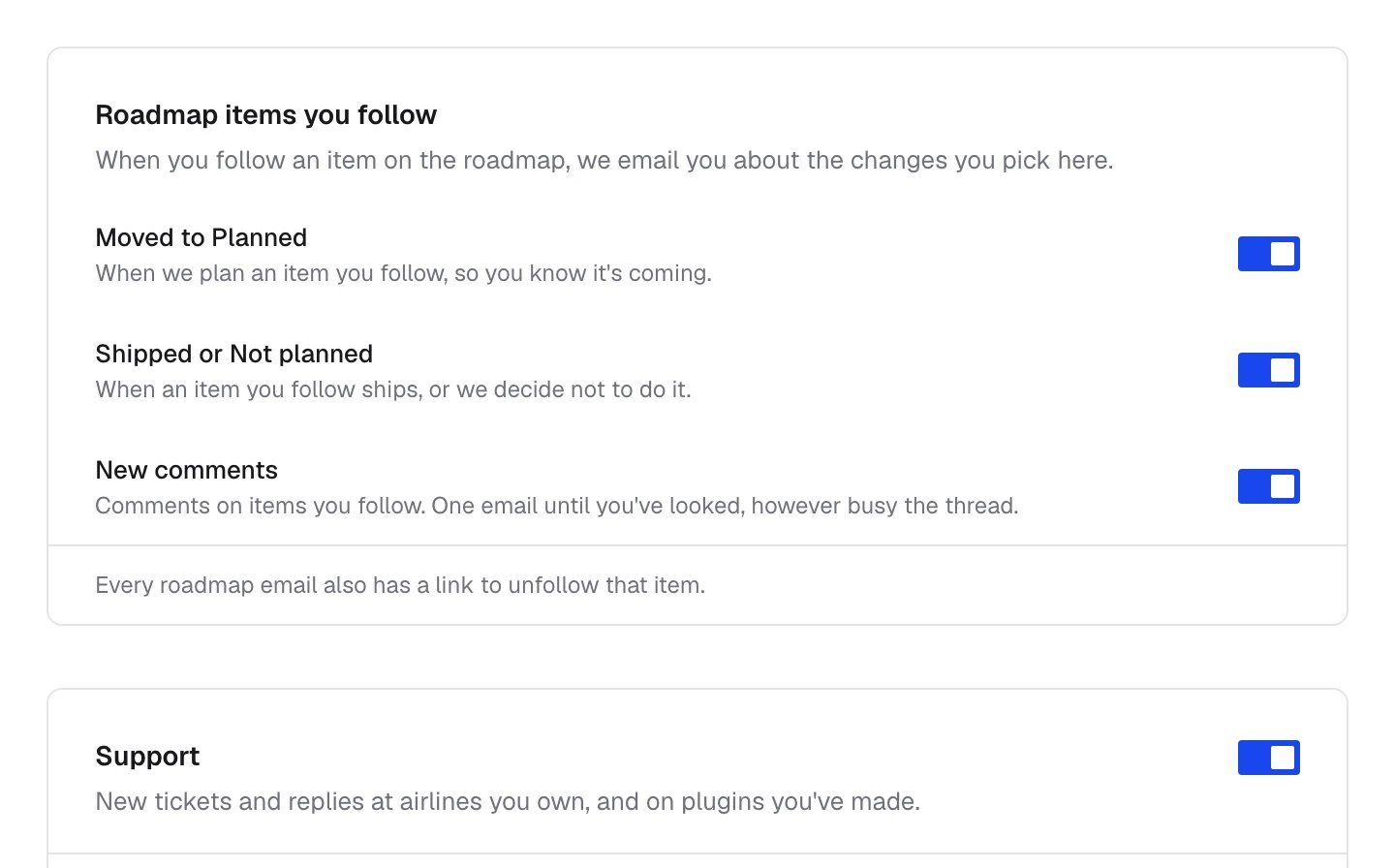
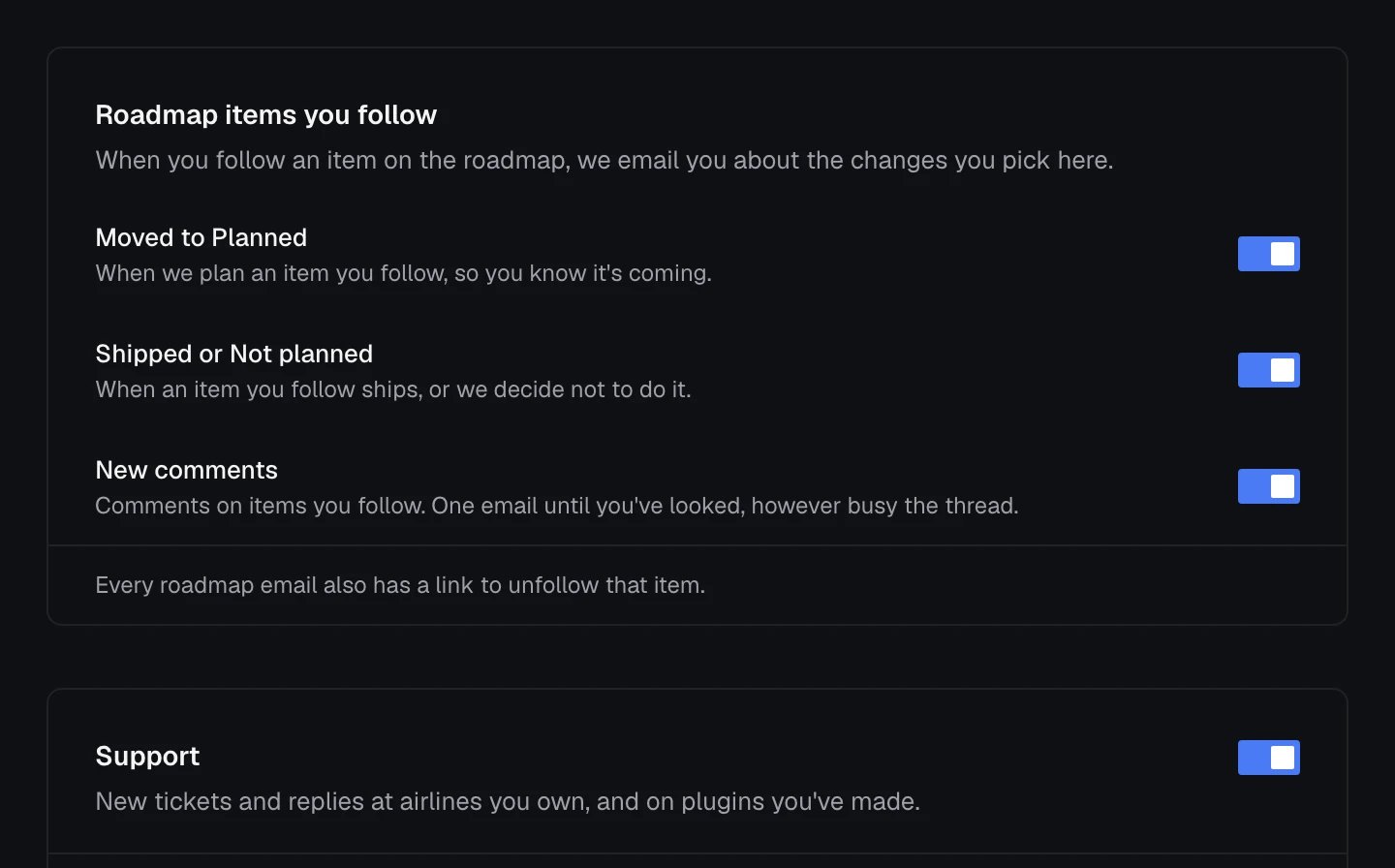
Support emails go to your account’s email address. Other staff choose their own.
Developer
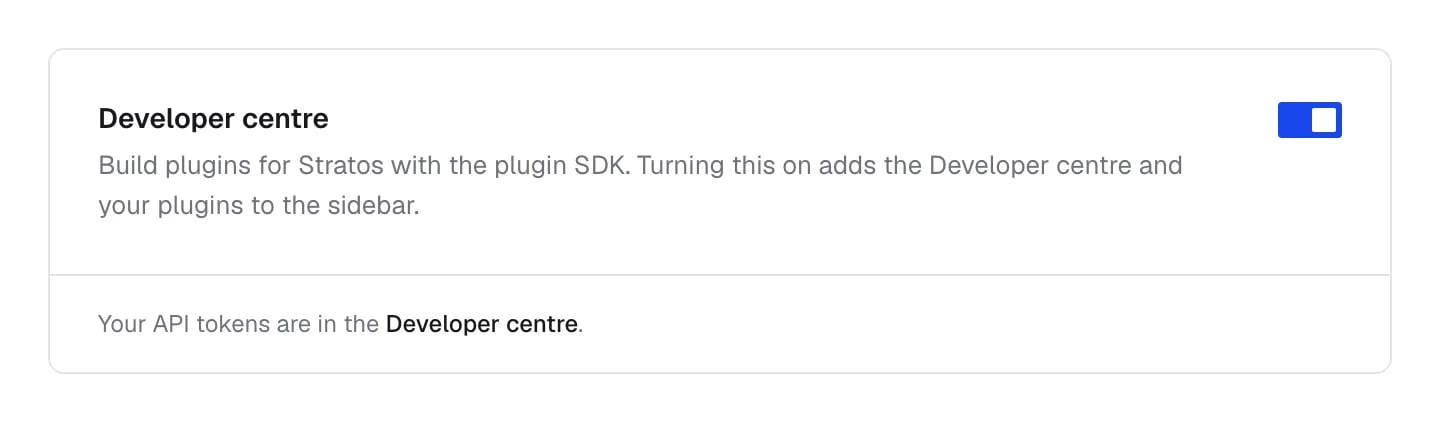
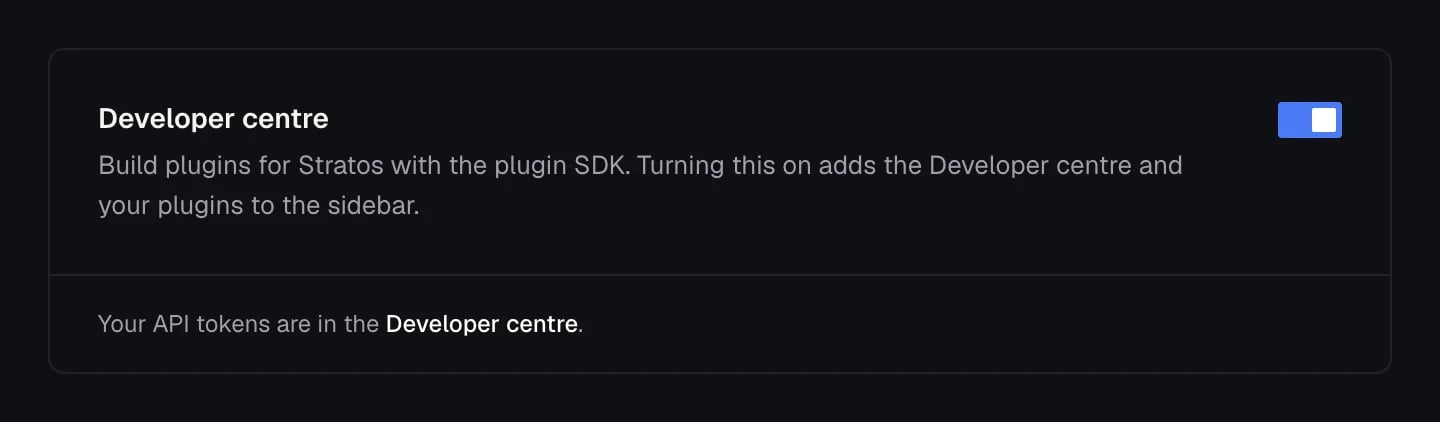
Developer centre adds the Developer centre and your plugins to the sidebar, for building plugins for Stratos with the plugin SDK. Your API tokens live in the Developer centre too. Turn it off if you don’t build plugins and want a shorter sidebar.