

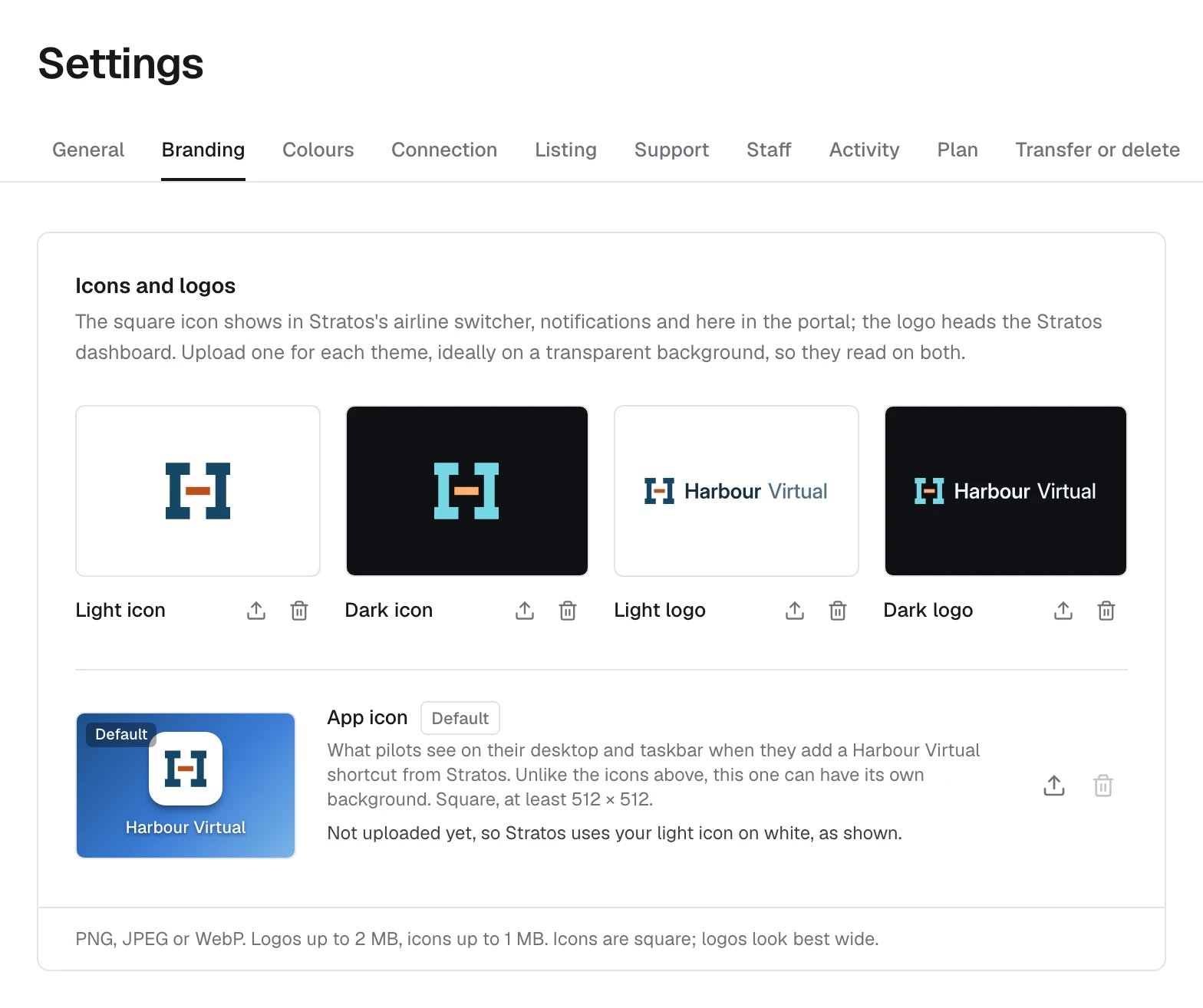
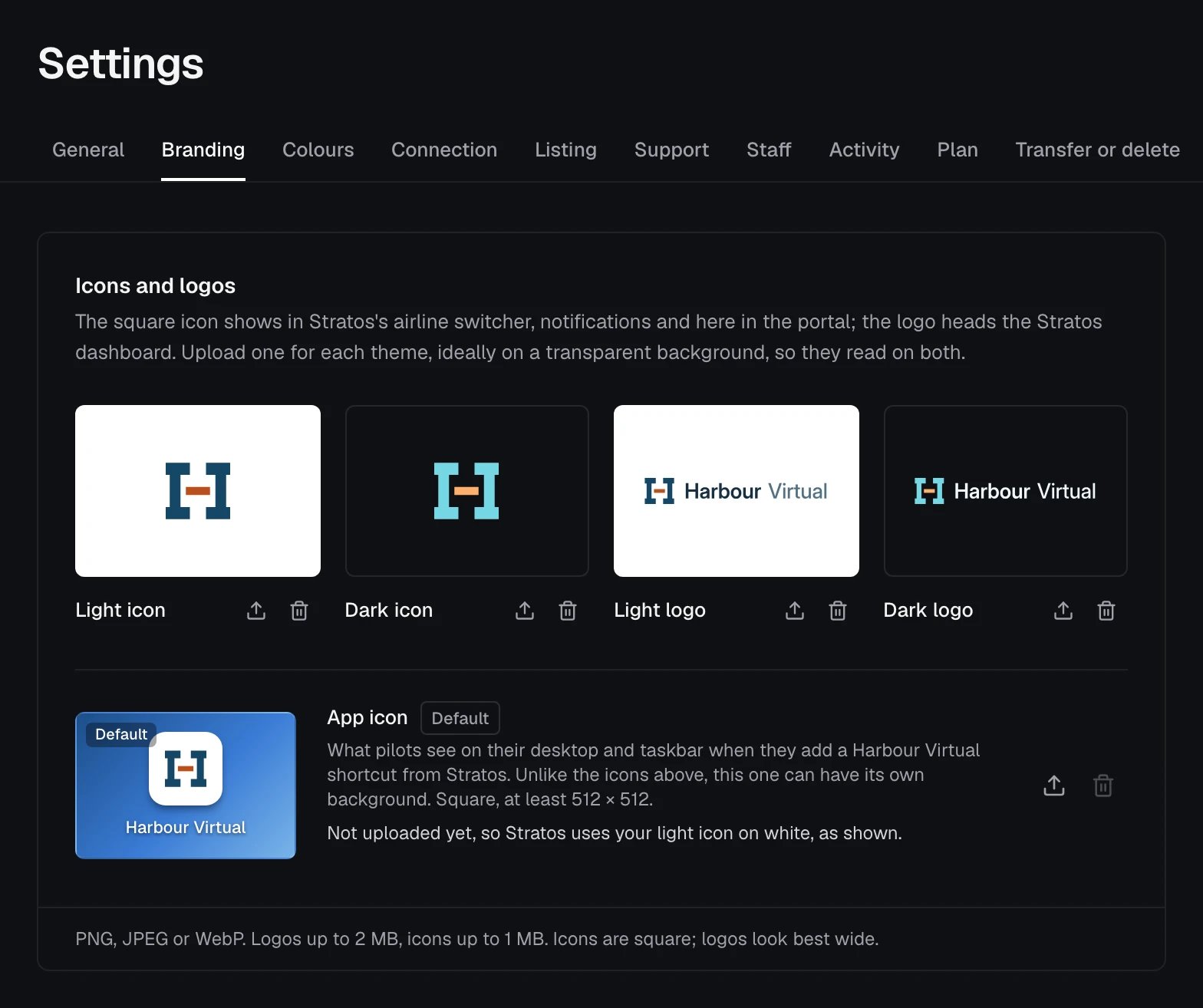
Upload an image
Drop an image on a tile, or use its upload button. The upload button replaces an image that’s there, and the bin removes it. Each saves straight away, and pilots see it in Stratos shortly after.
Images can be PNG, JPEG or WebP: logos and the app icon up to 2 MB, the light and dark icons up to 1 MB.
Both logos are needed before you can list your airline in the Stratos airline directory (see Listing).