

At a glance
- Stratos airline directory puts your airline in Stratos’s airline list, on every plan, once you have light and dark logos. On Free you also need 10 completed flights.
- Skyvex Software airline directory lists you on skyvexsoftware.com, with a card and a page you write. It comes with Pro, and Pro+ listings are featured first.
- Changes to your directory listing show straight away.
Stratos airline directory
Turn on Stratos airline directory to show your airline in Stratos, where pilots browse airlines and ask to join. Turn it off and only pilots with your invite code can join. Pilots see the change in Stratos shortly after. Before you can turn it on, your airline needs light and dark logos on Branding. On Free it also needs 10 completed flights with Stratos; on Pro and Pro+ you can turn it on straight away. The card lists what’s left. See Invite your pilots.Skyvex Software airline directory
Turn on Skyvex Software airline directory to list your airline on skyvexsoftware.com, so pilots looking for an airline to fly with can find you. Listings are in A to Z order, and on Pro+ your listing is Featured: featured listings sit first, then the rest. The directory comes with Pro and Pro+.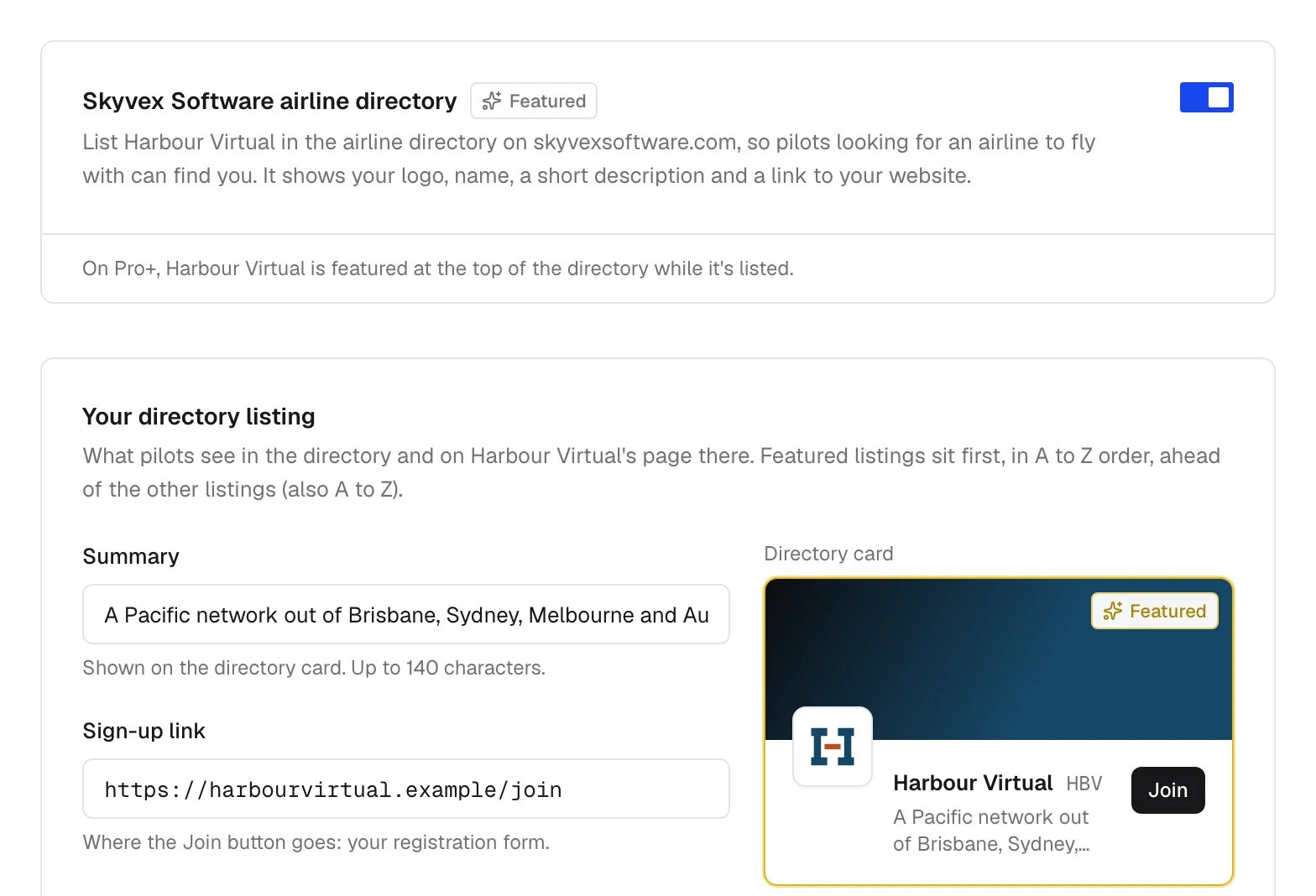
Your directory listing
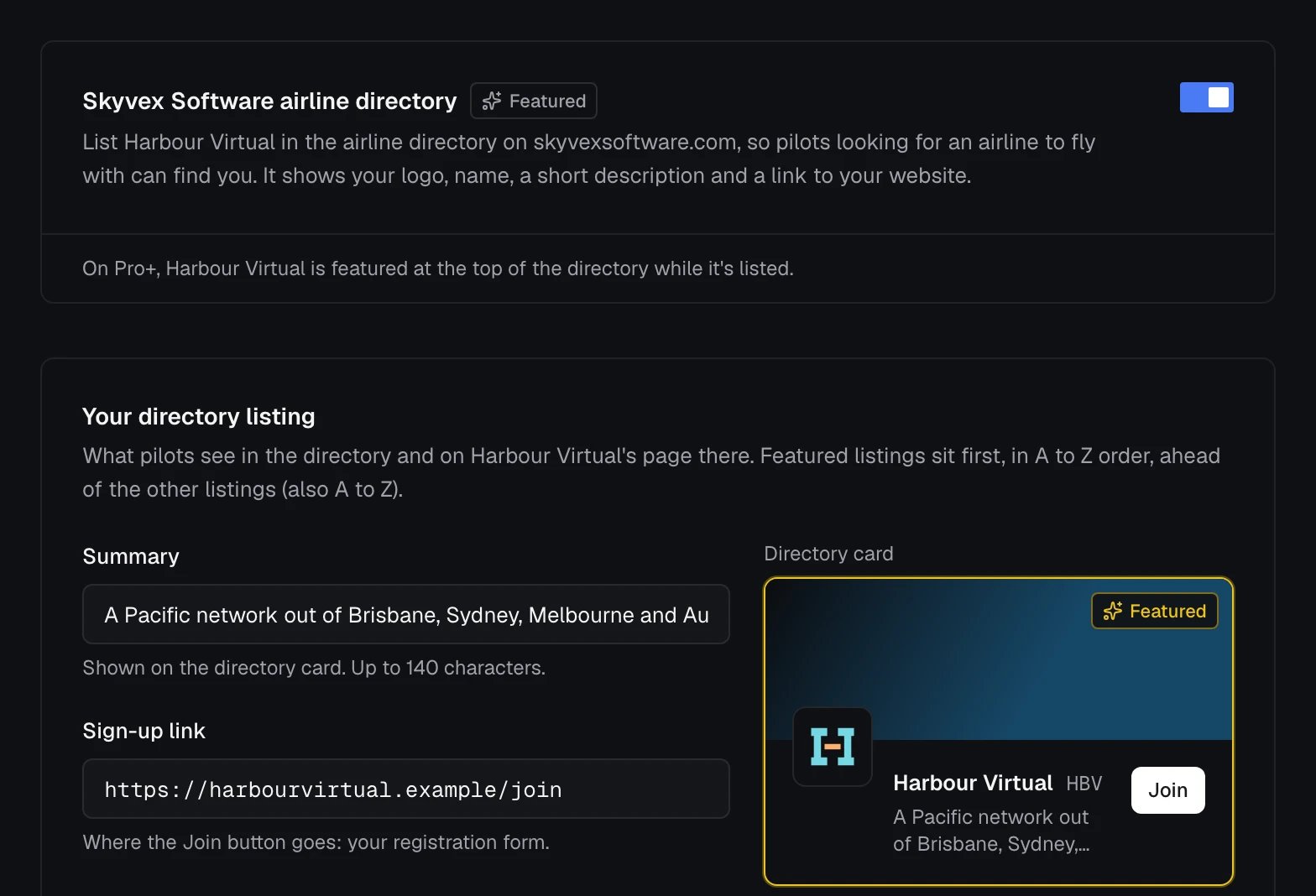
Once it’s on, Your directory listing sets what pilots see on your card in the directory and on your airline’s page there. The Directory card beside the fields previews it.
Live stats fill themselves in from your airline’s flights in Stratos: Flying now, Flights, Hours flown and Average touchdown, which pilots can switch between 7, 30 and 90 days. Until your airline has flown 100 flights, the listing shows Flying now and when you joined instead of the other three.