

Open the command menu
Press ⌘K on a Mac or Ctrl+K on Windows and Linux, from any page. You can also press Search at the top of the sidebar. Press the same keys or Esc to close it.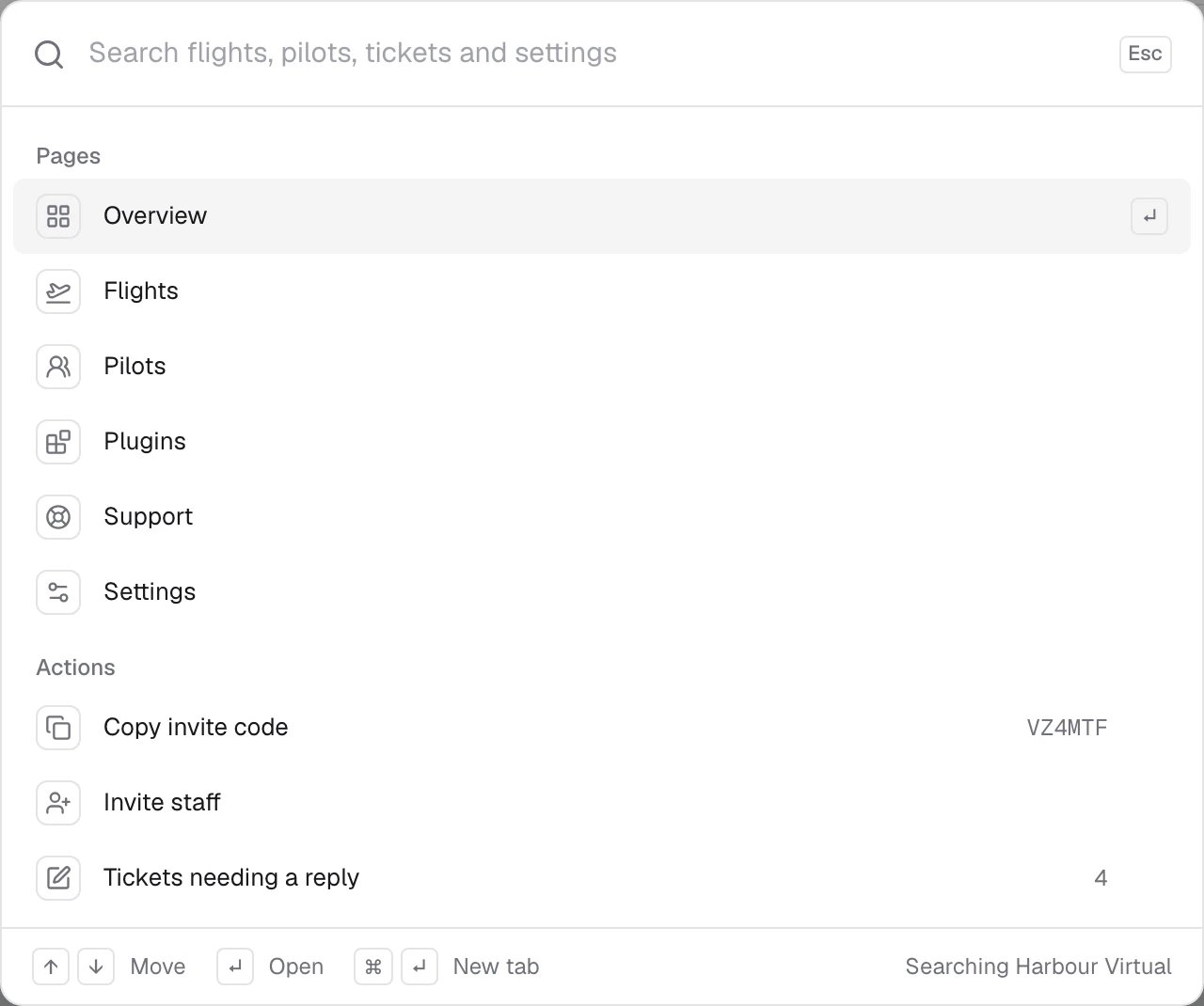
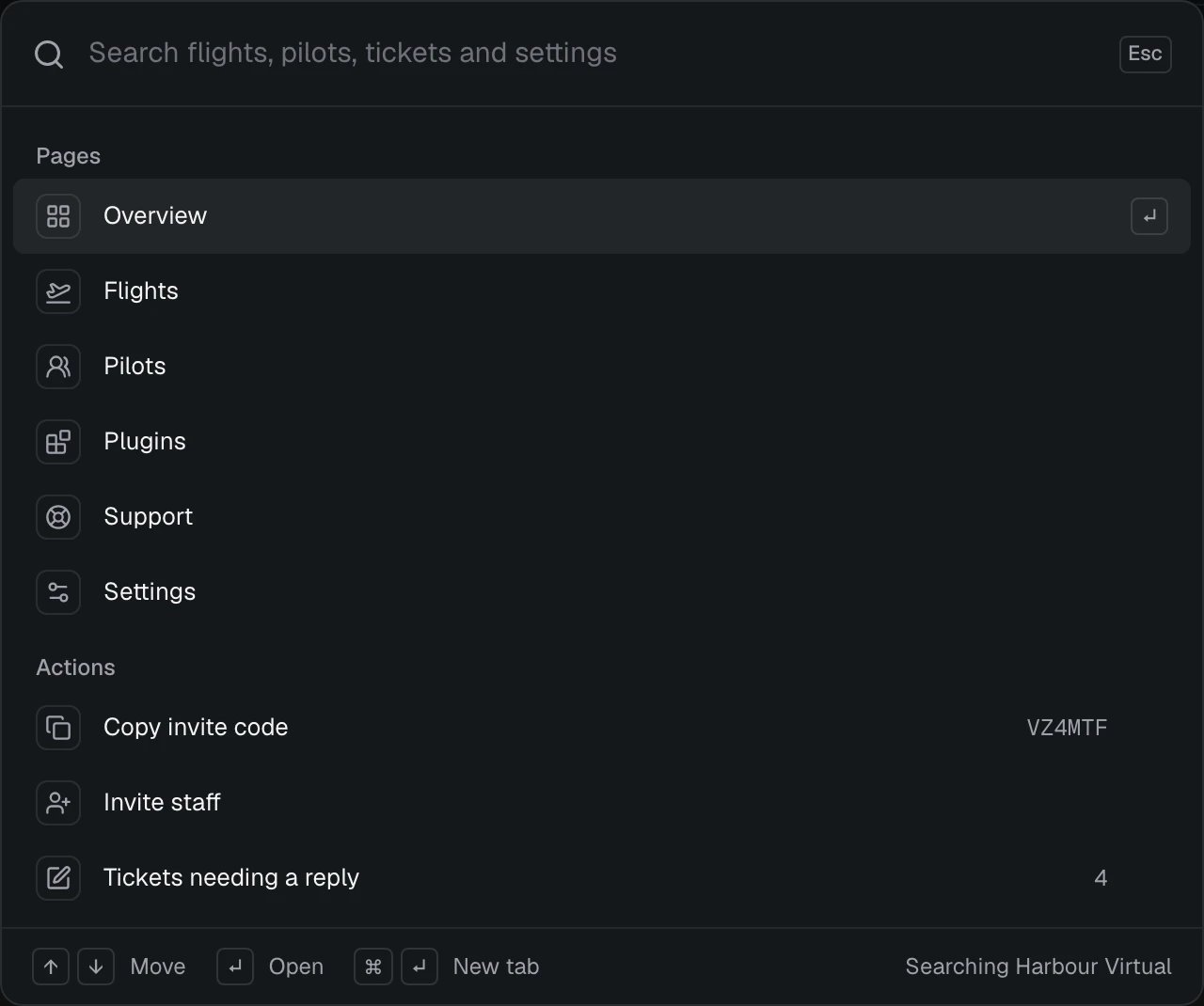
Search
Start typing to search the airline named at the bottom right (Searching and the airline’s name). Matches are grouped, with what you typed highlighted.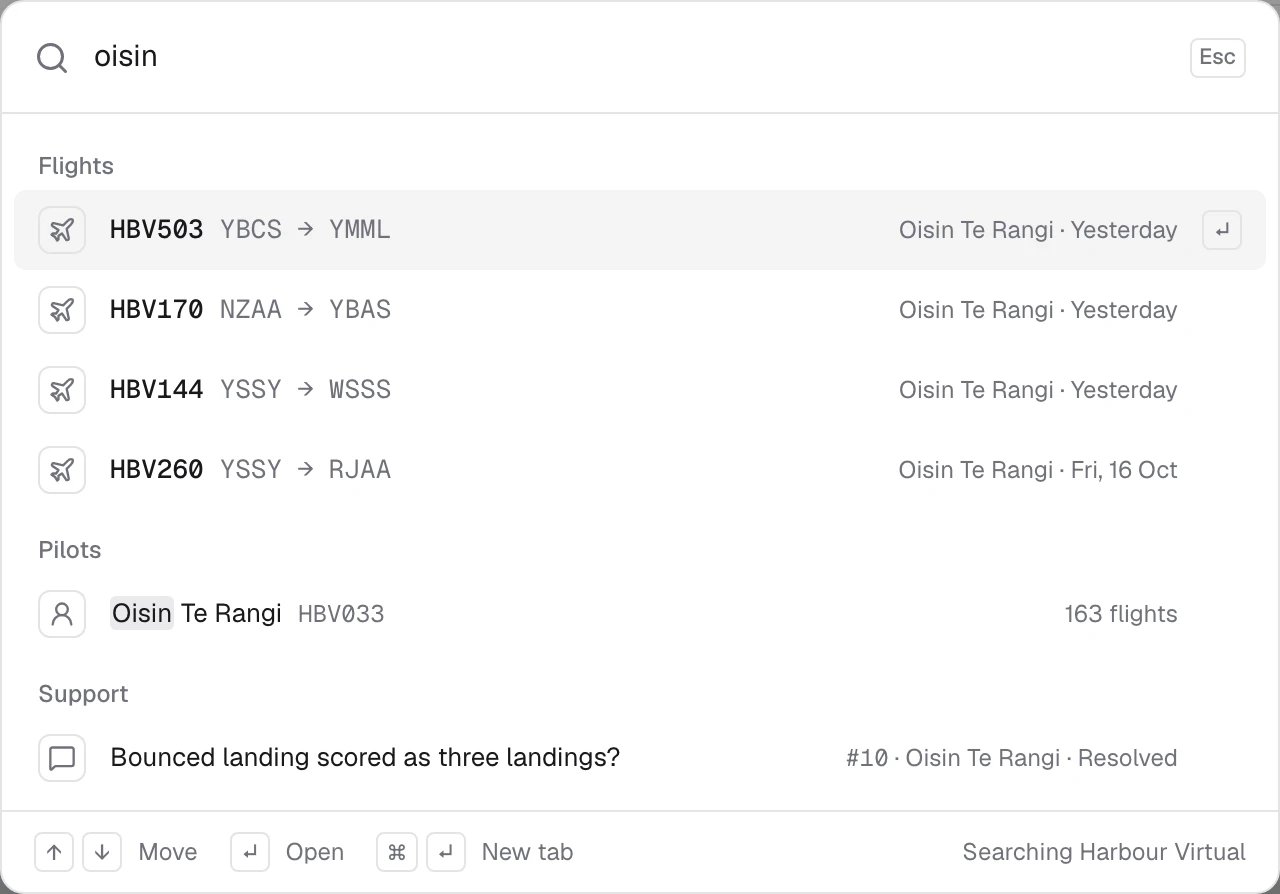
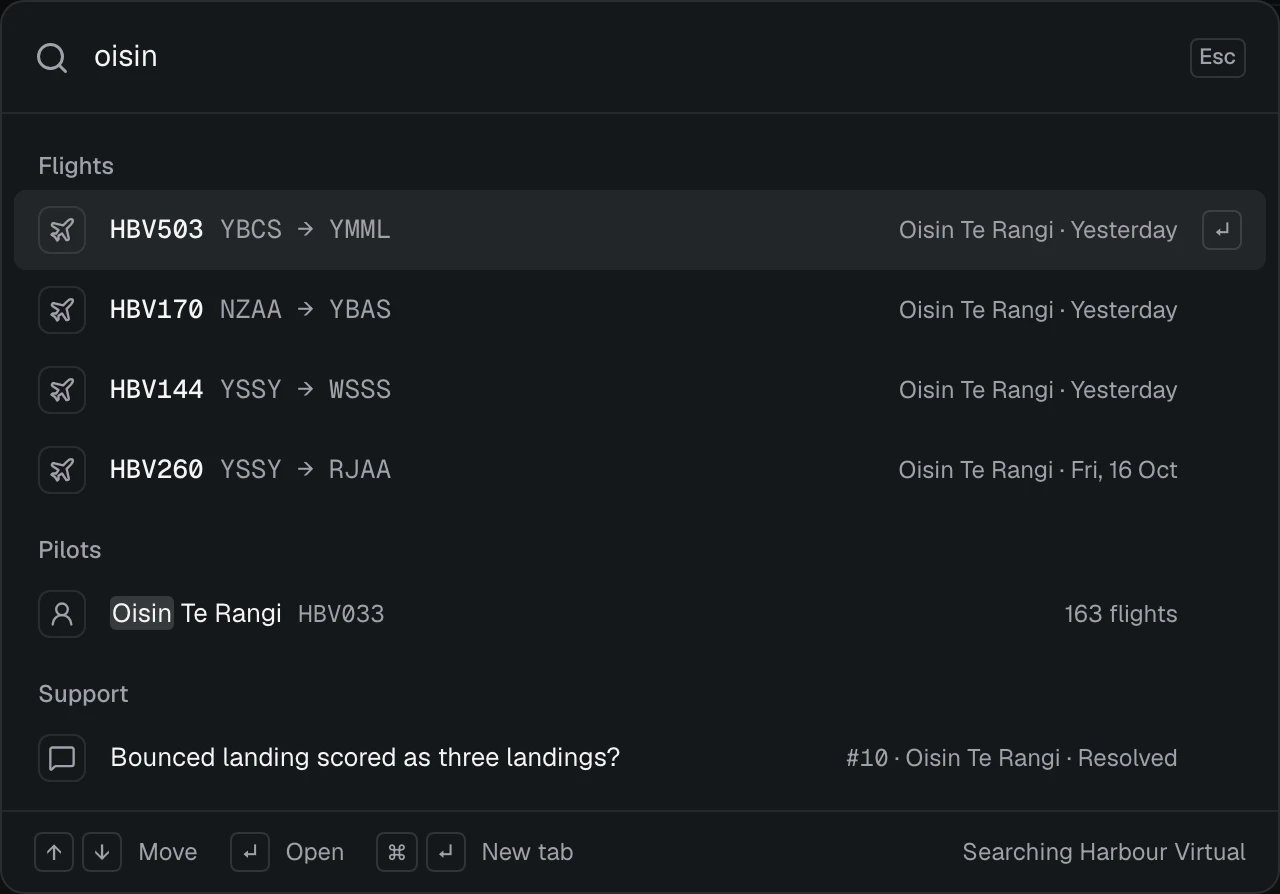
Flights, pilots and tickets show if you can see the airline’s flights and pilots; Settings and some actions show if you can manage the airline. If nothing matches, try a callsign, an airport, a pilot’s name or ID, or a ticket number.
A ticket opens that ticket. A flight or a pilot takes you to the airline’s Flights or Pilots list.
Move and open
Actions
Support inbox shortcuts
In the Support inbox, press ? to see every shortcut. They work when you’re not typing in a box.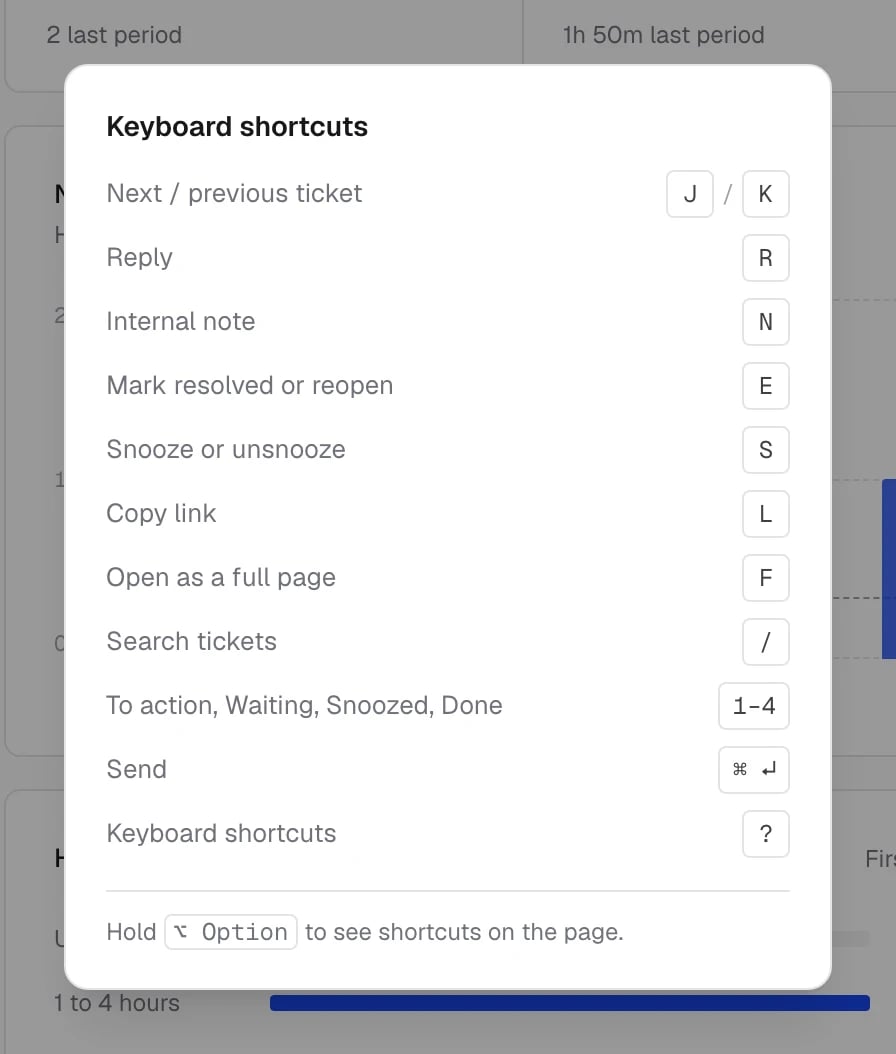
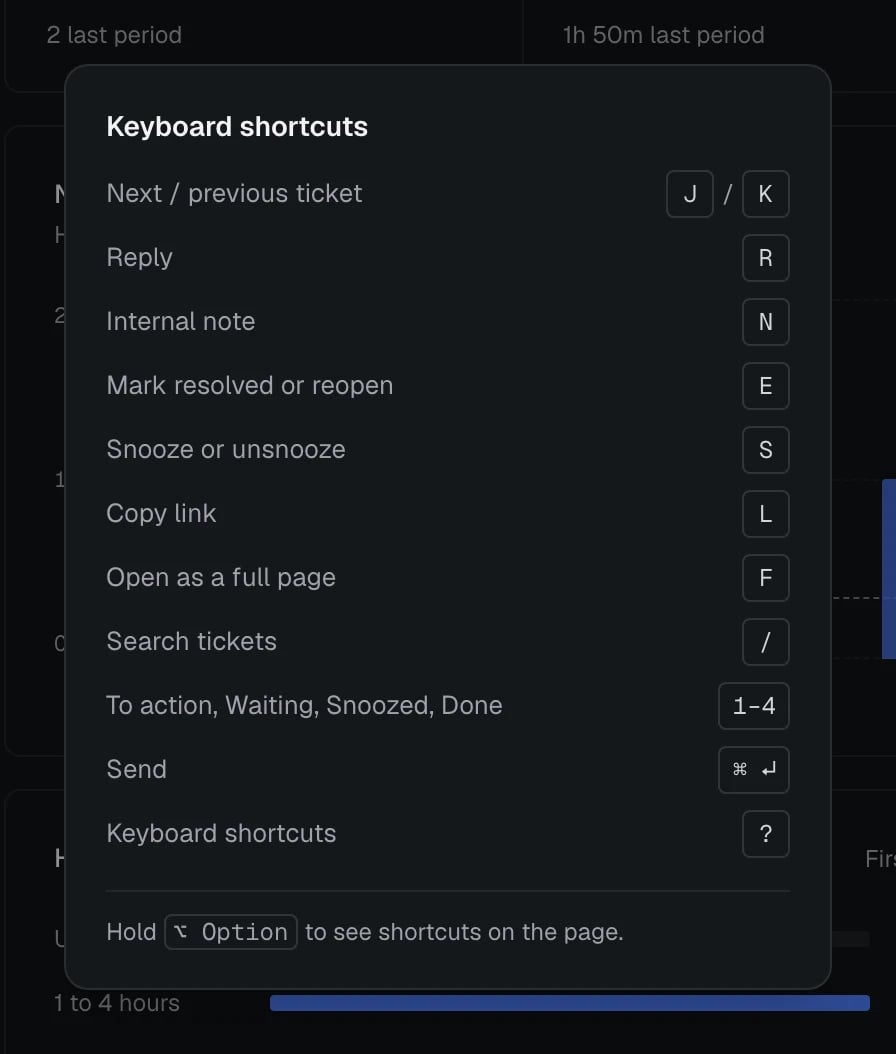
Hold ⌥ Option (Alt on Windows and Linux) to see each shortcut as a small badge on the button it presses. See How support works for the inbox itself.
Roadmap shortcuts
On the roadmap and feedback board:Related
- Account settings has its own Search settings box in the sidebar.
- How support works