

At a glance
- Choose who gets a plugin at the top right of its page in Plugins: Specific pilots, By rule or All pilots.
- A rule matches on Rank level, Rank, Pilot ID, or any other key your crew system returns for the pilot.
- Specific pilots and By rule come with Pro and Pro+. Flight Tracking always goes to all pilots.
- Pilots get or lose a plugin at their next check, never in the middle of a flight.
Choose who gets a plugin
Open Plugins, select the plugin, and use the switch beside its ⋯ menu.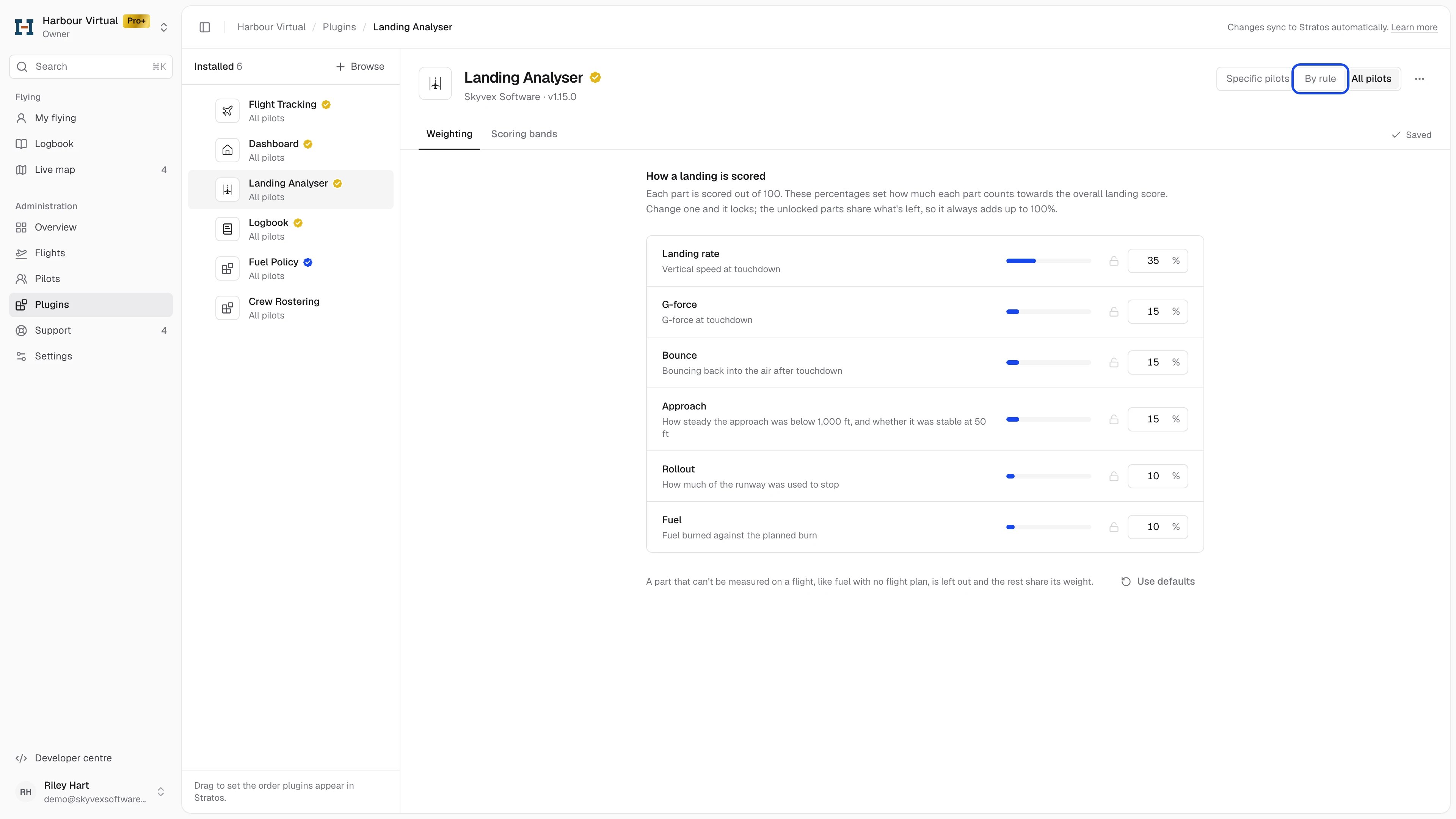
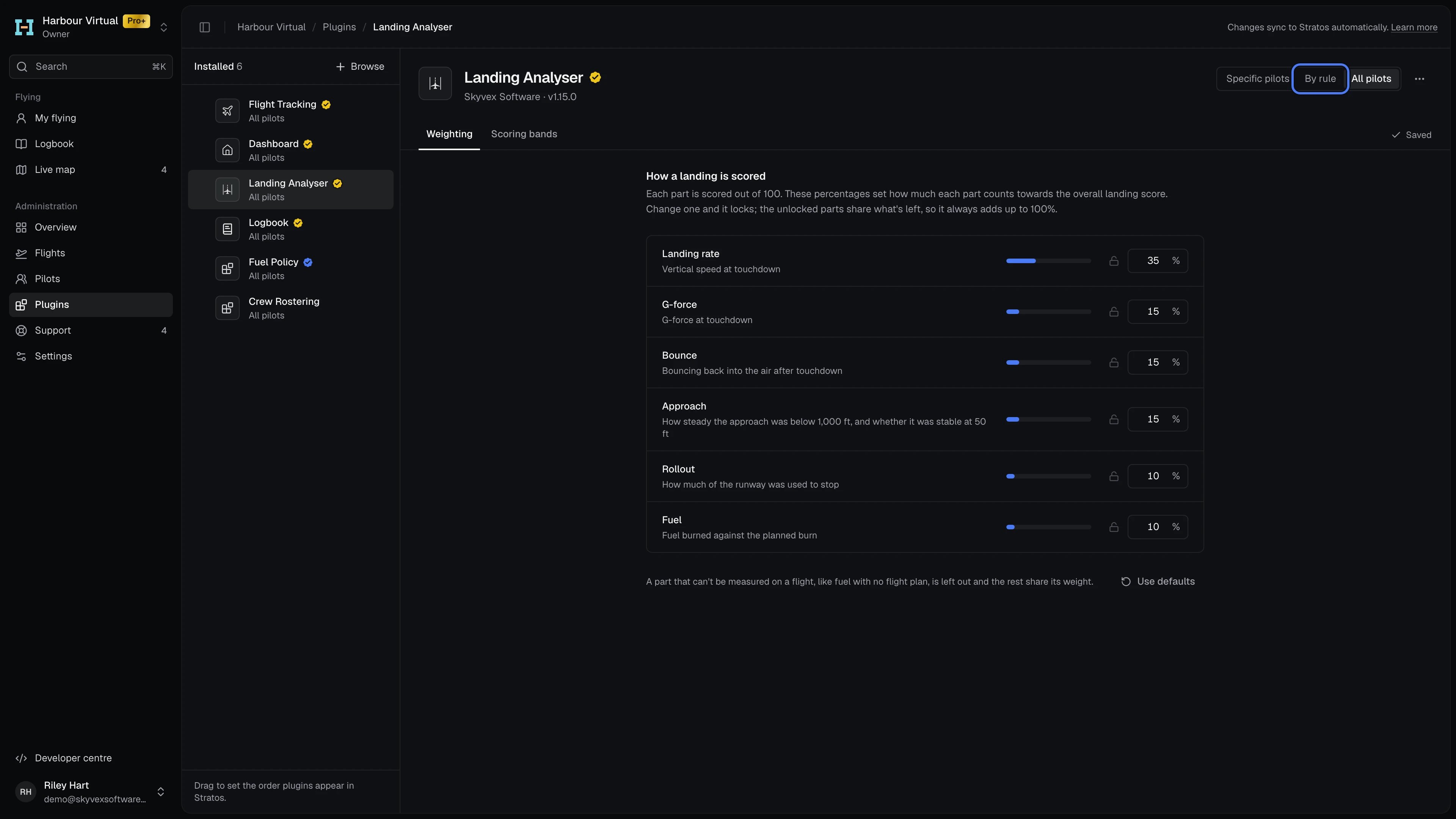
Switching back to All pilots asks you to confirm, then clears your list of picked pilots or removes your rule. The plugin list under Installed shows each plugin’s audience, such as “All pilots”, “12 pilots” or “When rank level is at least 3”.
When you add a plugin from Browse, you can choose All pilots or Specific pilots straight away. To use a rule, add the plugin first, then choose By rule on its page.
Only the airline’s owner can change who gets a plugin.
Give a plugin out by rule
1
Open the rule editor
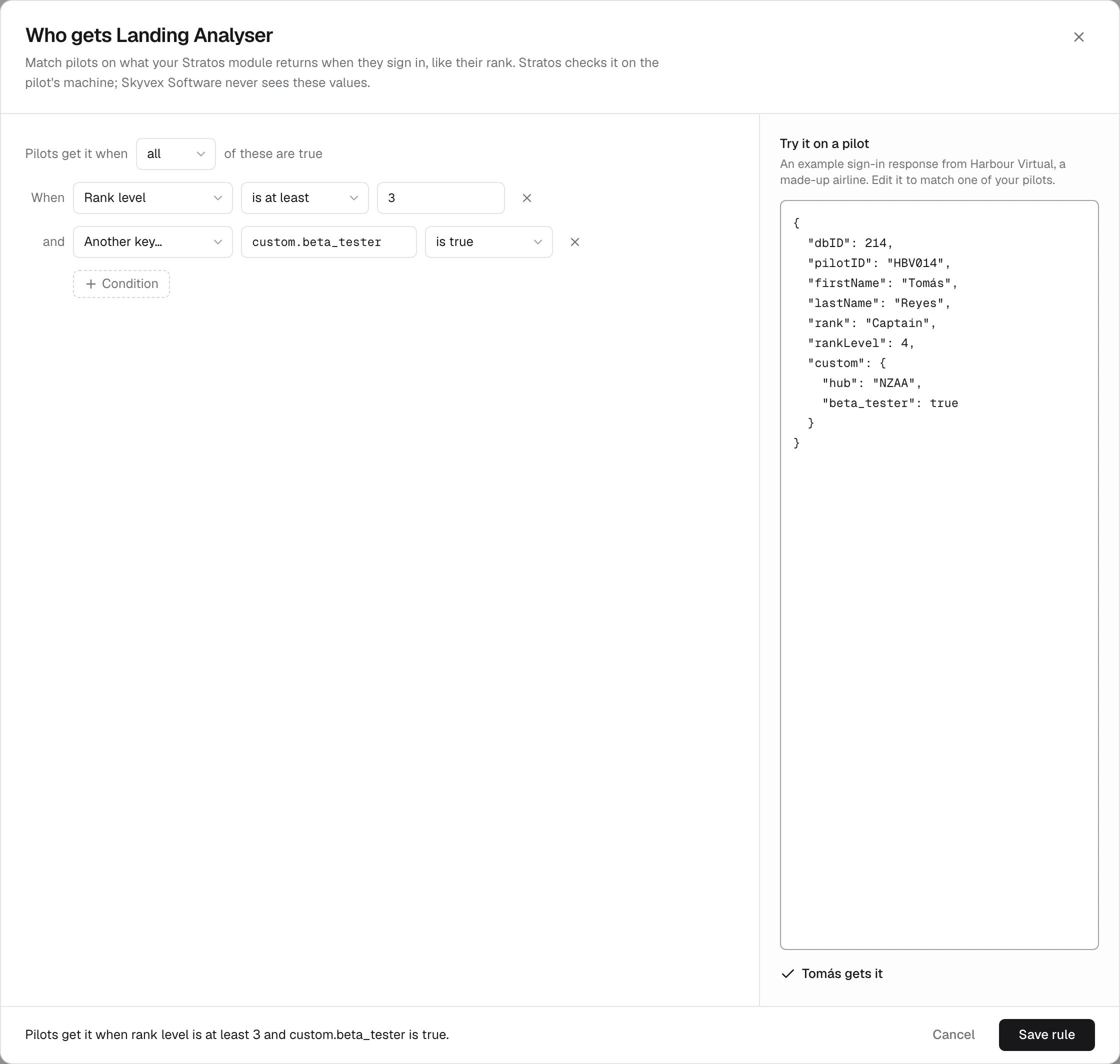
On the plugin’s page, choose By rule. Who gets opens with a starting rule of Rank level is at least 3.
2
Set the conditions
Each condition is a key, an operator and, for most operators, a value. + Condition adds another. With more than one, choose whether pilots get the plugin when all or any of them are true.
3
Try it
Try it on a pilot holds an example of a pilot’s sign-in details as Stratos stores them. Edit it to match one of your pilots, and the editor says whether they get the plugin. Nothing in it is saved.
4
Save
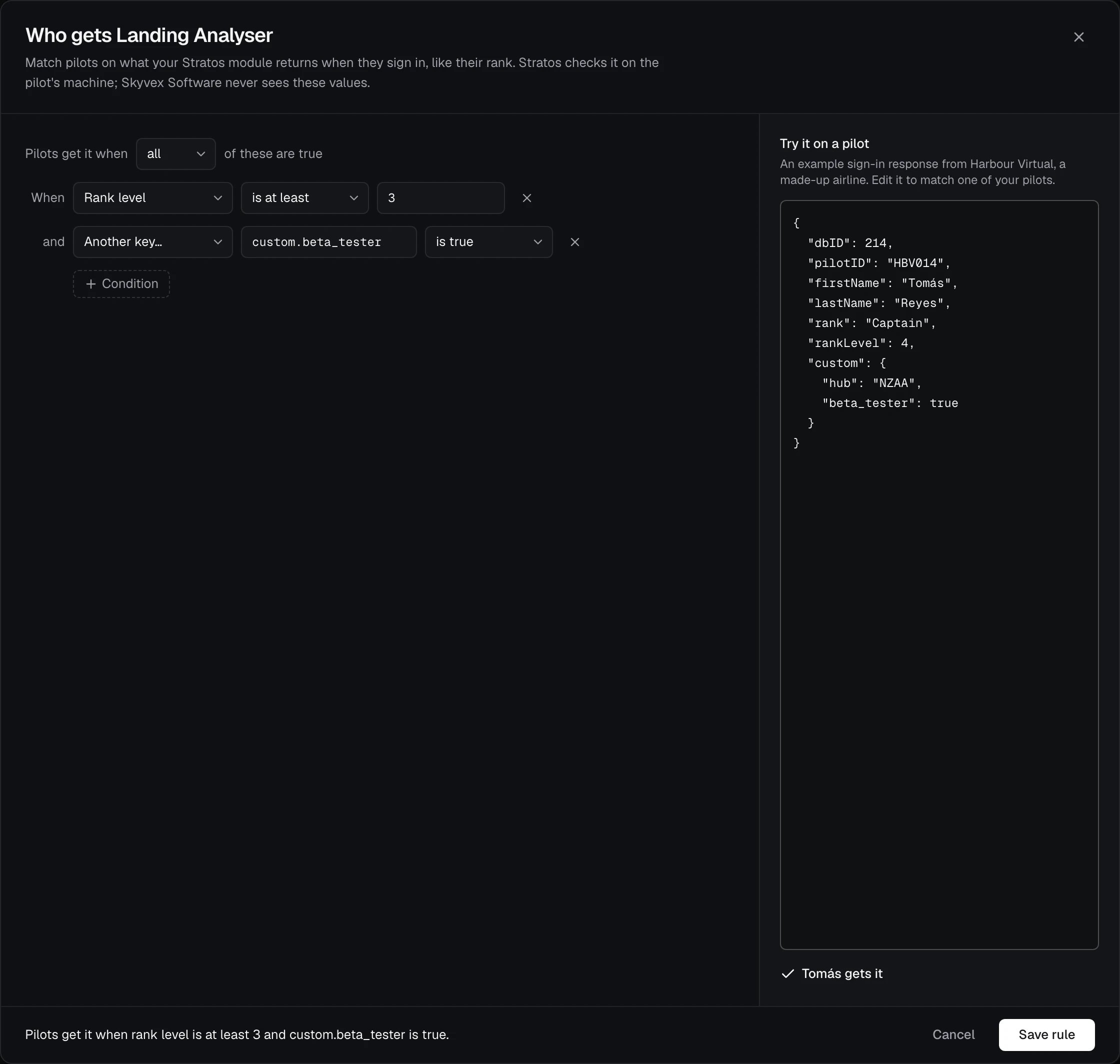
The line at the bottom reads the rule back in words, for example “Pilots get it when rank level is at least 3 and custom.beta_tester is true.” Click Save rule.
Match on your own fields
Another key… matches any other value your crew system returns for the pilot. Type its path, using dots to reach inside an object. If your Stratos module returns"custom": { "hub": "NZAA", "beta_tester": true }, then:
custom.hubisNZAAgives the plugin to pilots based at Auckland.custom.beta_testeris true gives it to your beta testers.
POST /pilot/login and GET /pilot/verify). Use Rank level, Rank and Pilot ID for those three fields rather than Another key…: Stratos stores them under its own names, rankLevel, rank and pilotID.
When pilots get or lose the plugin
Stratos checks rules on the pilot’s computer:- when Stratos starts,
- when the pilot signs in to your airline,
- when you change your plugins in Console.
Plans and versions
Specific pilots and By rule come with Pro and Pro+. On Free they show a lock. If your airline moves to Free, a rule you already saved stays in place. Flight Tracking always goes to all pilots, because every pilot needs it to track and file flights. Rules need a recent Stratos core (2.54.0 or later for every condition). Stratos updates itself each time it opens, so this only matters for a pilot who hasn’t opened Stratos in a long time.Reference
Keys and operators
Keys and operators
- Text comparisons ignore case: Rank is
captainmatches “Captain”. - is at least and is at most compare numbers.
- is true accepts
true,"true"or1; is false acceptsfalse,"false"or0. - exists is true when the key is there and isn’t empty (
null). - is not is true when the key is missing.
- A value that’s an object is compared as its JSON.
Limits
Limits
- 1 to 20 conditions in a rule.
- A path for Another key… is up to 200 characters of letters, numbers,
_and-, with dots between the parts. - A value is up to 200 characters.
- A pilot with no sign-in details (signed out of your airline) never matches a rule.
Where the values stay
Where the values stay
Console stores and sends only the rule. Stratos checks it on the pilot’s computer against their sign-in details, so the pilot’s values never reach Skyvex Software.