

At a glance
- The list starts on the last 30 days. Switch to 7d, 90d or All time at the top right.
- Filter by Status, Simulator or Aircraft, or search by callsign, route, aircraft or pilot.
- Click a row to open the flight: track map, vertical profile, landing report and flight log.
- A flight still in progress shows its aircraft on the track.
Find a flight
Open Flights in the sidebar, under Administration.
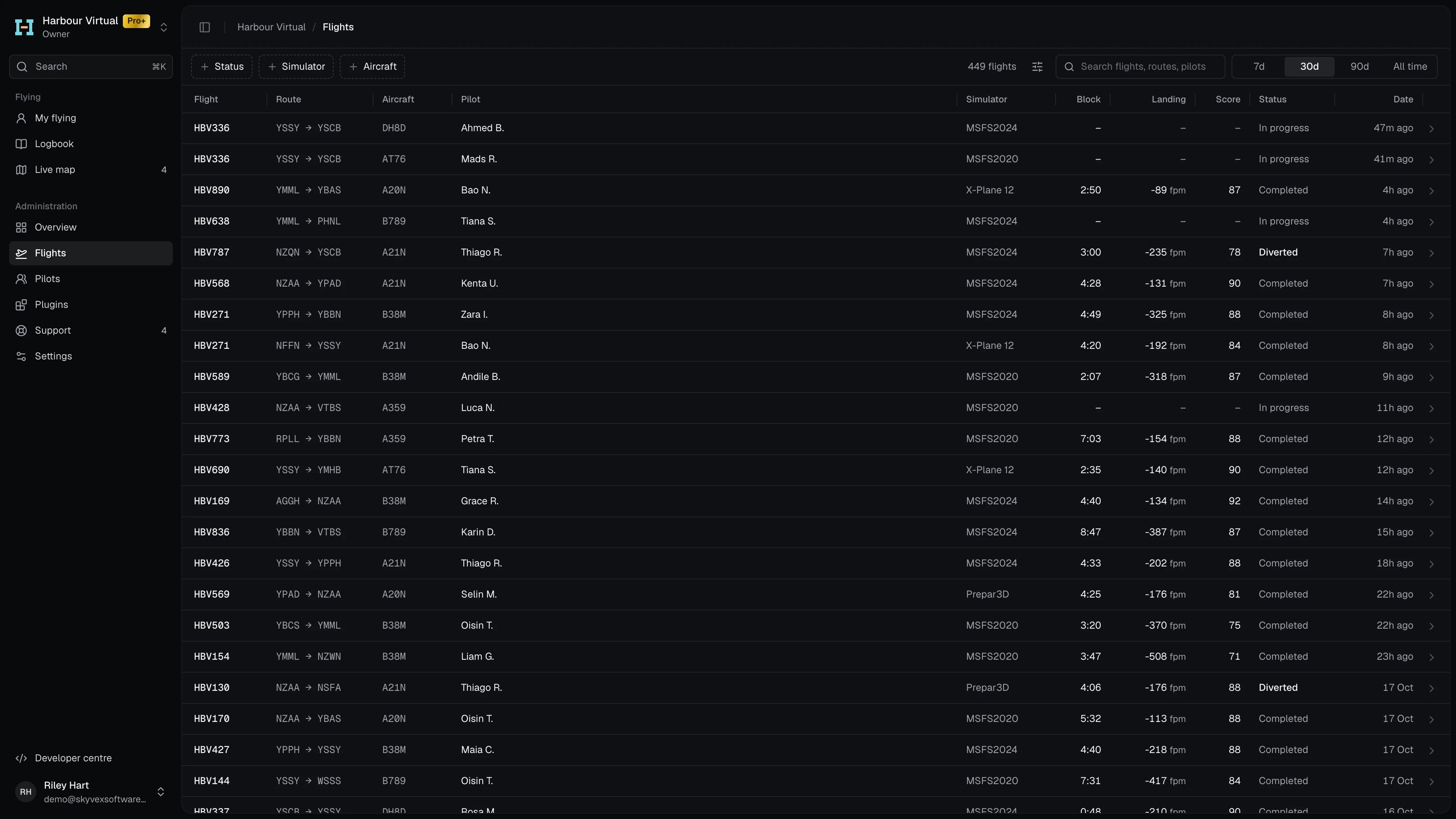
- Pick the period at the top right: 7d, 30d, 90d or All time. It starts on 30d.
- Narrow it with Status, Simulator or Aircraft. Each filter lists only the values in that period, with a count beside each.
- Or type in Search flights, routes, pilots. It matches the callsign, flight number, departure or arrival ICAO, aircraft type and the pilot’s first or last name.
- Click the row to open the flight.
Read a flight
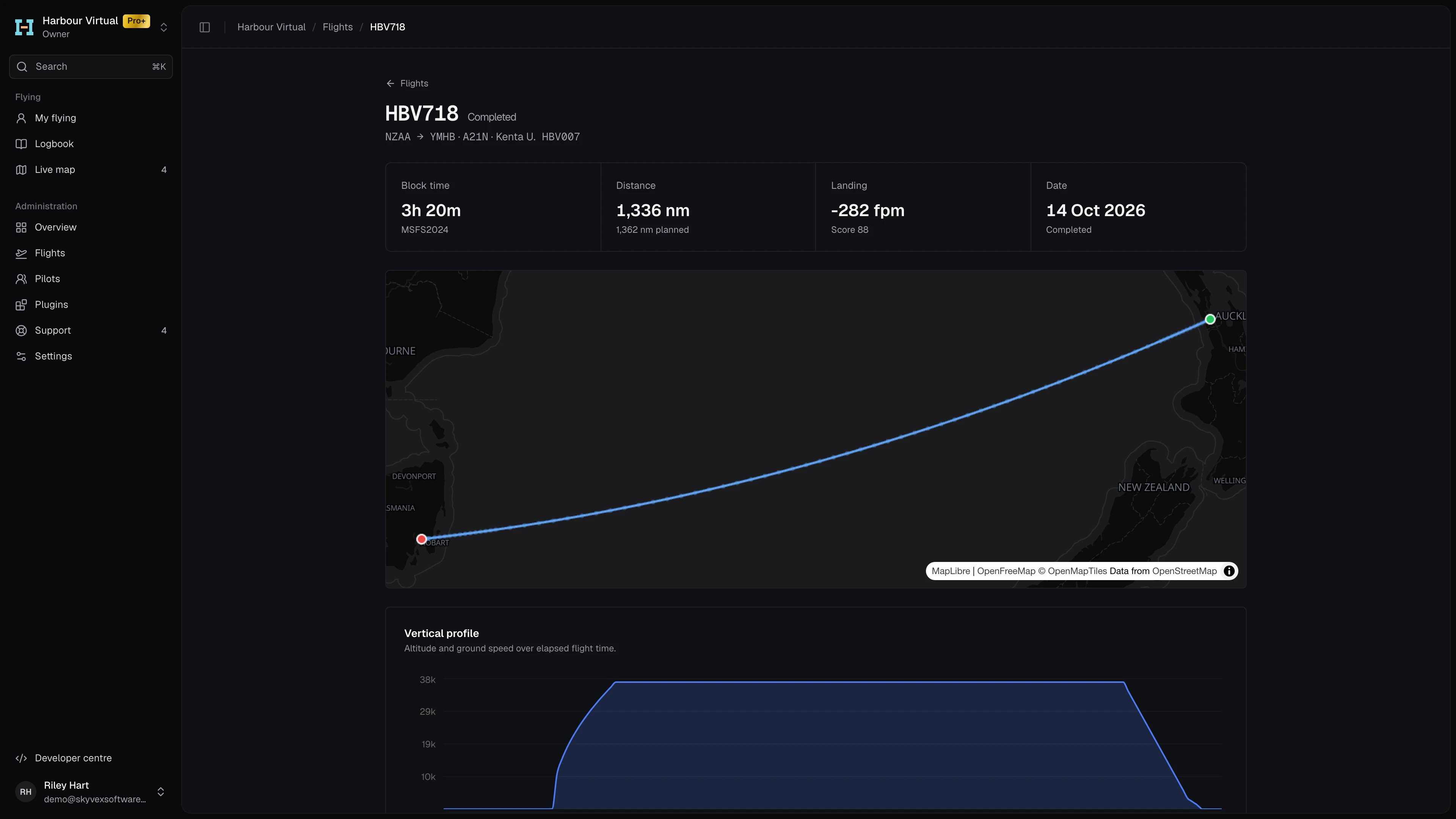
The top of the flight shows its callsign and status, then the route, aircraft type, and the pilot’s name and pilot ID. Flights takes you back to the list.
Track map
The map draws the flight’s path, with markers at the departure and arrival ends. Hover over the path to see the altitude, ground speed, heading and flight phase at that point. While a flight is still in progress, the map also shows the aircraft where it was when you opened the page. Reload the page to move it on, or follow it on the Live map, which updates on its own. If no positions were recorded, the map says Track unavailable.Vertical profile
Two charts of altitude (ft) and ground speed (kt) against elapsed flight time. Hover for the values and the UTC time at any point. If the flight was paused, Exclude pauses removes the paused time so the charts join up.Landing report
How the flight touched down. Only flights that landed have one.

See Landing rates for how Stratos measures a touchdown.
Flight log
Everything Stratos recorded during the flight, in order, with UTC times. Each entry is tagged with its kind, such as a phase change, a warning or a comment. At the bottom, the flight number, the filed route, the cruise level, and when the flight started and finished.The list's columns and statuses
The list's columns and statuses
The Display options button beside the count hides or shows columns (Flight always shows), and turns on Relative dates (“12m ago”) or Compact rows. Your choices are remembered in this browser.
The period counts flights by when they started. A completed flight counts on the Overview’s stat cards by when it finished, so the two can differ slightly at the edges of a period.