

Weighting
Each part of the landing (Landing rate, G-force, Bounce, Approach, Rollout and Fuel) counts for a share of the score. Change one and it locks; the unlocked parts share what’s left, so the total always adds up to 100%. Click a lock to let that part rebalance again. Use defaults puts the standard weights back.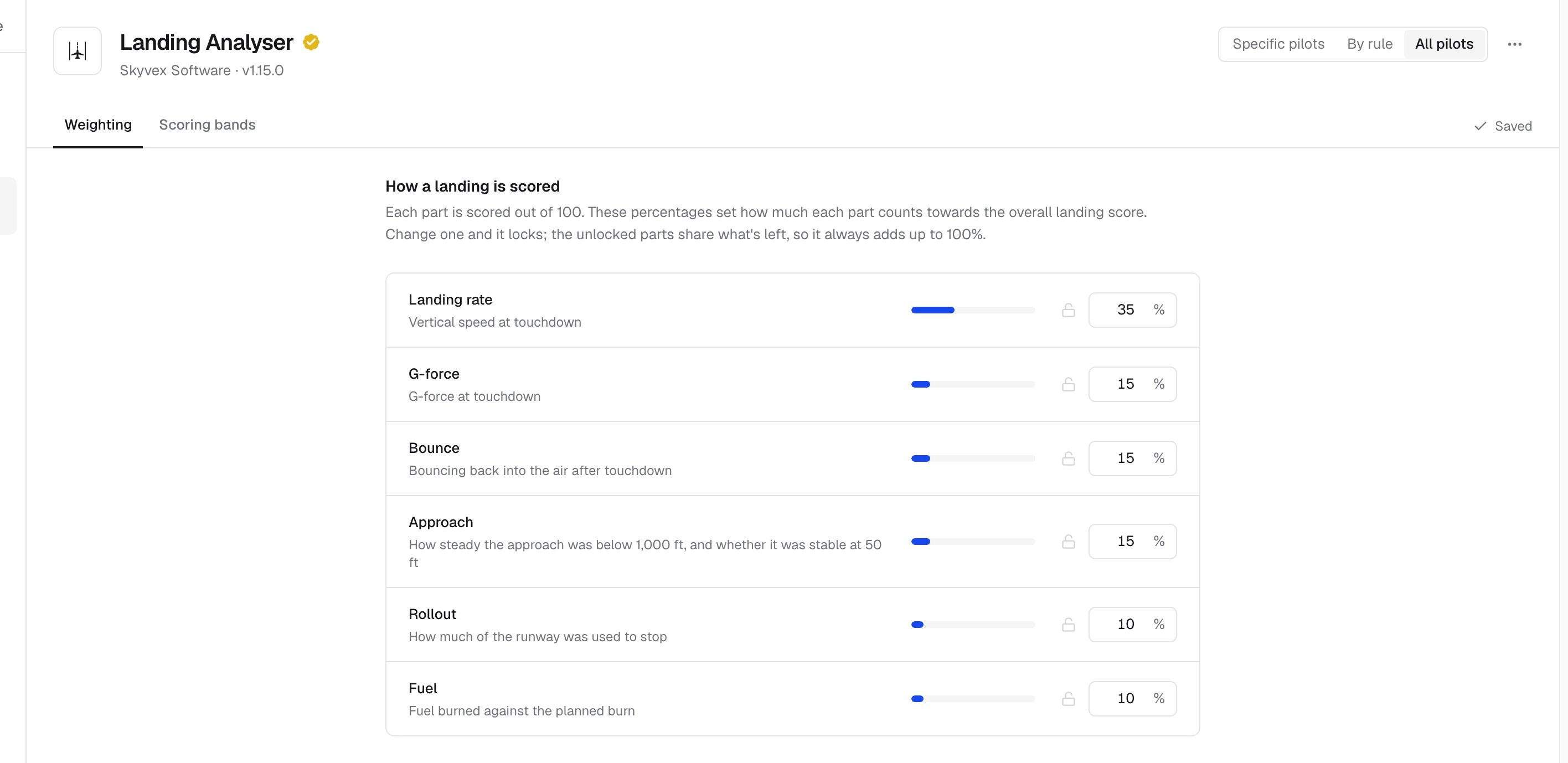
Scoring bands
Pick a part at the top to see its bands. A landing gets the score of the first band its value is at or under, and anything past the last band scores 0. The curve shows the bands, and the Try box under it shows what a value would score with your bands. Bounces and the approach (stabilised at 50 ft) have their own settings.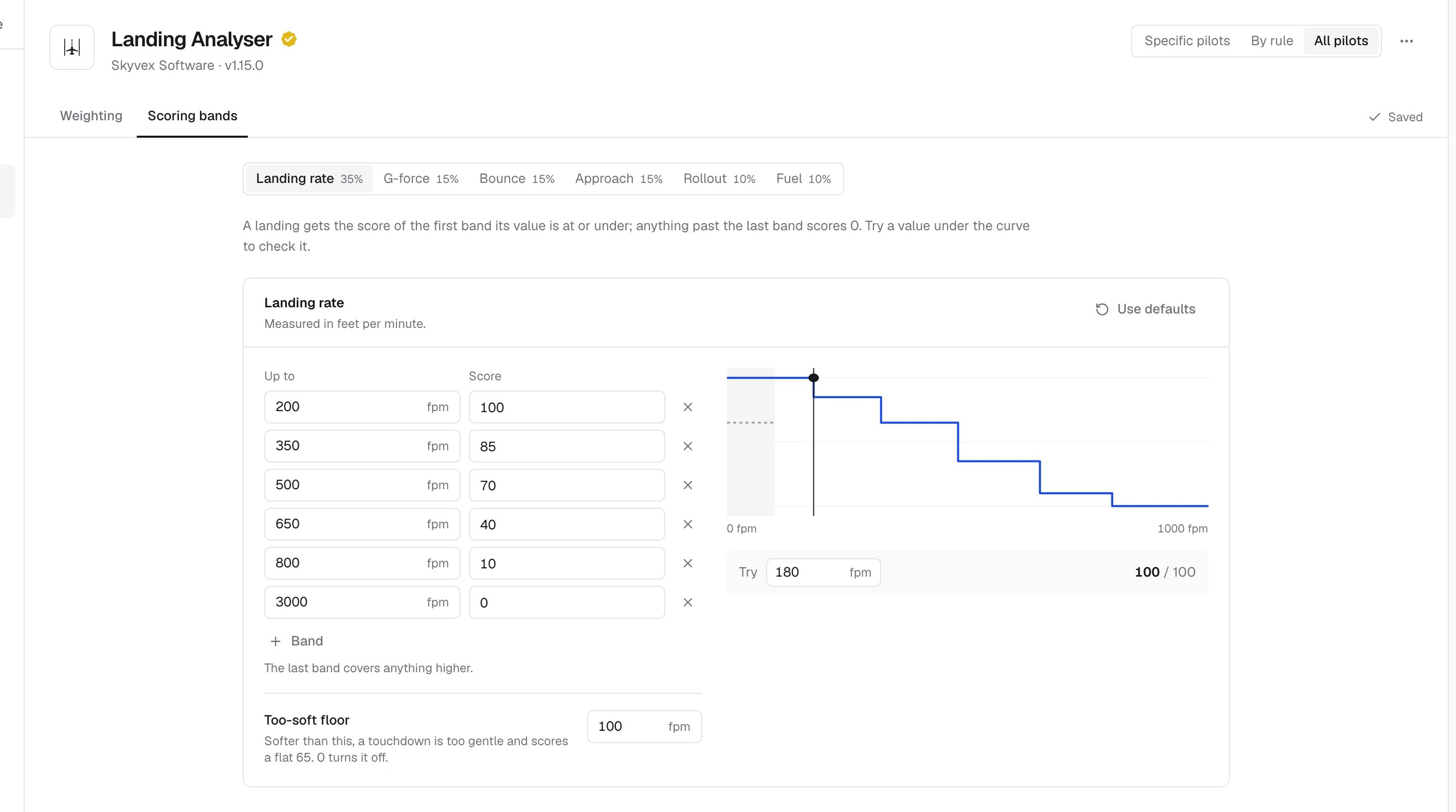
Related
- Landing score: how the score is worked out, part by part
- Landing rates
- Plugins, where Reset settings to defaults also resets the weights and bands