At a glance
- New airlines start with Dashboard, Flight Tracking, Landing Analyser and Logbook, so there’s nothing to install before your first flight.
- Browse adds more, including private plugins a developer has shared with your airline.
- Pilots get changes straight away, or when their current flight ends.
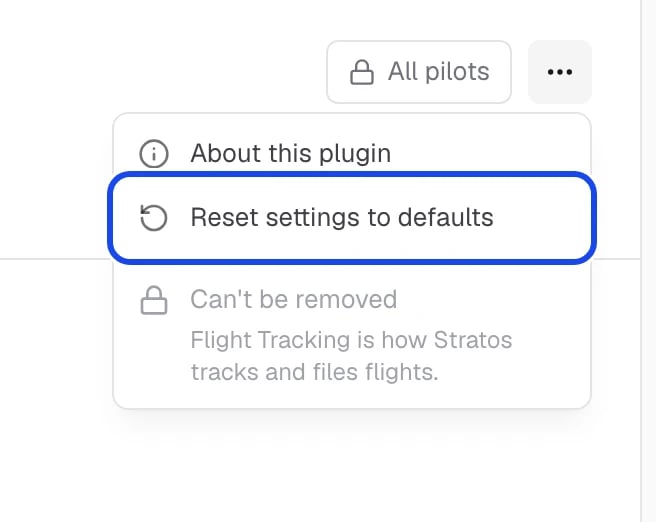
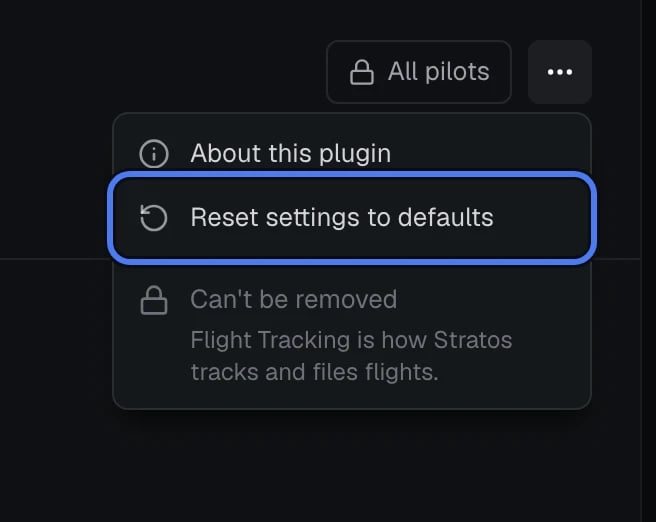
- Flight Tracking can’t be removed: it’s how Stratos tracks and files flights.
Add a plugin
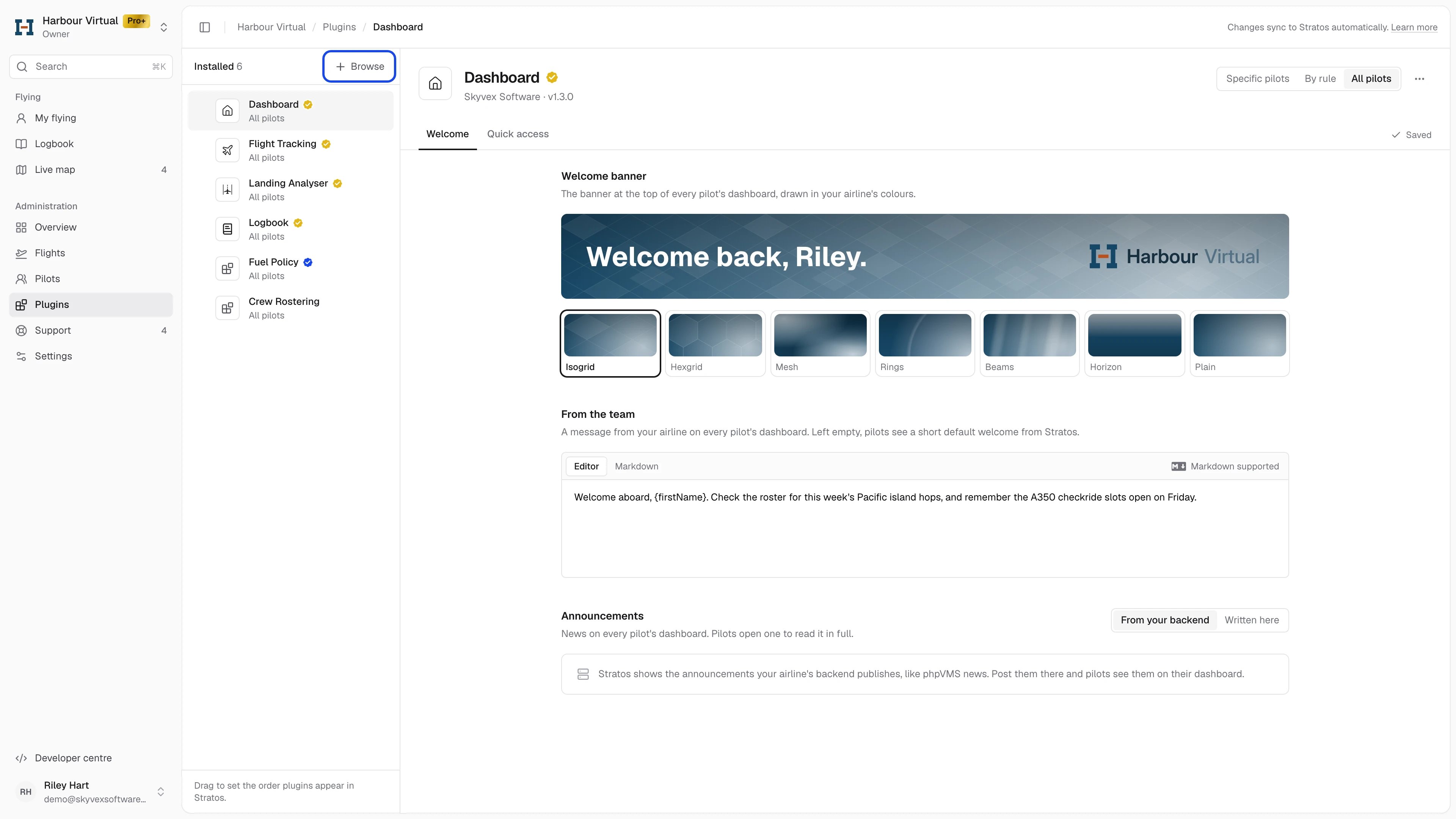
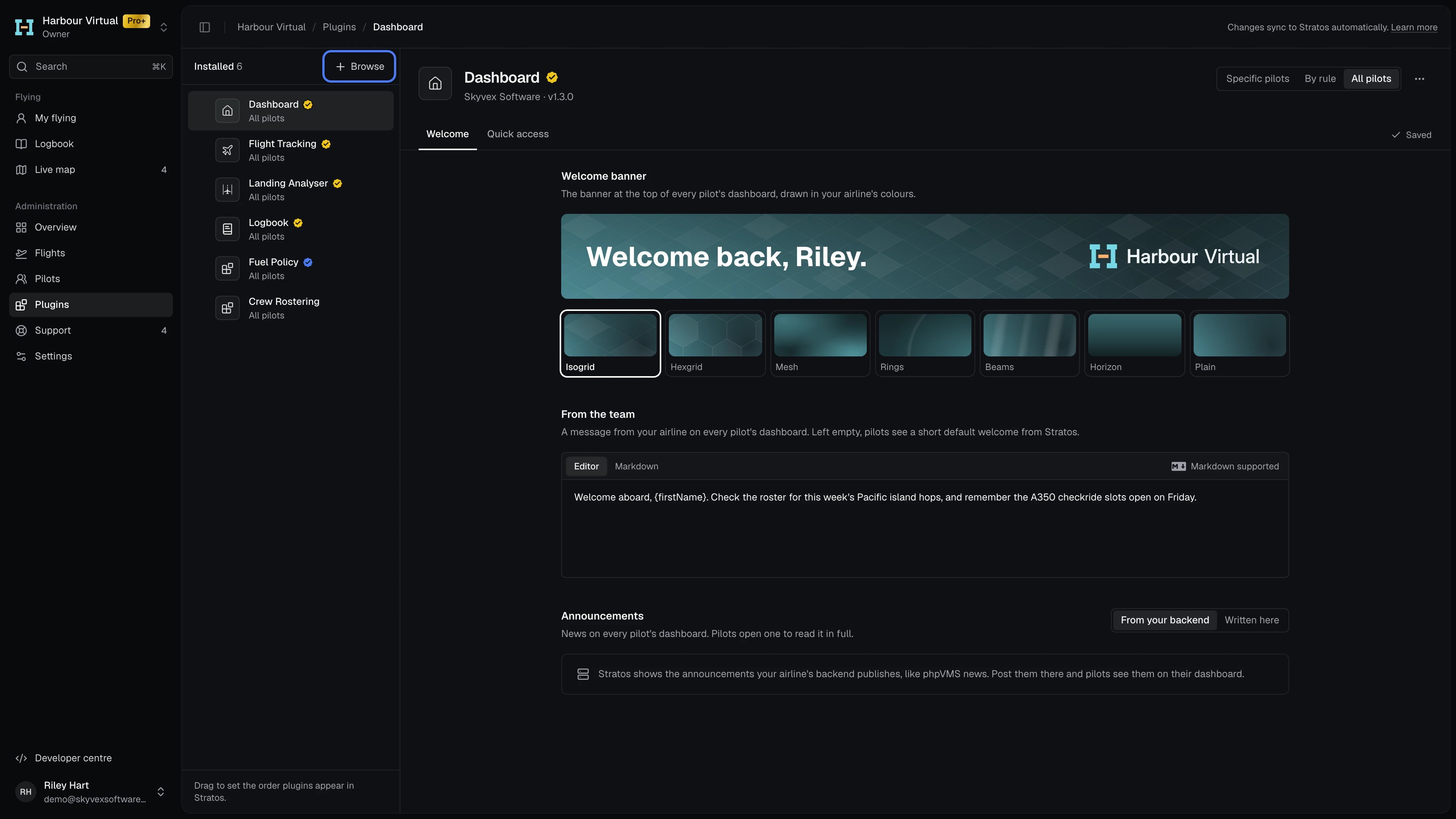
- On Plugins, click Browse.
- Pick a plugin. Its page shows what it does, its screenshots, its release notes and the settings it has.
- Under Who gets it, choose All pilots or Specific pilots.
- Click Add to your airline.
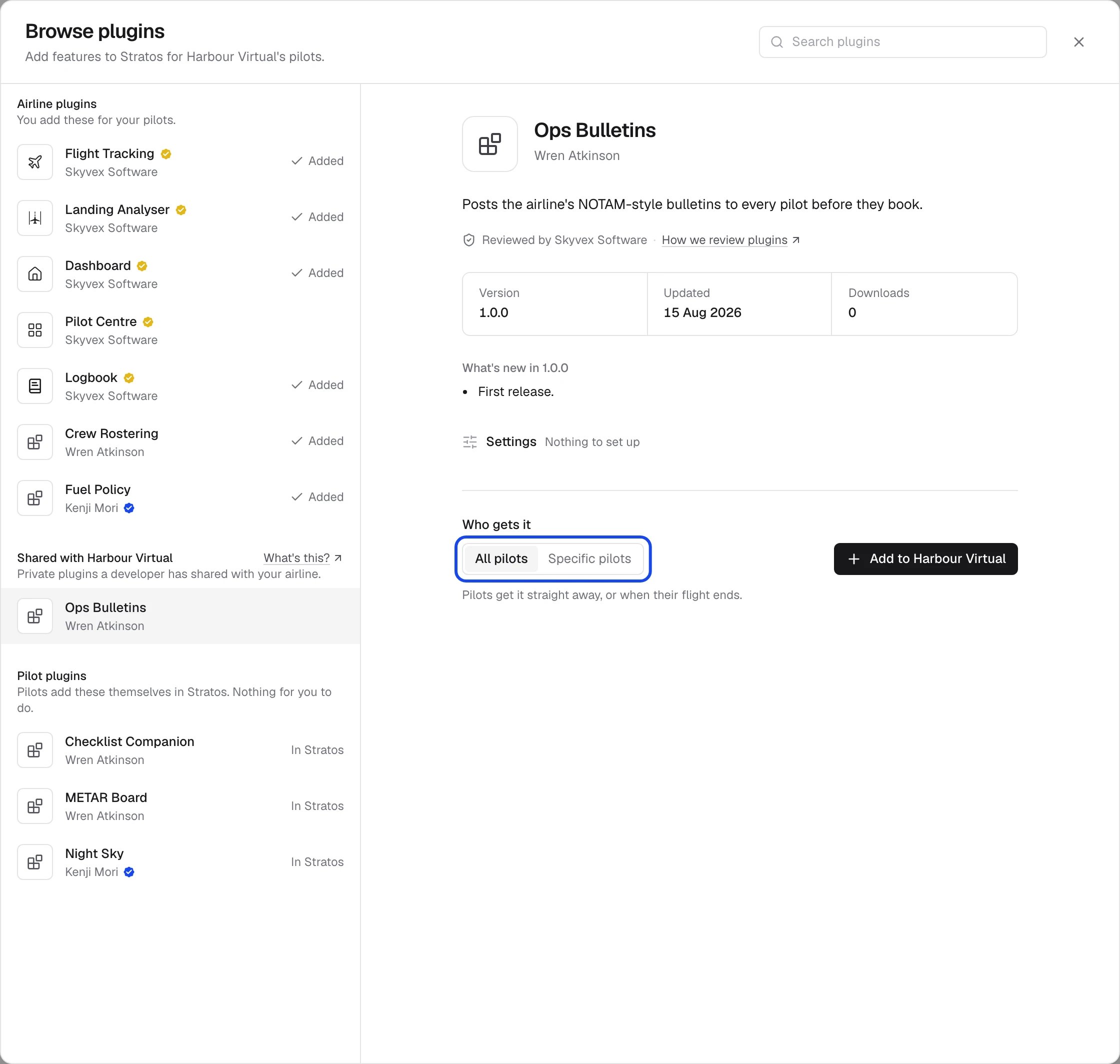
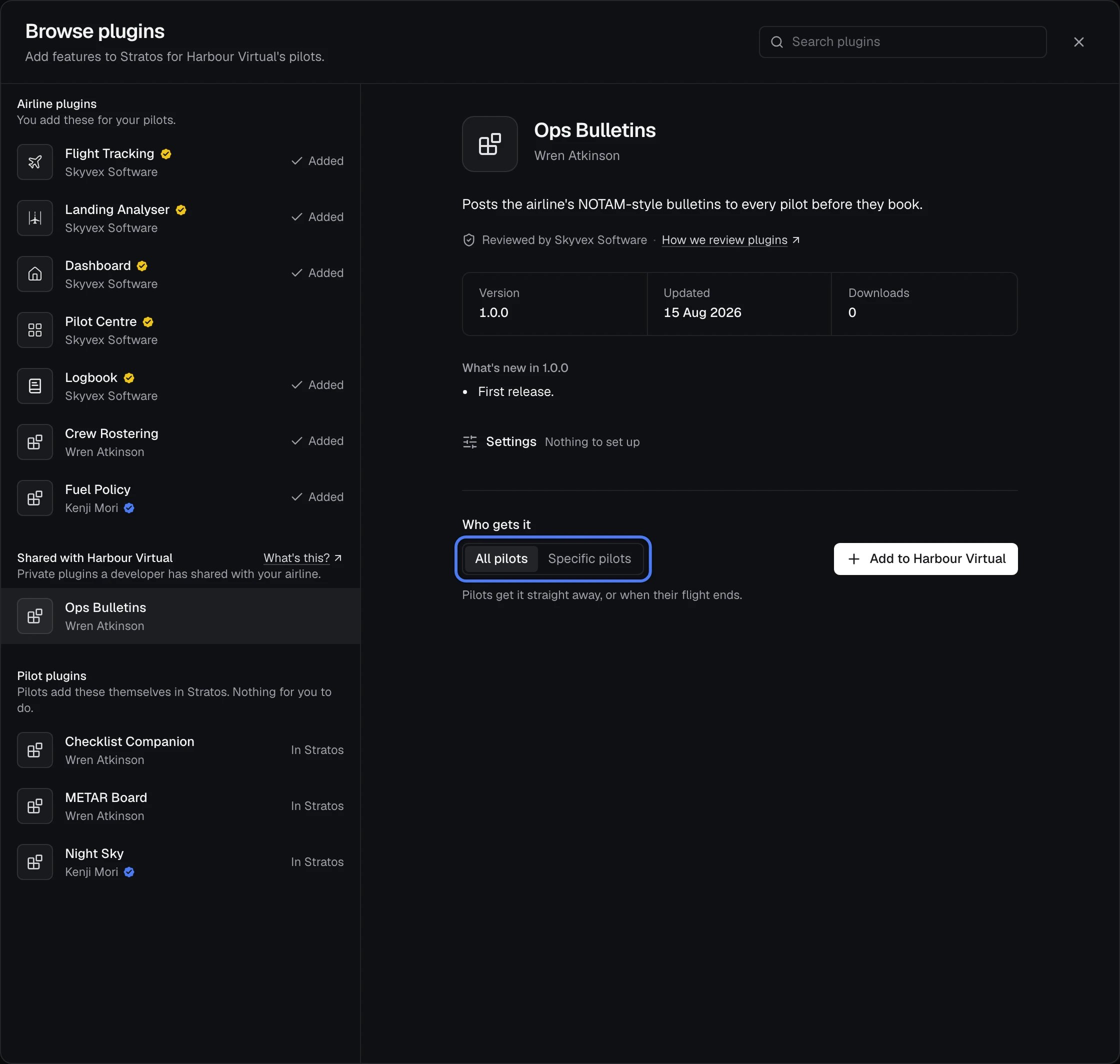
- Airline plugins: you add these for your pilots.
- Shared with your airline: private plugins a developer has built for your airline and shared with it. No one else can see them. See Private plugins.
- Pilot plugins: pilots add these themselves in Stratos, so there’s nothing for you to do.
Change the order
Drag the handle on the left of a plugin to move it. Pilots see plugins in this order in Stratos’s sidebar.Remove a plugin or reset its settings
Click the plugin, then its ⋯ menu:- About this plugin shows what it does, its screenshots and what’s new in this version.
- Reset settings to defaults puts the plugin back to how it ships: every setting, event rule, additional field and scoring band. Pilots get the change straight away, or when their current flight ends, and it can’t be undone.
- Remove from your airline takes it away from pilots, straight away or when their flight ends, and deletes its settings. You can add it again from Browse.
Change a plugin’s settings
Click a plugin to open it. Its tabs hold your airline’s settings for it, which apply to every pilot who has it. Settings save as you change them; Saved shows beside the tabs. The plugins from Skyvex Software have their own screens:- Dashboard: the welcome banner, message, announcements and quick access links.
- Flight Tracking: tracking settings, Event rules and Additional fields.
- Landing Analyser: weighting and scoring bands.
Other developers’ plugins
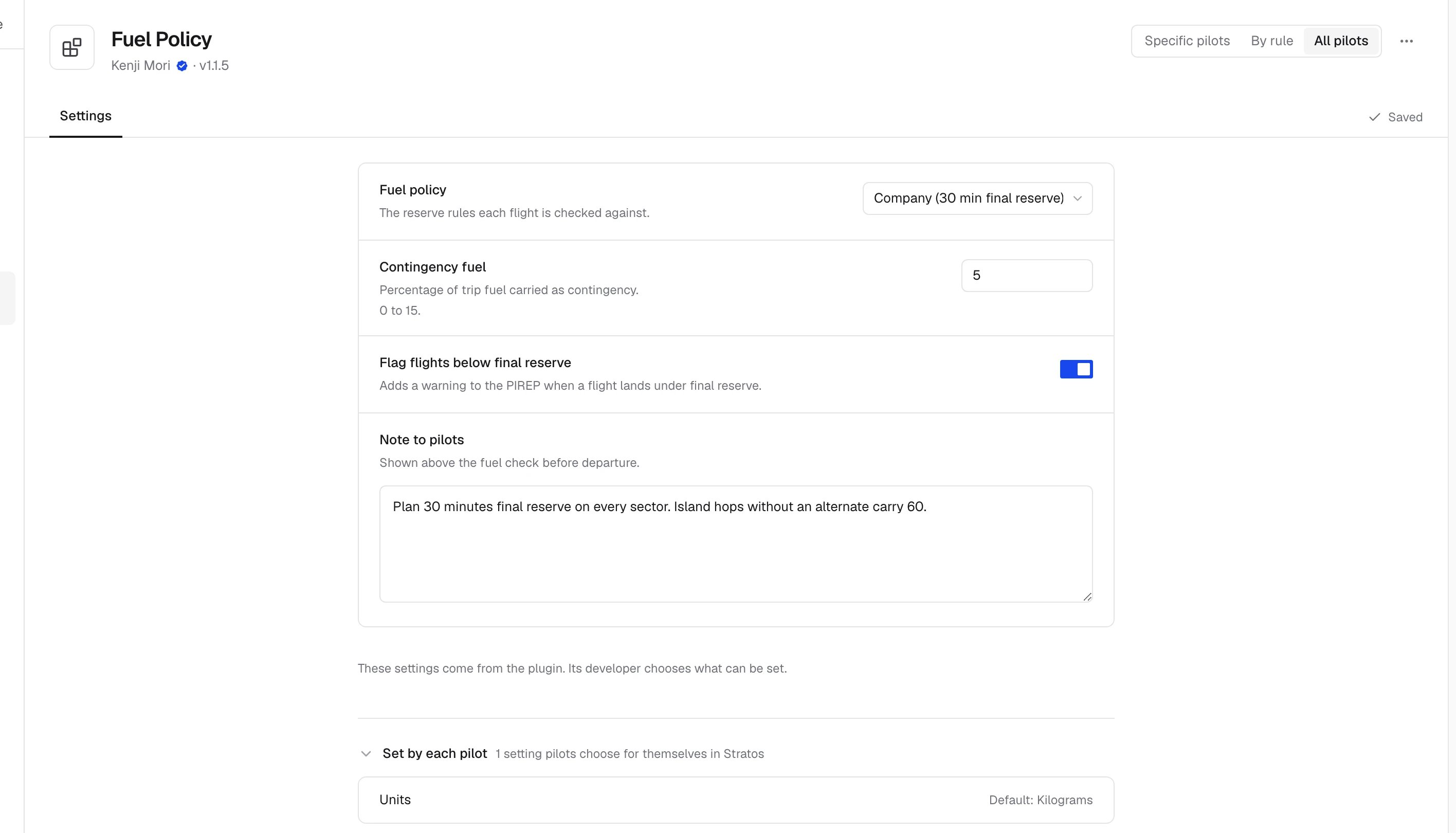
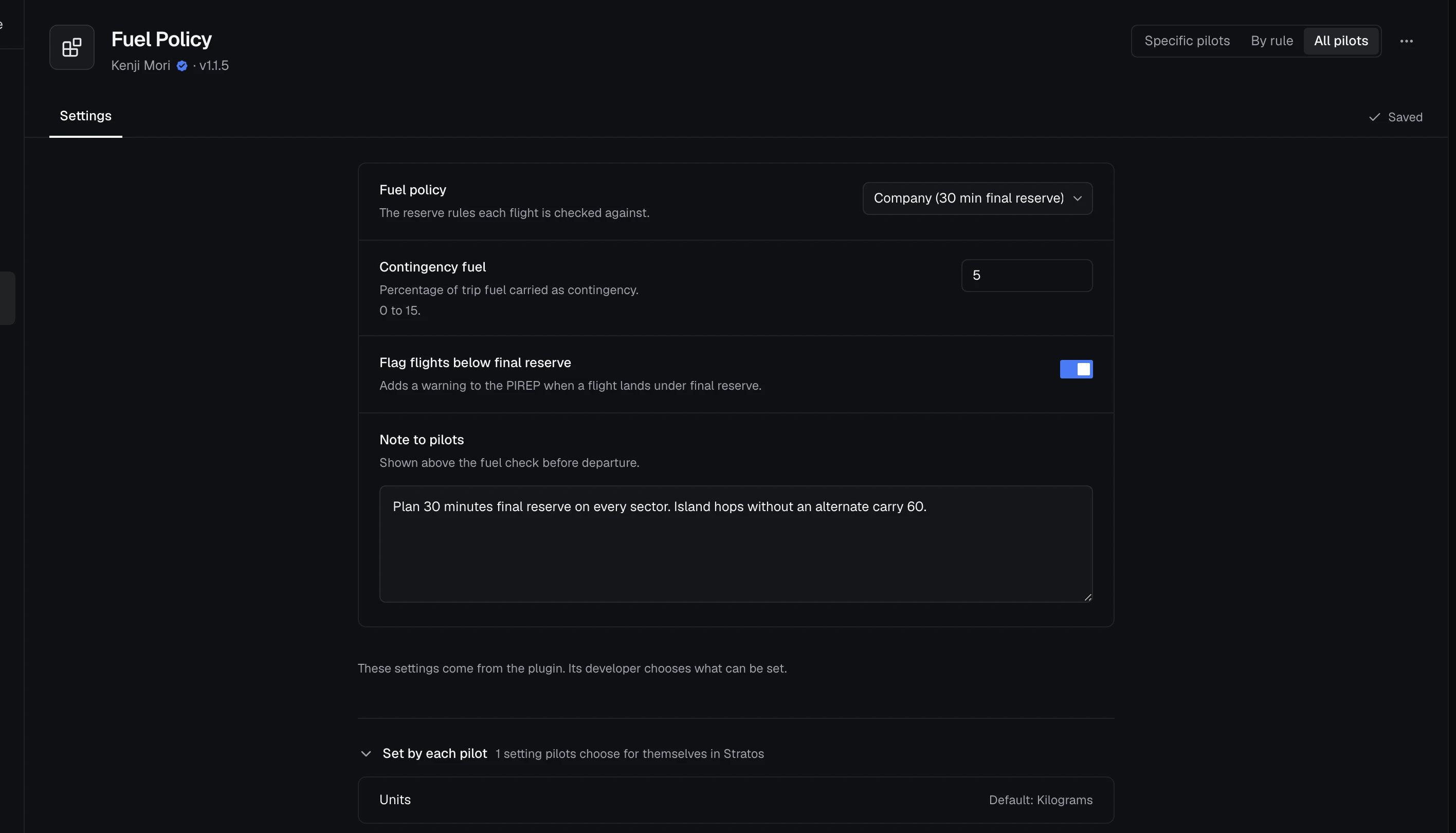
Every other plugin gets a Settings tab built from what its developer lets airlines set. Each setting shows its name, what it does and its control, and Default puts one setting back. A plugin with nothing for your airline to set says Nothing to set up. Below the airline settings, Set by each pilot lists the settings pilots choose for themselves in Stratos, with each one’s default. You can’t change these here.