The roadmap shows what we’re building in Stratos, and Feedback collects the ideas and bugs people have shared. Votes are how we decide what comes first. What’s new is where we post what’s new, improved and fixed. Both are in the menu under your name at the bottom of the sidebar: Roadmap and feedback, and What’s new.

The roadmap

The Roadmap tab shows the items we’ve committed to, side by side by status:

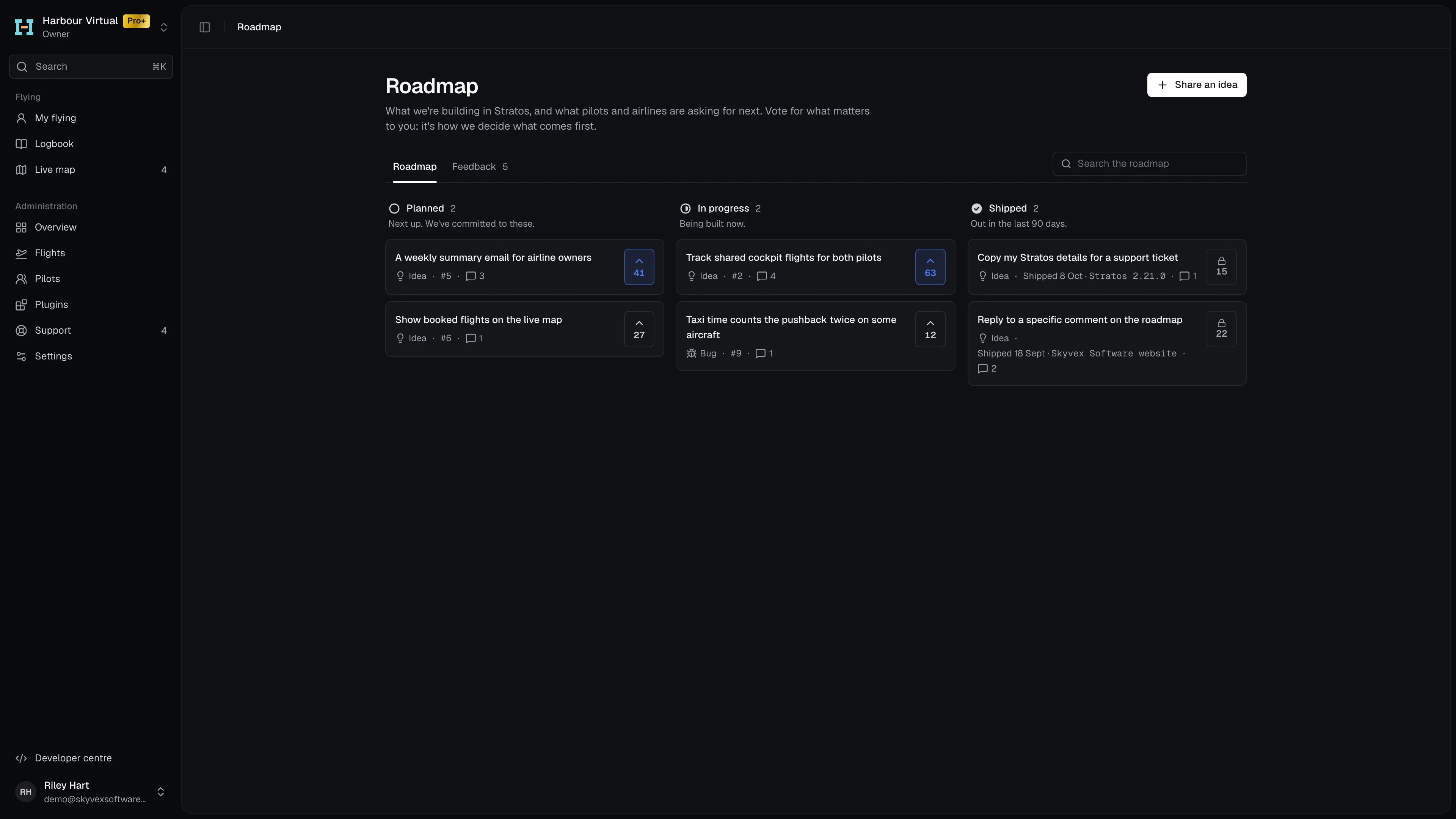
The roadmap: Planned, In progress and Shipped side by side, with Share an ideaThe roadmap: Planned, In progress and Shipped side by side, with Share an idea
Each card shows the item’s type, number, comment count and votes. Shipped lists what’s shipped in the last 90 days, with the date and where it shipped (a Stratos version, for example); its votes are closed, so they show a lock. Search the roadmap with the box at the top right. Ideas that aren’t on the roadmap yet are Open for votes under Feedback. An item we’ve decided not to build for now is Not planned.

Feedback

The Feedback tab lists every open idea and bug. Narrow it with All, Ideas or Bugs, and with Everyone, Mine or Following. Sort by Most votes, Newest or Recently active. A search covers every idea and bug, including ones already on the roadmap or shipped, so check there before posting something new.
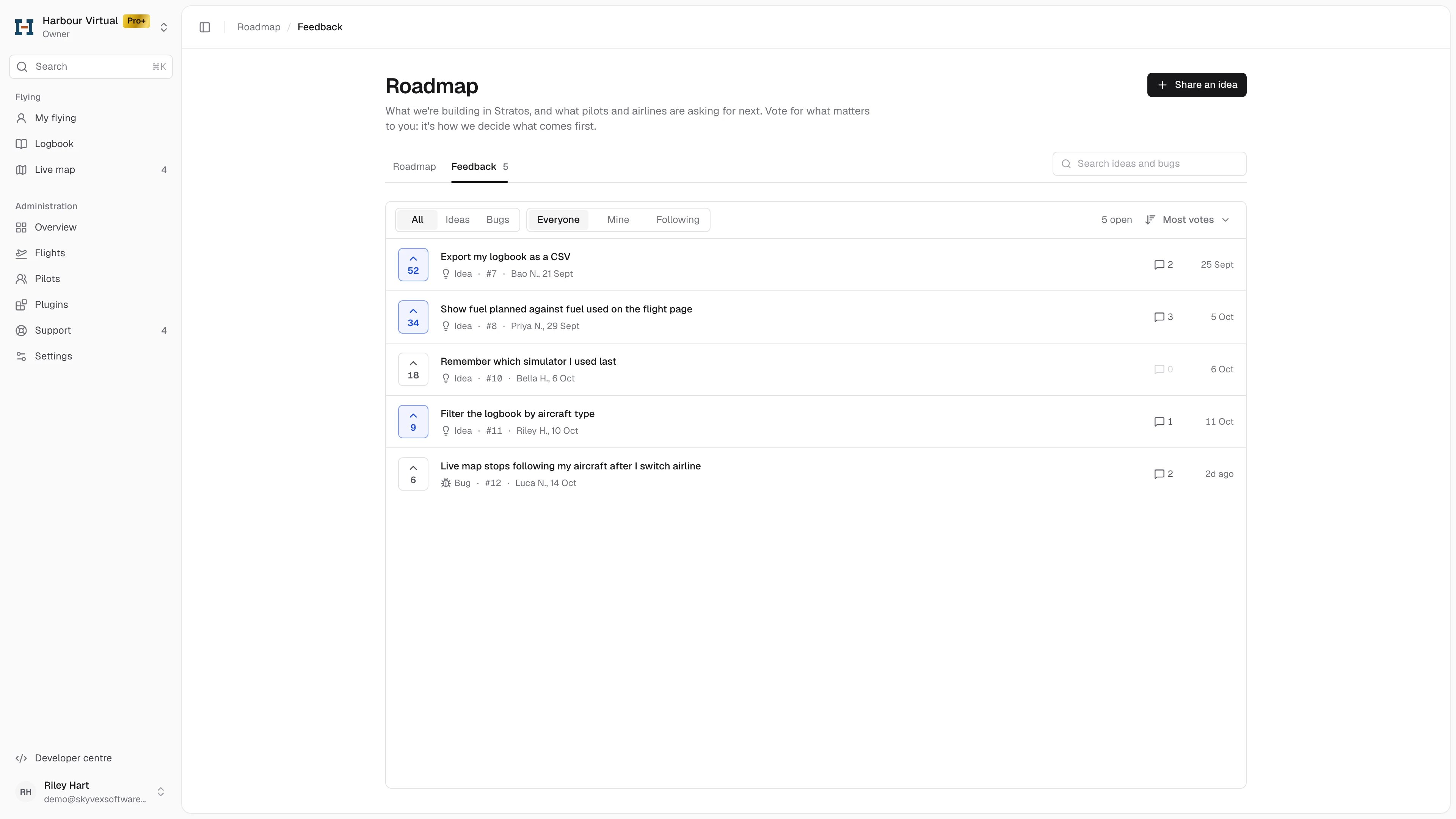
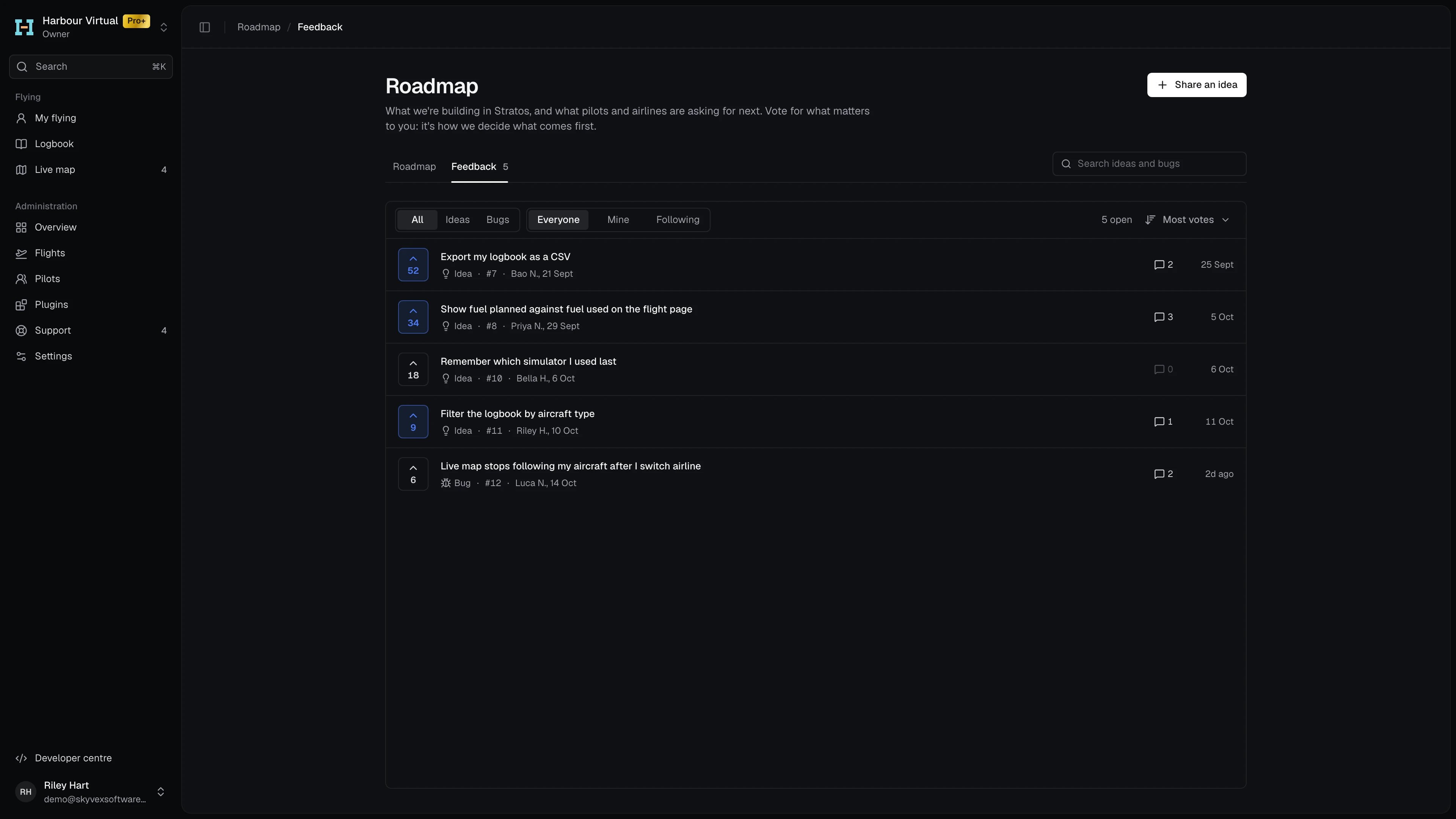
Feedback: the open ideas and bugs with their votes, the type and whose filters, and the sortFeedback: the open ideas and bugs with their votes, the type and whose filters, and the sort
Each row shows the votes, the type and number, who posted it and when, the comment count and the last activity. A highlighted vote button is one you’ve voted for. A dot on an item means there’s new activity since you last opened it.

Vote, follow and comment

Open an item to read it and its discussion. It opens beside the list; the side panel shows its Status, Type, who posted it and how many people are following it. Comments from our team are marked Skyvex Software.
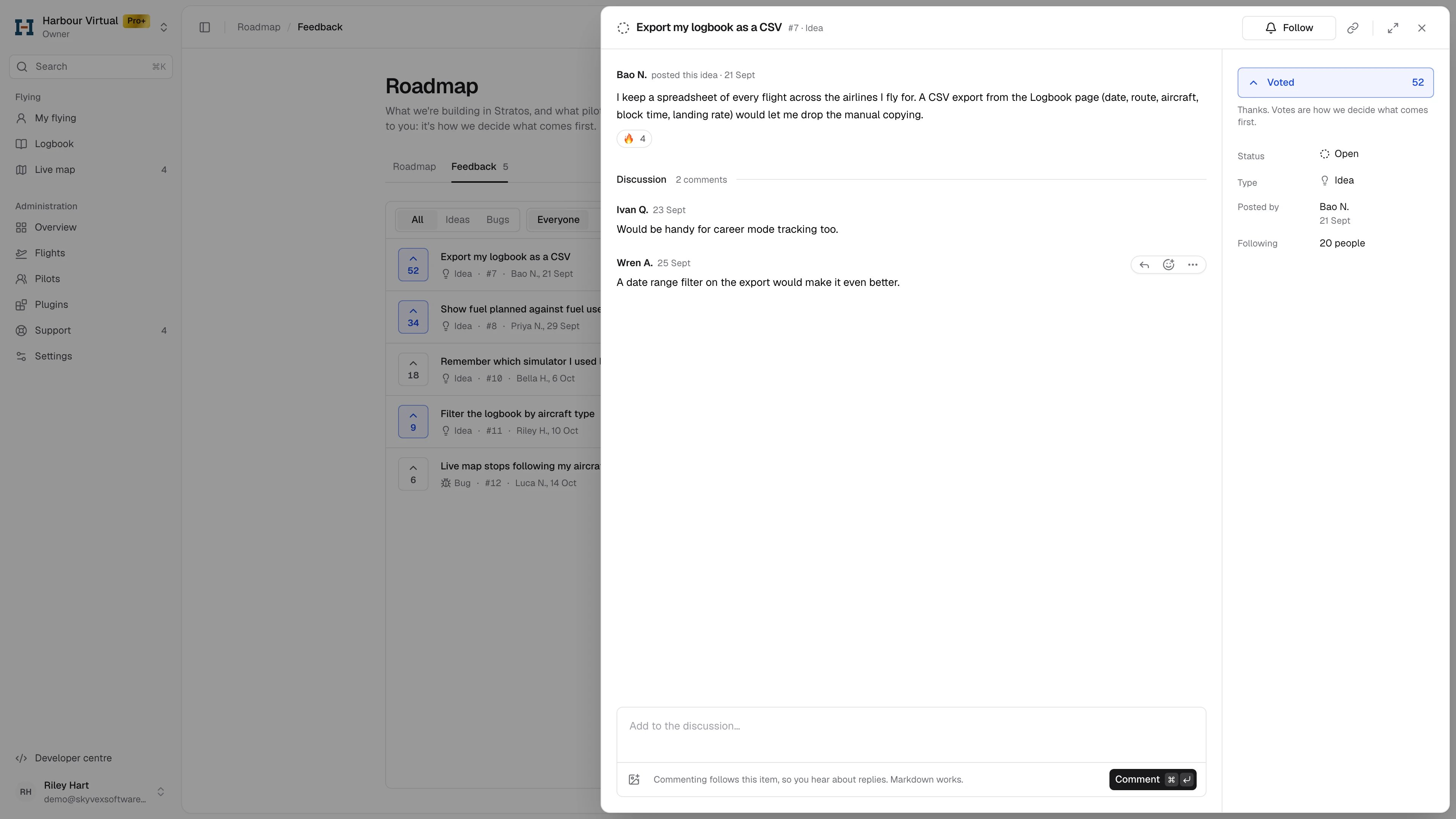
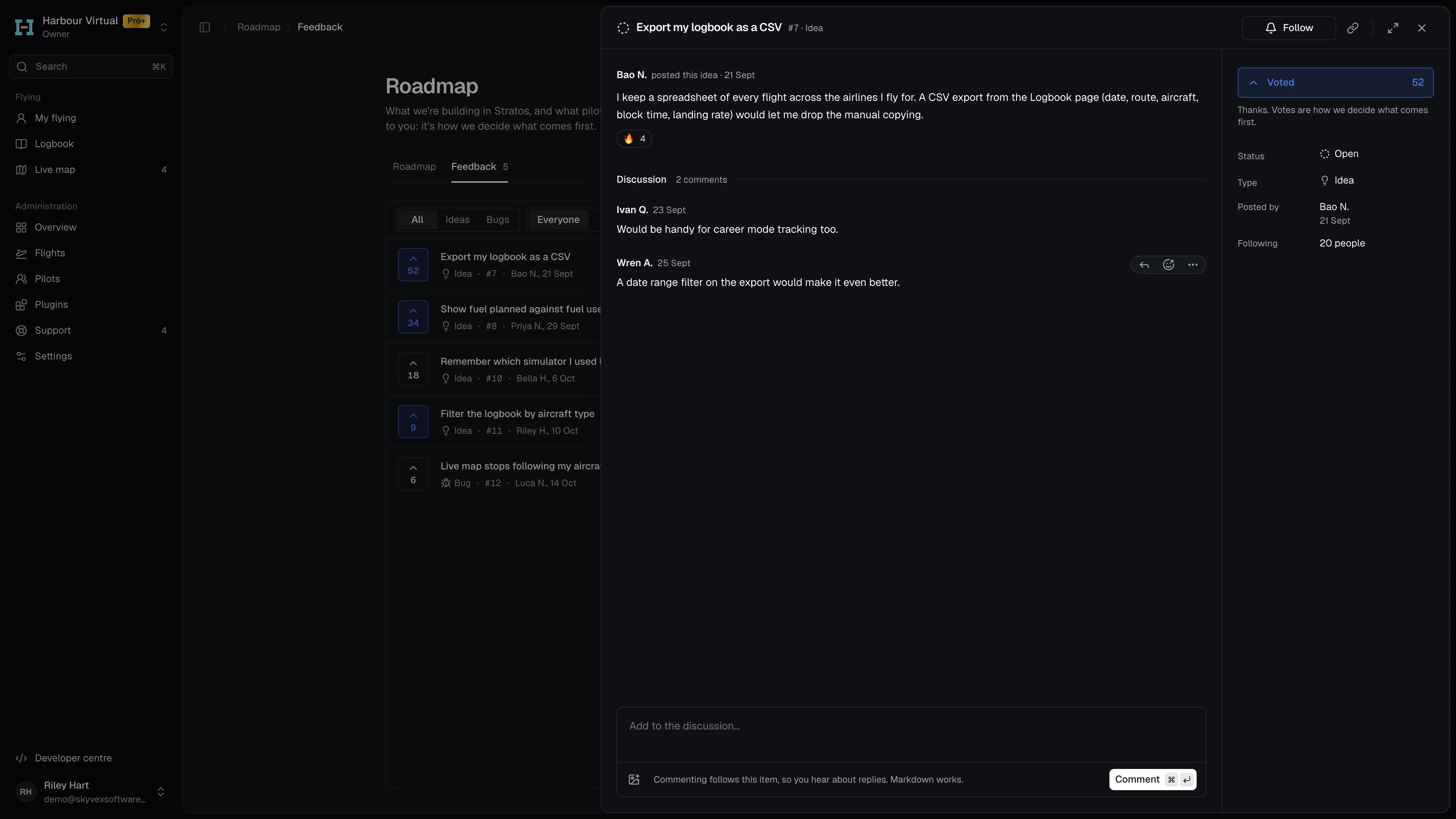
An open feedback item: its description, Vote and Follow, and the discussion with repliesAn open feedback item: its description, Vote and Follow, and the discussion with replies
  • Vote to show it matters to you. Press it again to take your vote back. Votes close once an item ships or isn’t planned.
  • Follow emails you when its status changes or someone comments. Following turns to Unfollow when you hover it. Commenting follows the item too.
  • Add to the discussion at the bottom. Markdown works, and you can paste or add images. Press ⌘↵ (Ctrl+↵) to send.
  • Copy link copies a link to the item, to share it with someone.
Choose which roadmap emails you get in Settings → Notifications. Every roadmap email also has a link to unfollow that item.

Share an idea or report a bug

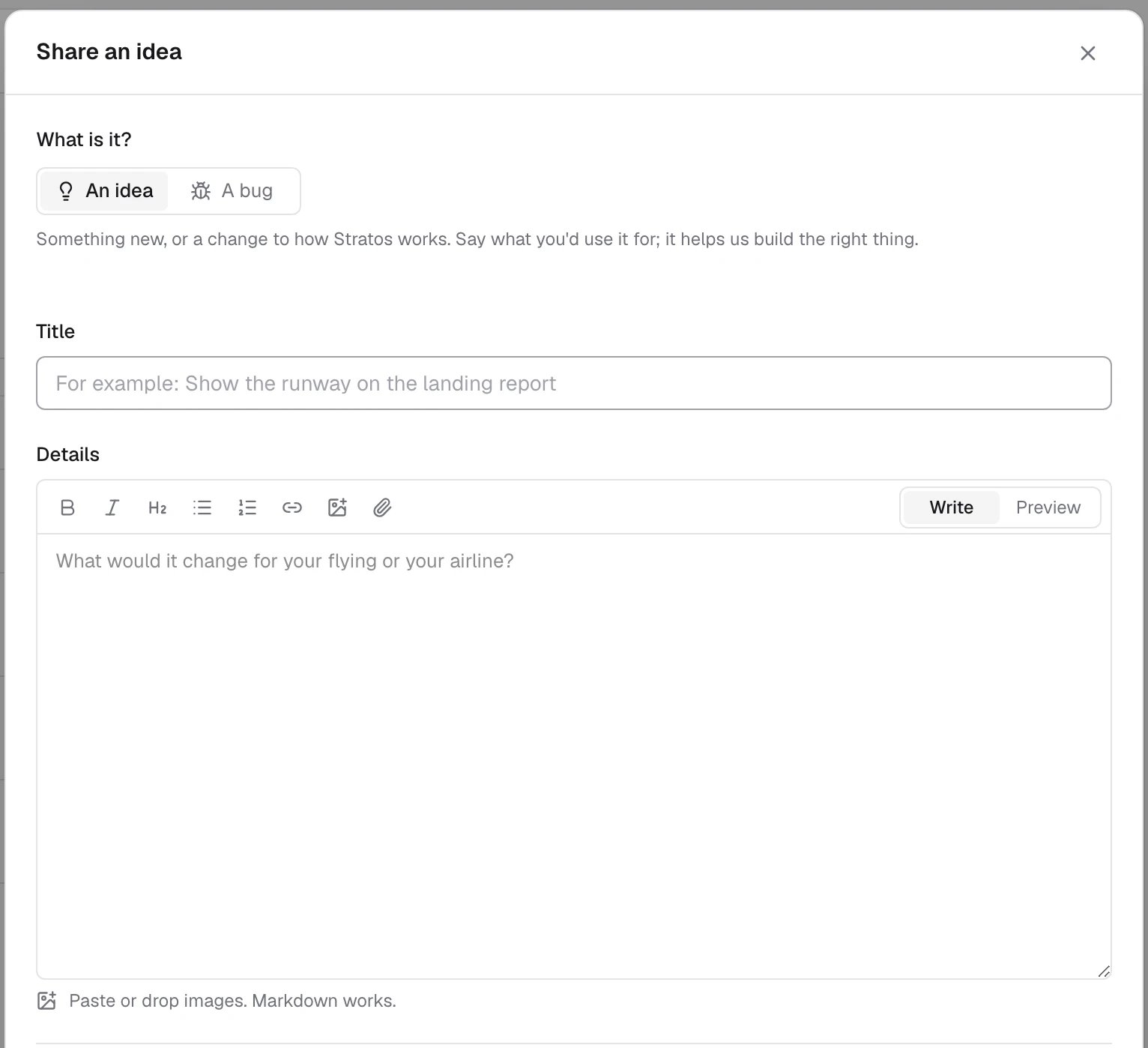
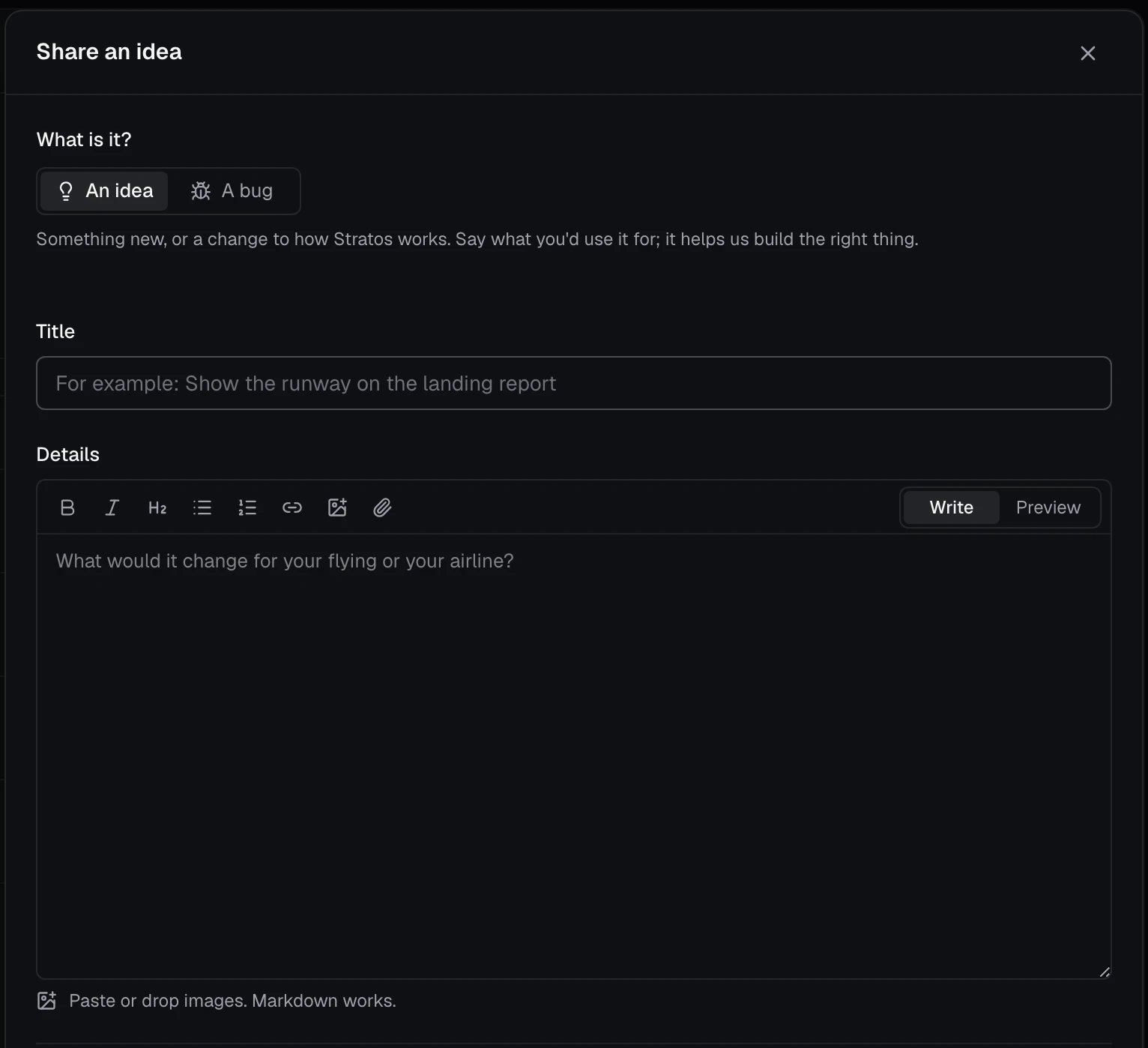
  1. Press Share an idea (or C).
  2. Choose An idea or A bug.
  3. Give it a Title. As you type, Already asked? shows similar ideas, so you can vote for one of those instead.
  4. Add the Details: for an idea, what it would change for your flying or your airline; for a bug, what happened, what you expected, and the aircraft and simulator.
  5. Press Post idea (or Post bug).
Share an idea: choose an idea or a bug, then a title and detailsShare an idea: choose an idea or a bug, then a title and details
Your draft is kept in this browser until you post it. A new item shows Waiting for review: only you can see it until Skyvex Software reviews it, usually within a day. Voting opens after review.

What’s new

What’s new lists our posts newest first, by month: what’s new, improved and fixed, plus notices. When there’s something you haven’t read, a dot shows on your initials and the menu shows how many. Opening What’s new marks everything as read, and posts that were new keep a New mark until you leave.
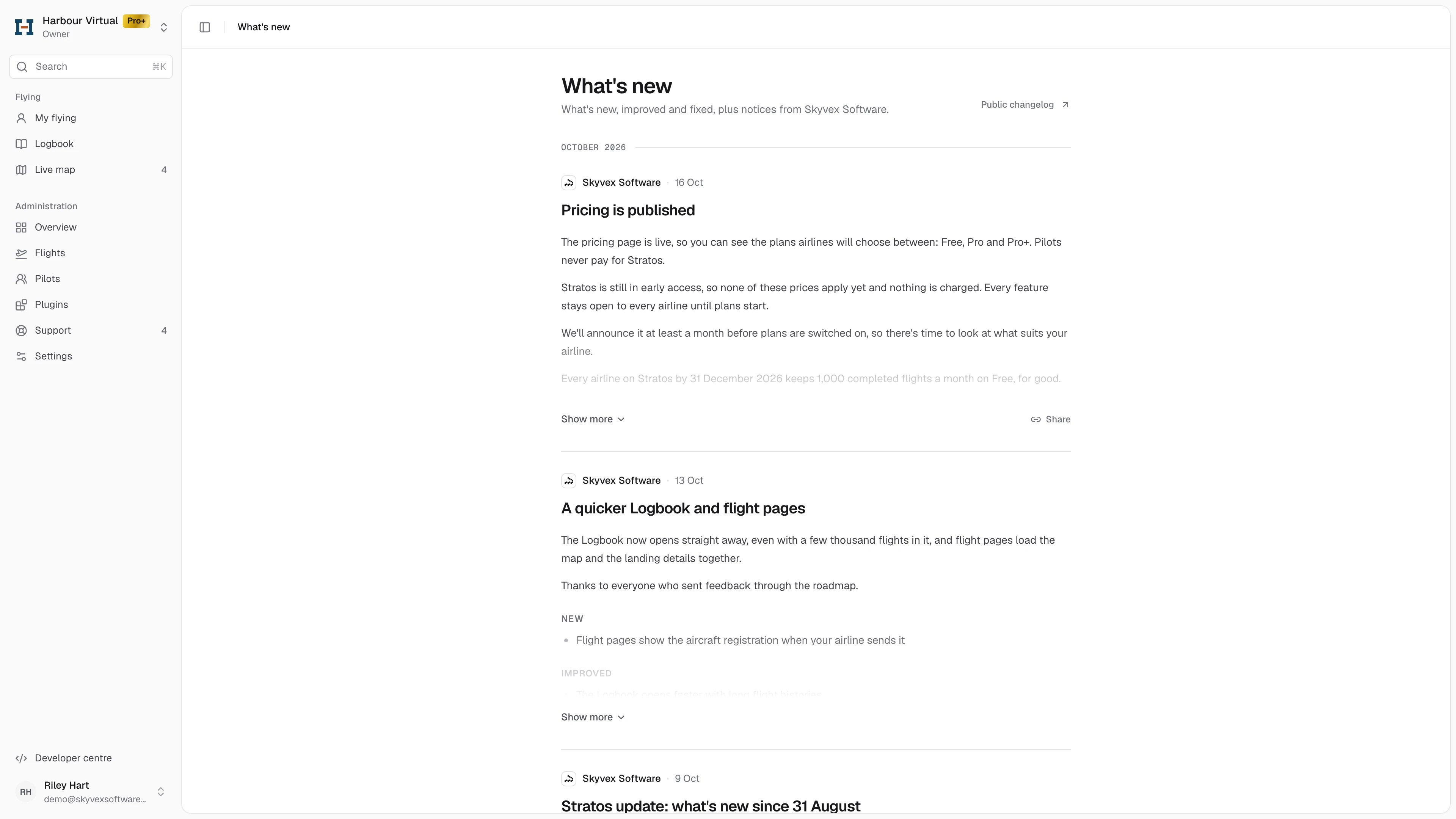
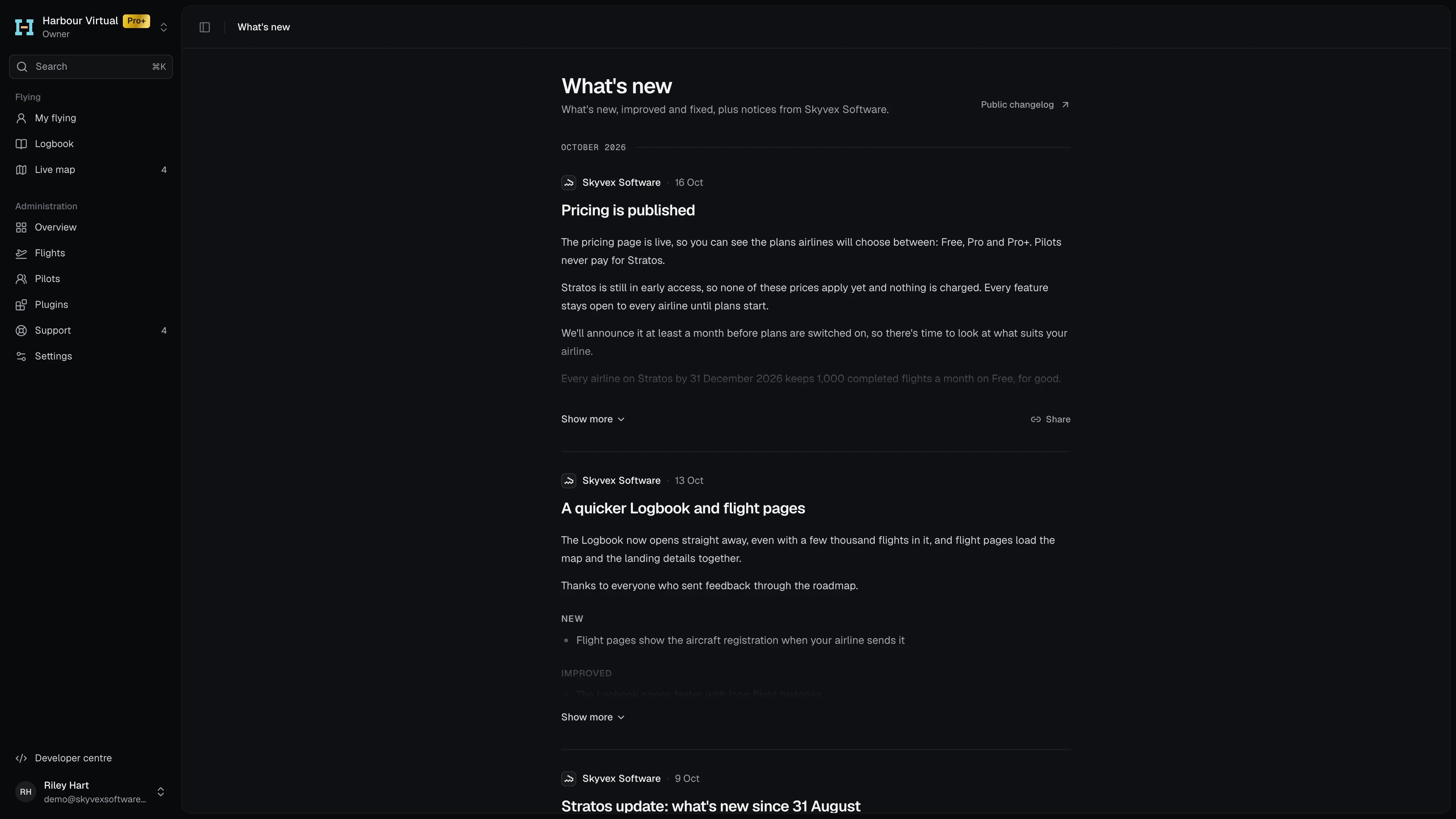
What's new: posts by month, newest first, with Public changelog at the topWhat's new: posts by month, newest first, with Public changelog at the top
Long posts fold to a few lines: Show more opens the rest. Share copies the post’s public link. Some posts also show once as a pop-up the next time you open Console. Closing it marks everything in What’s new as read, so it doesn’t come back. See everything new opens What’s new. Public changelog opens the public version of the page, which anyone can read without signing in.