

At a glance
- Console saves as you go, and sends a change about a second after you stop editing.
- Your name, colours and logos change straight away, even mid-flight.
- Plugin changes wait until the pilot’s flight ends, and Flight Tracking’s flight settings are fixed for each flight when it starts.
- A new endpoint address or OAuth set-up only goes live once it has been checked.
Saving and syncing
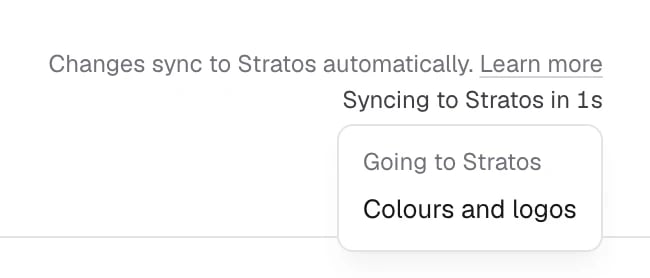
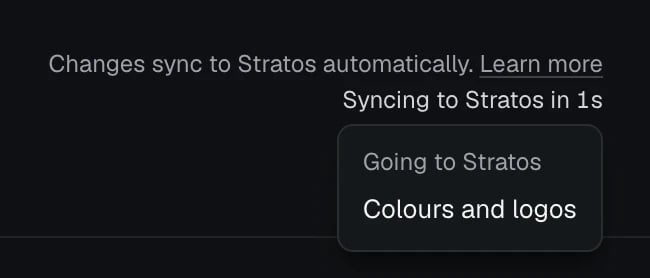
Console saves as you go, so there is no save button. Only real changes are sent. Saving something unchanged does nothing. A change goes out about one second after you stop editing, and each further change restarts that second. At the top right of Settings and Plugins you’ll see:- Changes sync to Stratos automatically, which is always there, with the countdown under it after a change.
- Syncing to Stratos in Ns counting down after a change.
- Synced to Stratos once it has gone out.
What changes straight away
For pilots who have Stratos open, even mid-flight, these apply immediately:- Your airline name.
- Your colours, which fade across rather than snapping.
- Your logos and icons.
- Your backend (Stratos endpoint) address, but only once it has been verified.
What waits for the flight to end
A flight in progress is never changed underneath the pilot. A pending crash recovery counts as a flight in progress.Flight Tracking’s flight settings are fixed for each flight when it starts. That covers event rules, additional fields, fuel and time capture, network capture and field placement. A flight never runs half under the old rules and half under the new ones.
Your endpoint address and sign-in
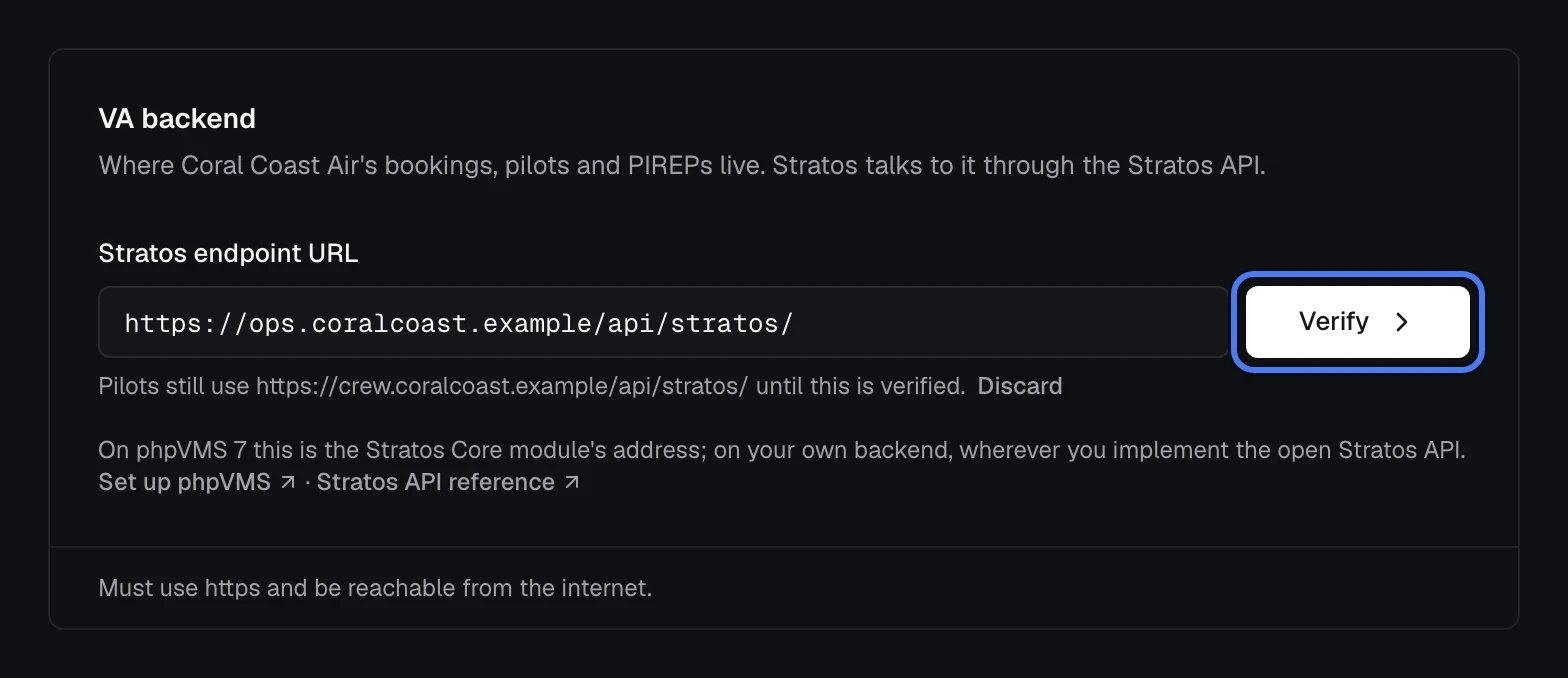
Two settings on Settings → Connection are drafts until they’ve been checked, so a mistake never cuts pilots off. A new Stratos endpoint URL goes live only once Verify passes. Until then pilots keep the old address, and Discard drops the draft.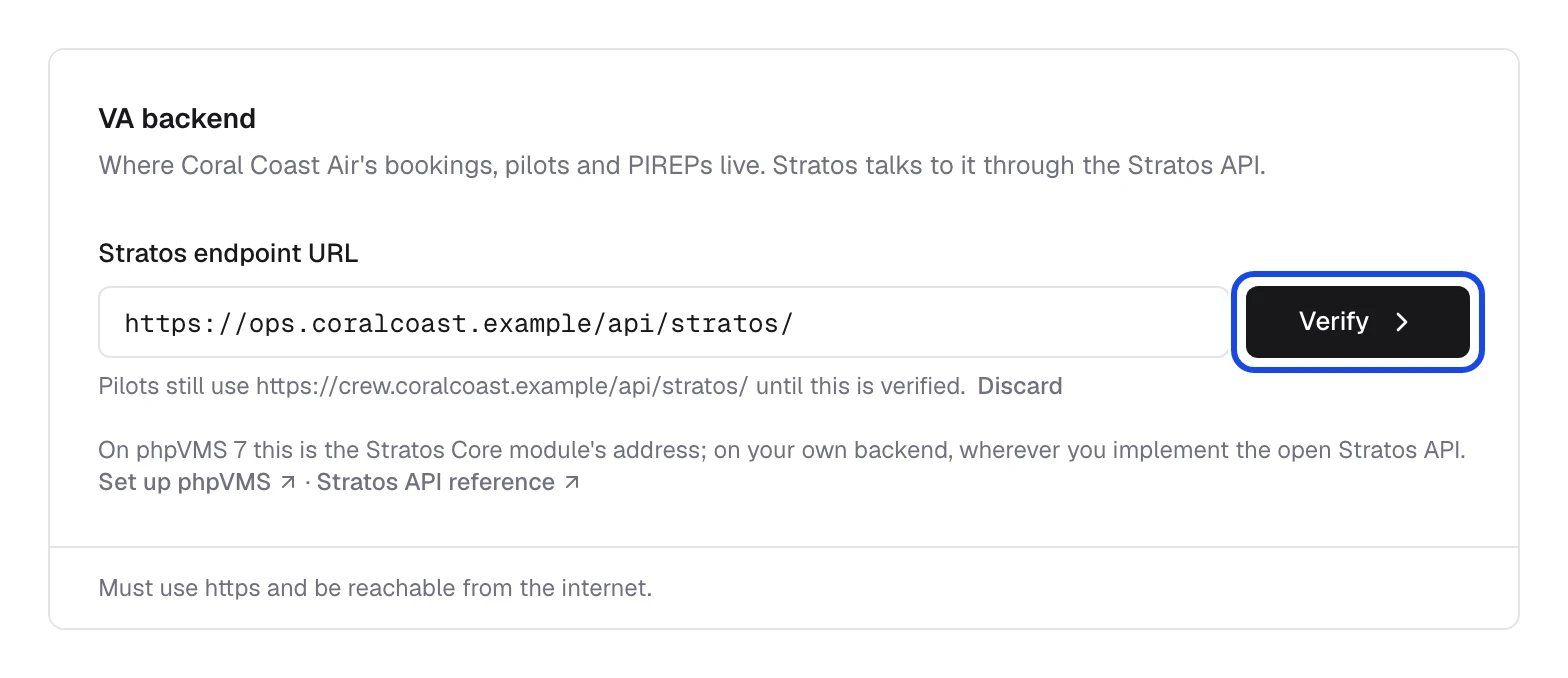
Requiring pilots to sign in again
On Settings → Connection, Require pilots to sign in again asks every pilot who signed in before that moment to sign in again. Use it after changing your sign-in set-up, or if you need to cut off old sessions.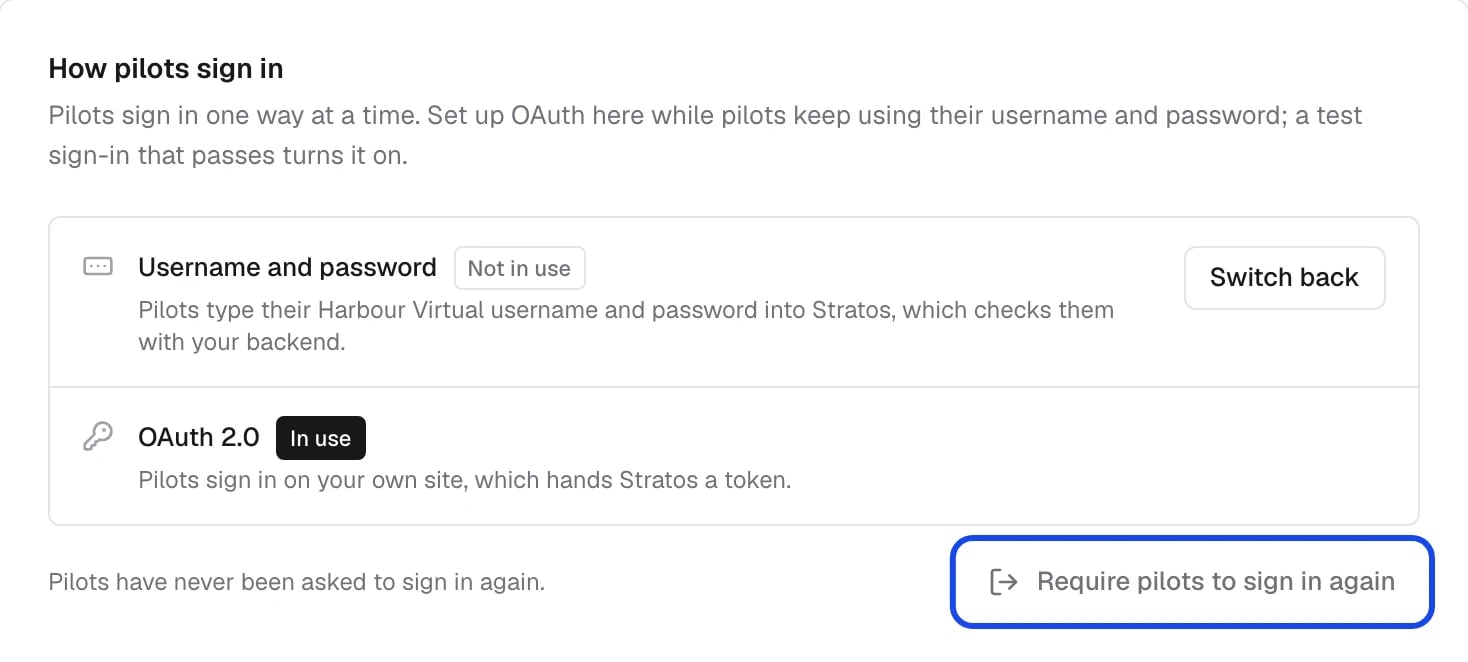
1
Pilots who are flying
They are asked once their flight ends, never mid-flight.
2
Pilots who aren't flying
Stratos blocks starting a new flight until they sign in. A sign-in window opens over the current screen, with a Sign out option.
3
Pilots who restart Stratos
Stratos opens on your airline’s sign-in page.