

Welcome
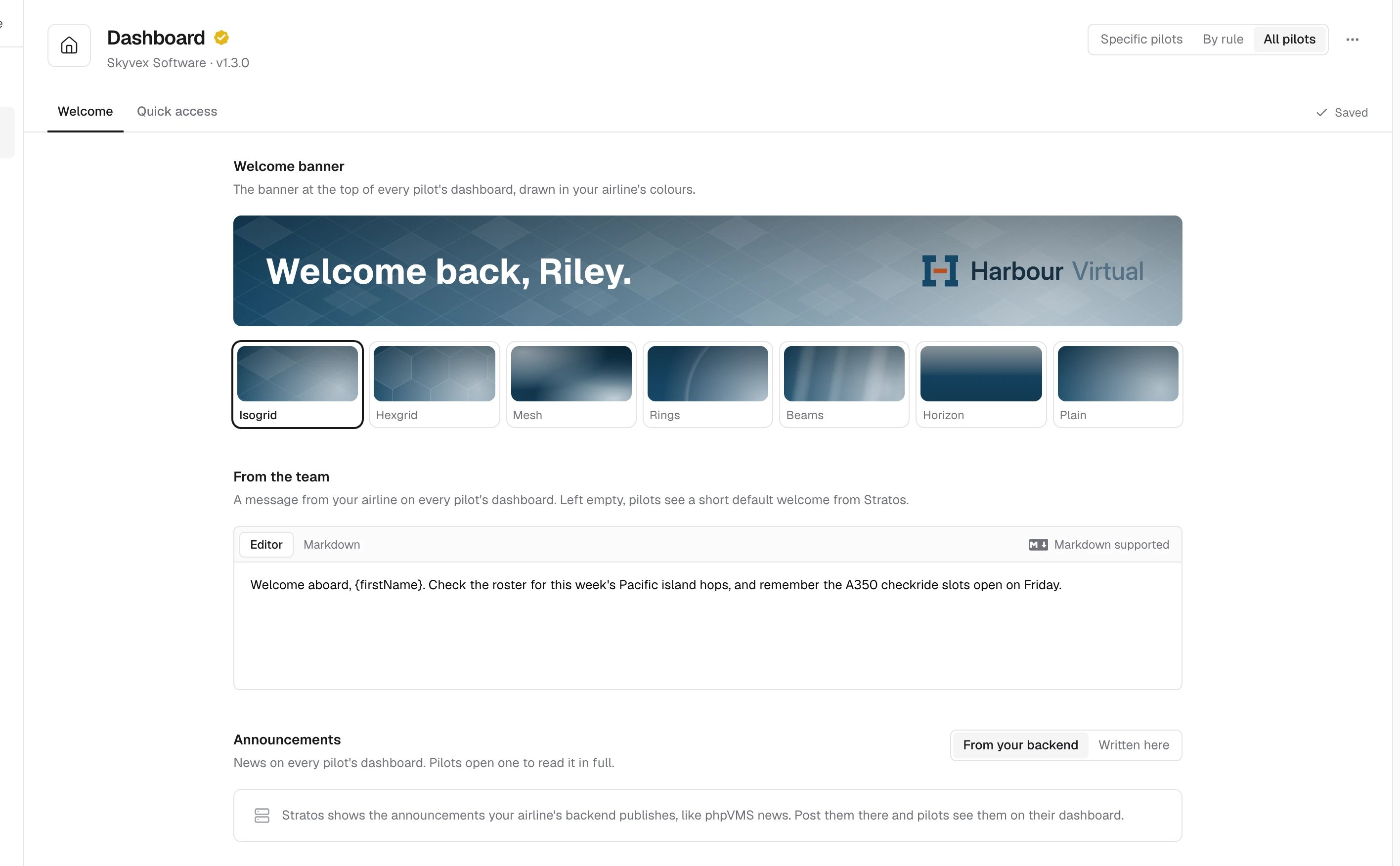
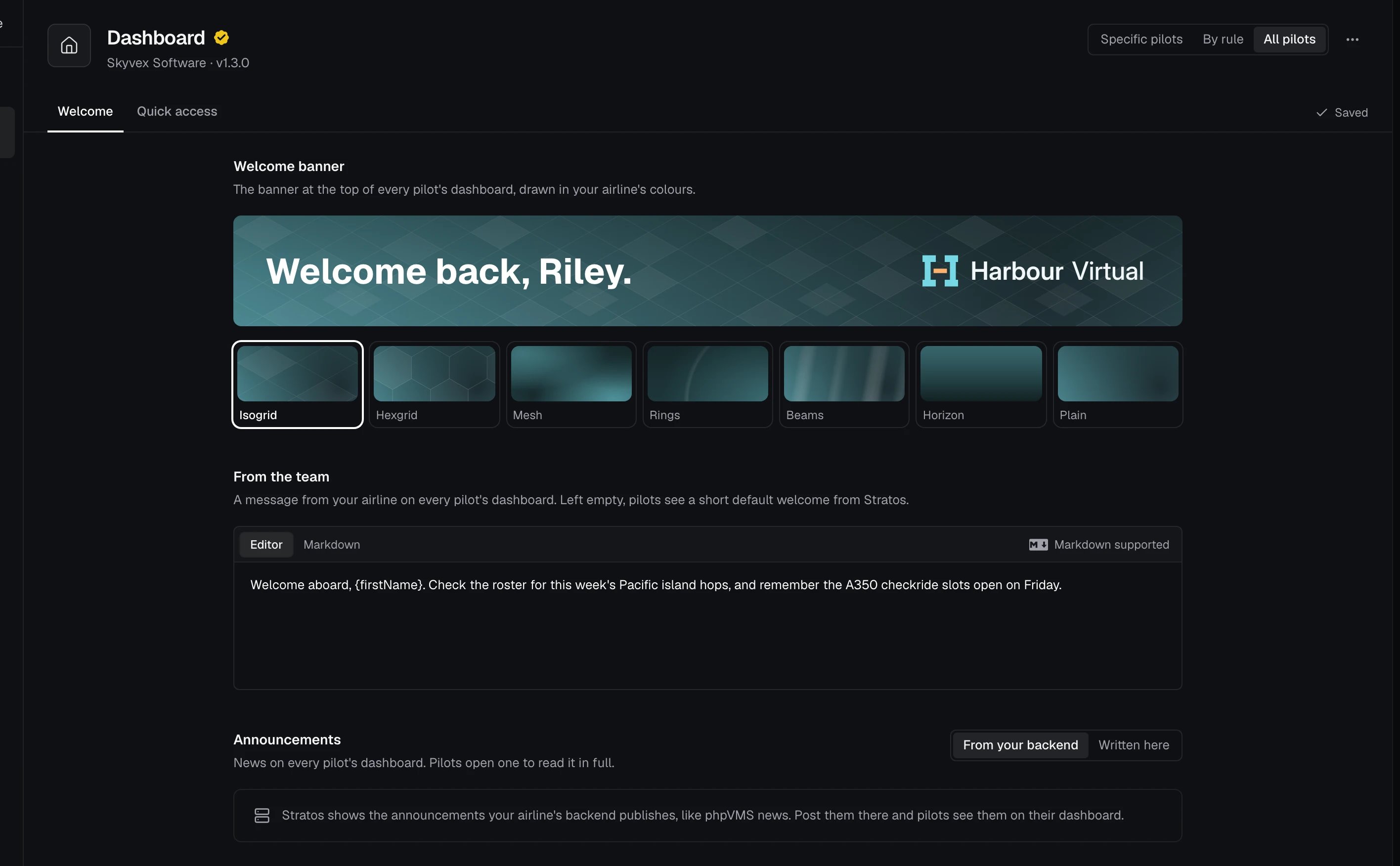
The Welcome tab has three parts:- Welcome banner: the banner at the top of every pilot’s dashboard, drawn in your airline’s colours. Pick a style: Isogrid, Hexgrid, Mesh, Rings, Beams, Horizon or Plain.
- From the team: a message from your airline on every pilot’s dashboard, in Markdown. You can drop images into it. Left empty, pilots see a short default welcome from Stratos.
- Announcements: news on every pilot’s dashboard, which pilots open to read in full. Choose where they come from:
- From your backend: Stratos shows what your crew system publishes, like phpVMS news.
- Written here: New announcement adds one with a Title, Summary, Body, optional Link and Image, and the date to Publish on.
Quick access
Quick access holds up to 10 shortcuts on the pilot dashboard, such as dispatch, route maps or training pages. Each has an icon, a Title, a Subtitle and a link, and opens in the pilot’s browser. Add link adds one, the handle on the left reorders them, and the preview beside the list updates as you edit.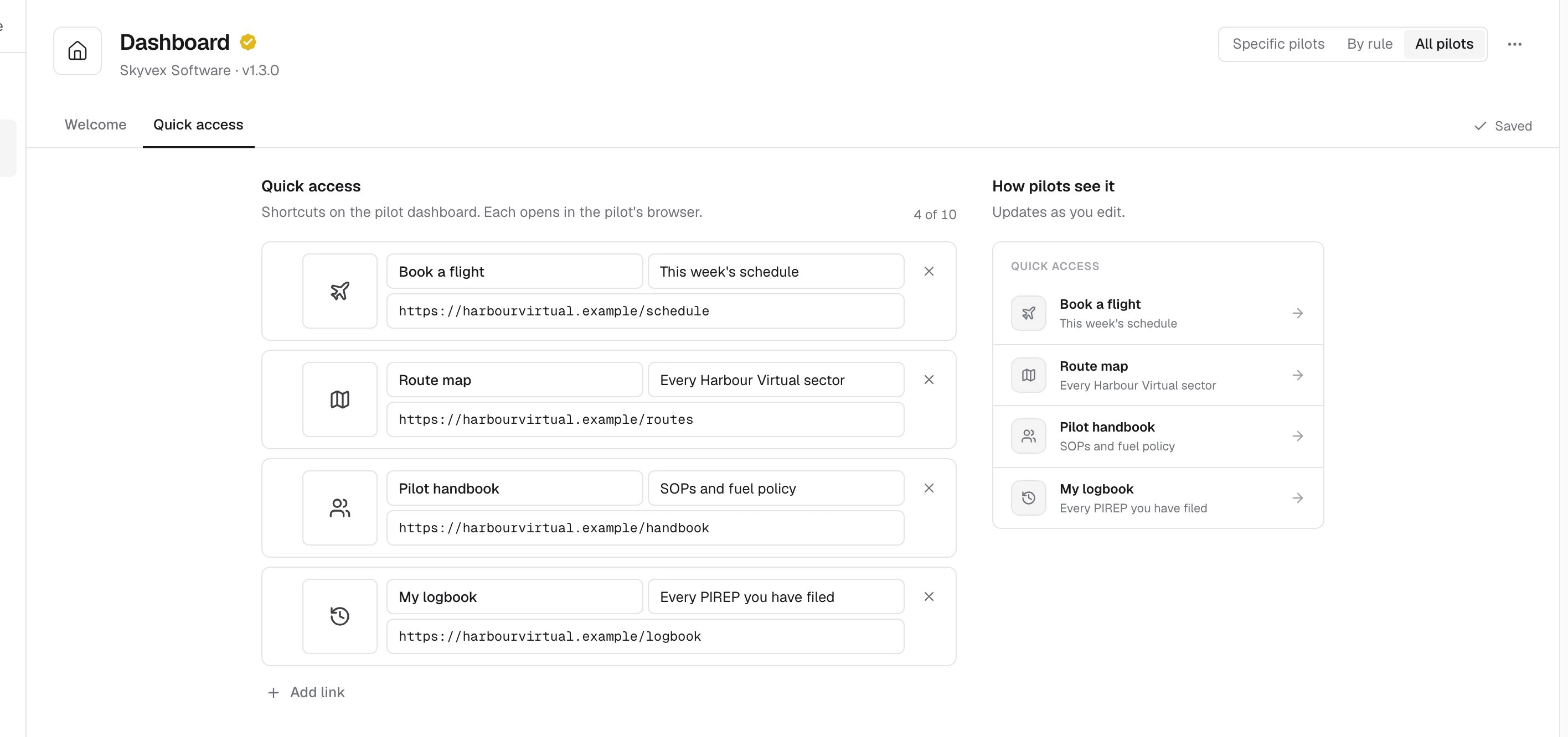
Related
- Plugins
- Colours, which the banner uses
- How changes reach your pilots