

What’s on it
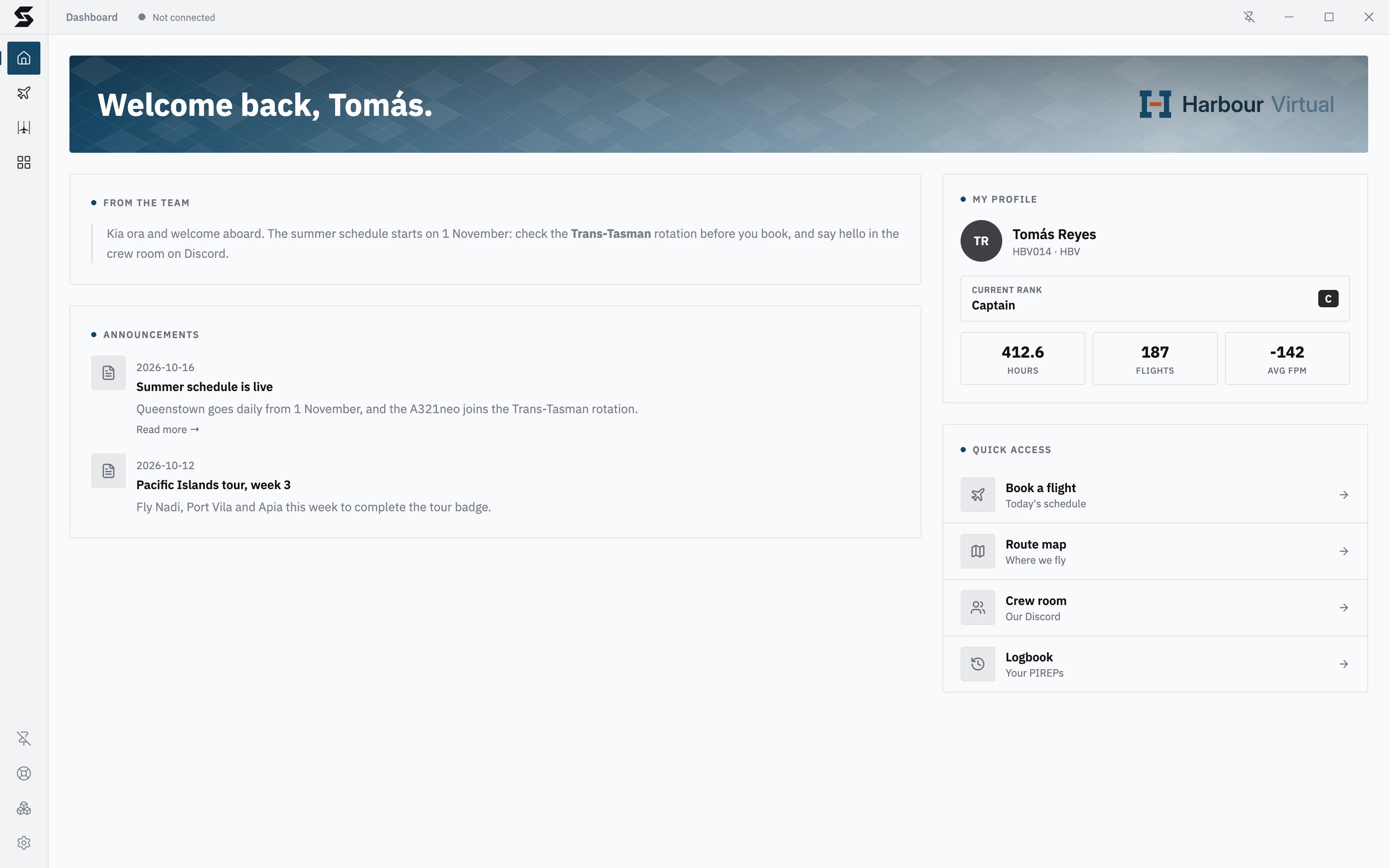
Welcome banner
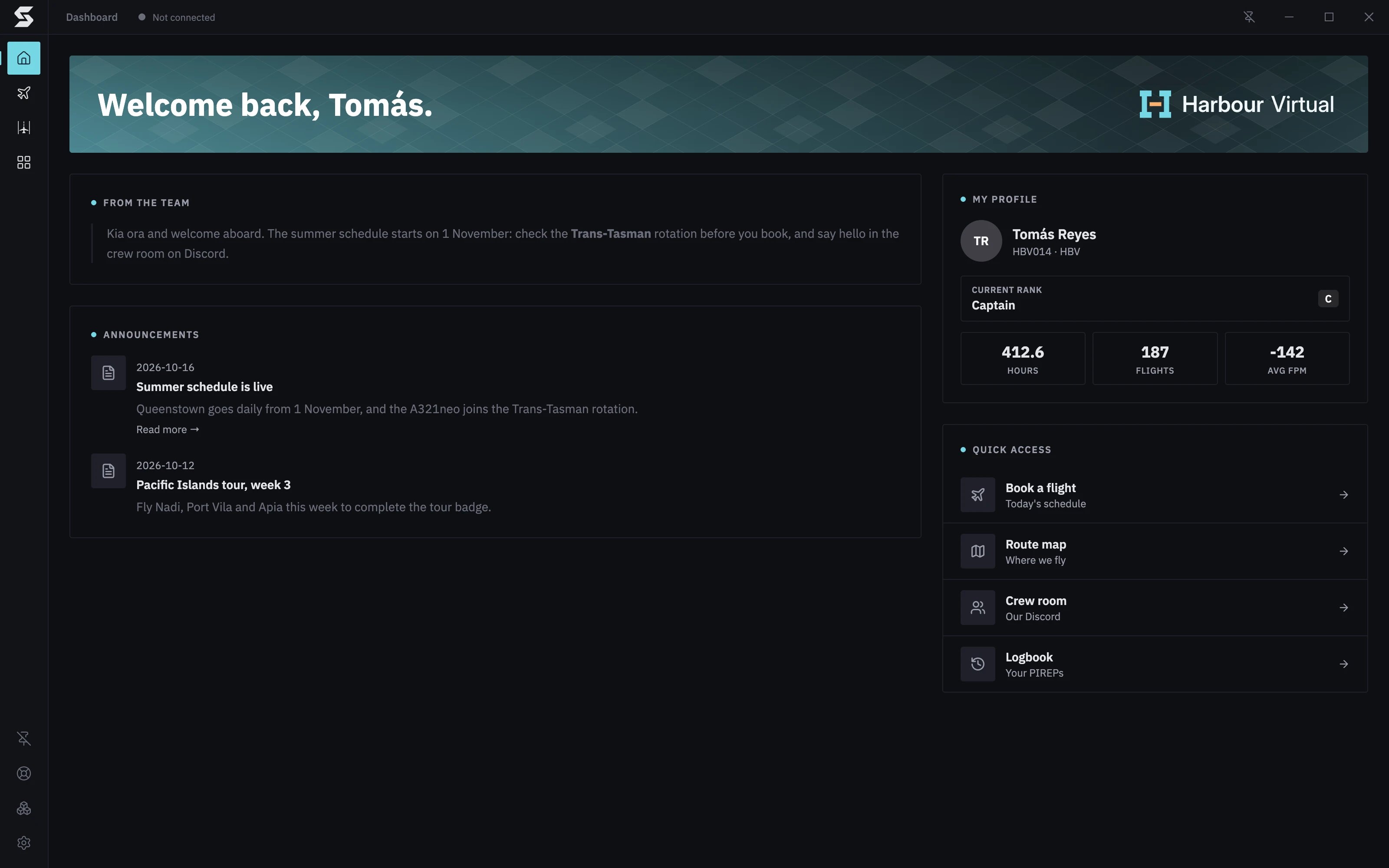
Welcome back, and your first name, over a banner in your airline’s colours, with the airline’s logo on the right. Your airline picks the banner’s style.From the Team
A message from your airline’s staff: a welcome, news, rules or anything else they want every pilot to read. It can include links, lists and formatting. If your airline hasn’t written one yet, you’ll see a short default welcome from Skyvex Software instead.Announcements
Your airline’s latest announcements, each with its date and title. Click one to read it in full, with its picture if it has one, and Close to go back. Read more → opens a linked page in your browser. Announcements come from your airline’s own website (such as the news on a phpVMS site) or are written by the airline’s staff in Console. When there aren’t any, it says No announcements right now.My Profile
Your photo, name, pilot ID and Current Rank (with the rank’s badge when your airline has one), then three figures from your airline’s records:- HOURS: hours flown.
- FLIGHTS: flights flown.
- AVG FPM: your average landing rate.
Quick Access
Shortcuts your airline chooses, such as booking a flight, the airline’s handbook or its Discord server. Each has an icon, a title and a line under it. Links to websites open in your browser.For VA owners
Everything on the Dashboard except the pilot’s profile is set in Console, on the Dashboard plugin’s Welcome and Quick access tabs (see Dashboard):
The banner uses your airline’s primary colour from Settings → Colours and its logo from Settings → Branding in Console. My Profile comes from your backend’s pilot and statistics data. Until you set up Quick access, pilots see four default links to Skyvex Software pages, so set your own before you invite pilots.