

At a glance
- Book on your airline’s website, then press Refresh in Stratos to see it.
- Load the aircraft at the departure airport, on the ground, then press Start Tracking.
- Stratos checks a few things first. If one fails, fix it, or press Start Anyway if your airline allows it.
- Turn on Auto-Start Tracking and Stratos starts the flight for you when you’re parked at a booked departure.
Find your bookings
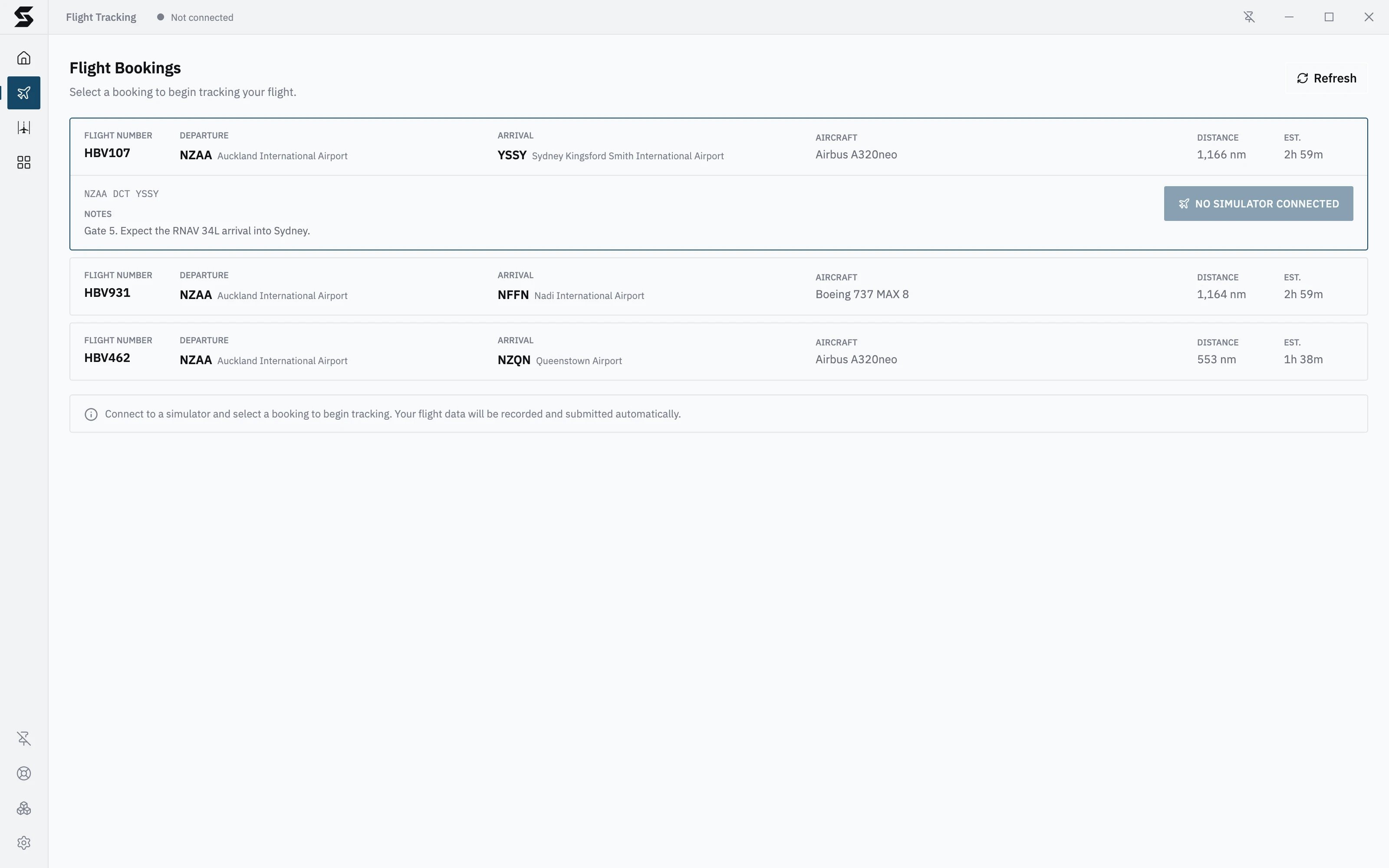
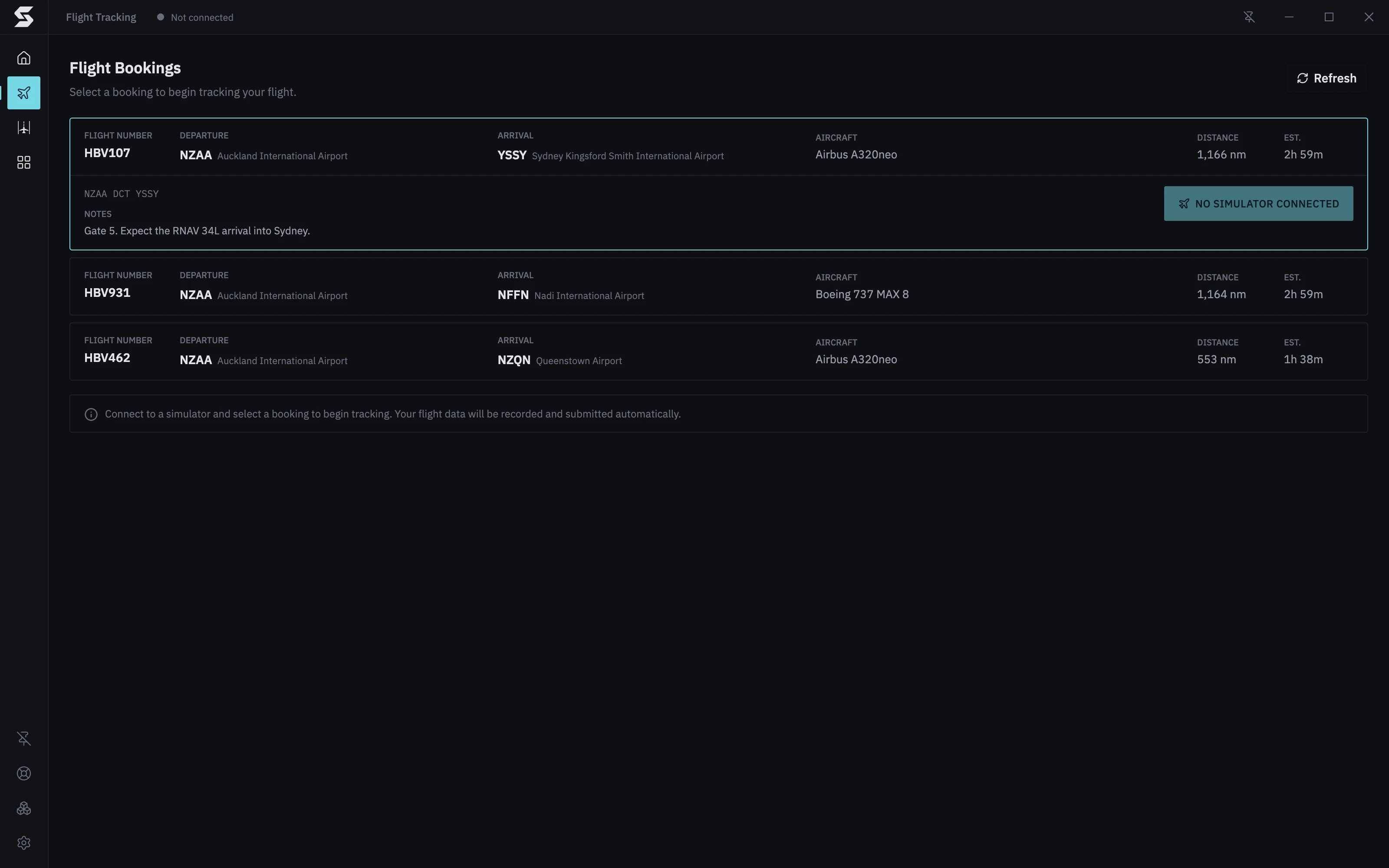
Open Flight Tracking from the sidebar. Flight Bookings lists every flight you’ve booked, with its Flight number, Departure, Arrival, Aircraft, Distance and estimated time (Est.).- Click a booking to open it. You see the route and any Notes from your airline, with the buttons to start or cancel it.
- Booked something on the website just now? Press Refresh to load it.
Start a flight
- Start your simulator and load the aircraft on the ground at the departure airport.
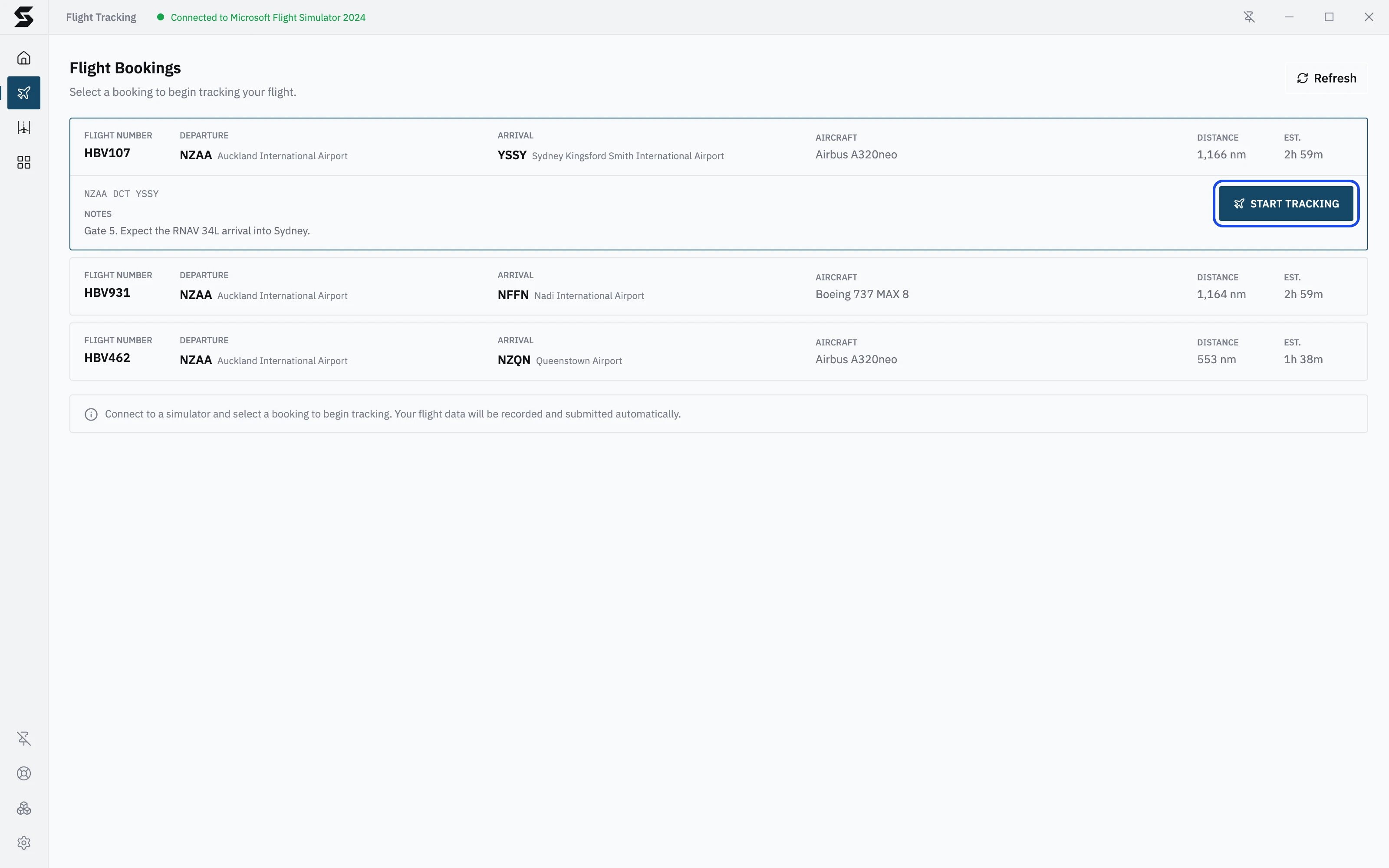
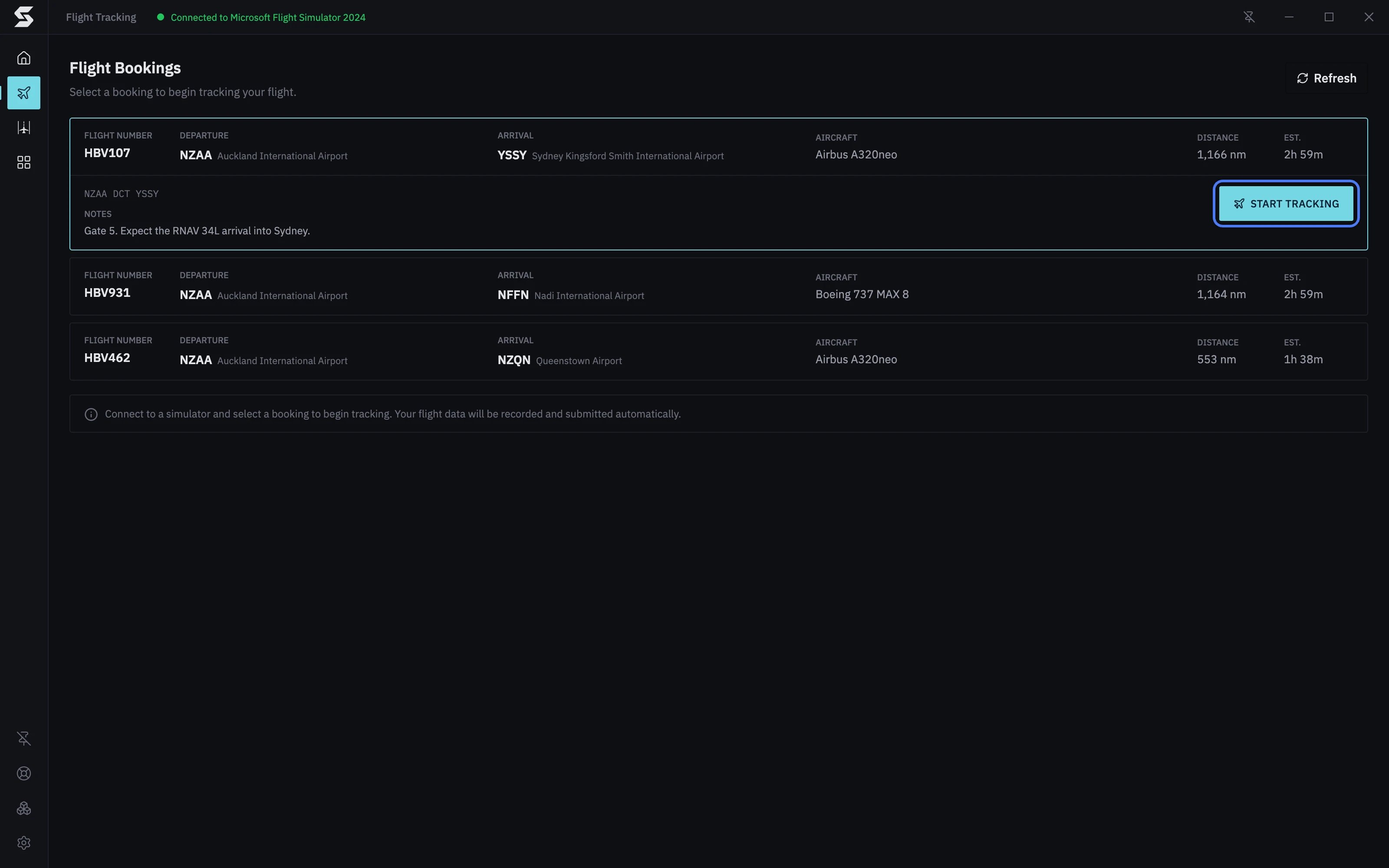
- Wait for the top bar to show Connected to your simulator. Until then, the button reads No Simulator Connected. See Connecting your simulator.
- Open the booking and press Start Tracking.
Pre-flight checks
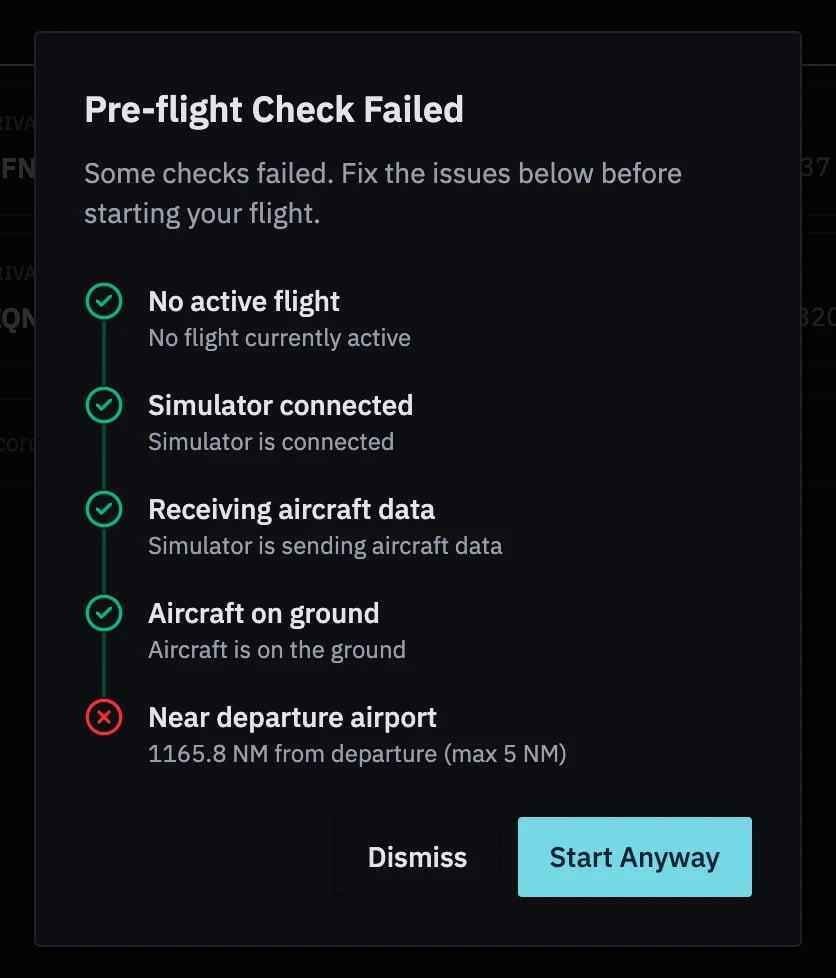
Before a flight starts, Stratos checks that it can track it properly. If anything fails, Pre-flight Check Failed lists every check with a tick, a cross, or a grey question mark for one it couldn’t check yet.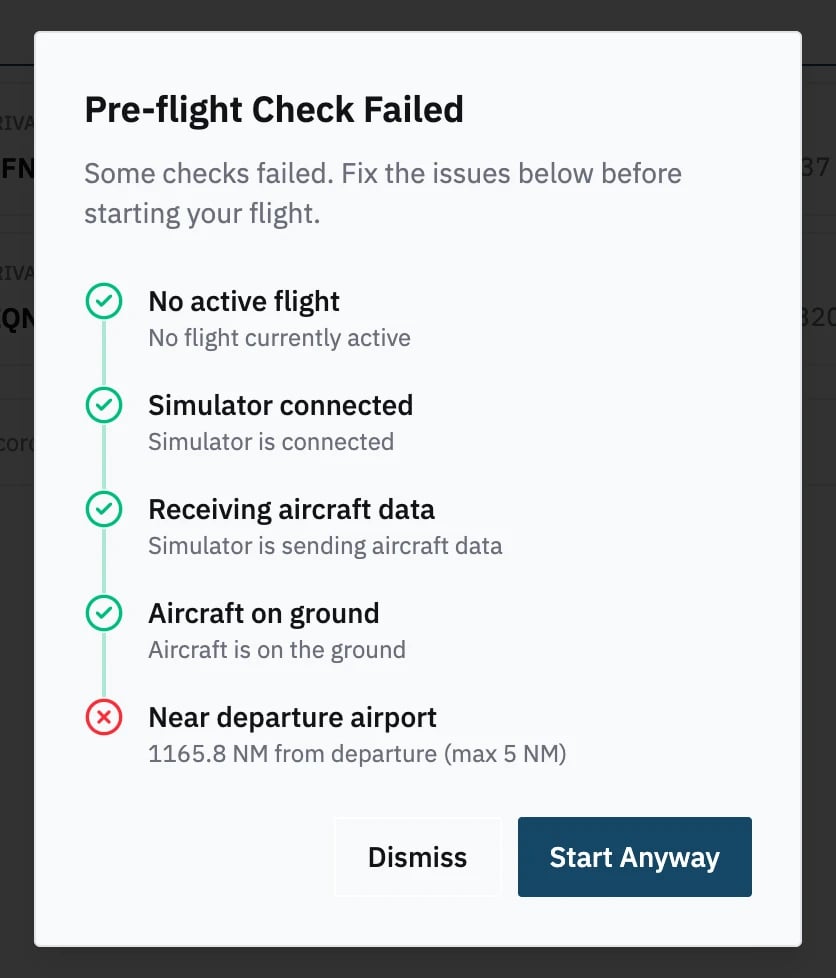
Your airline’s confirmation
Your airline’s system can also check what your simulator is reporting before it accepts the flight. For example, it might check that the aircraft or the fuel loaded in the simulator matches your booking. If something doesn’t match, Please check your simulator setup shows your airline’s message, with the Simulator Variables it was given: Aircraft ICAO, Aircraft Type, Livery, Position, Altitude, On Ground, Fuel (lbs) and Simulator.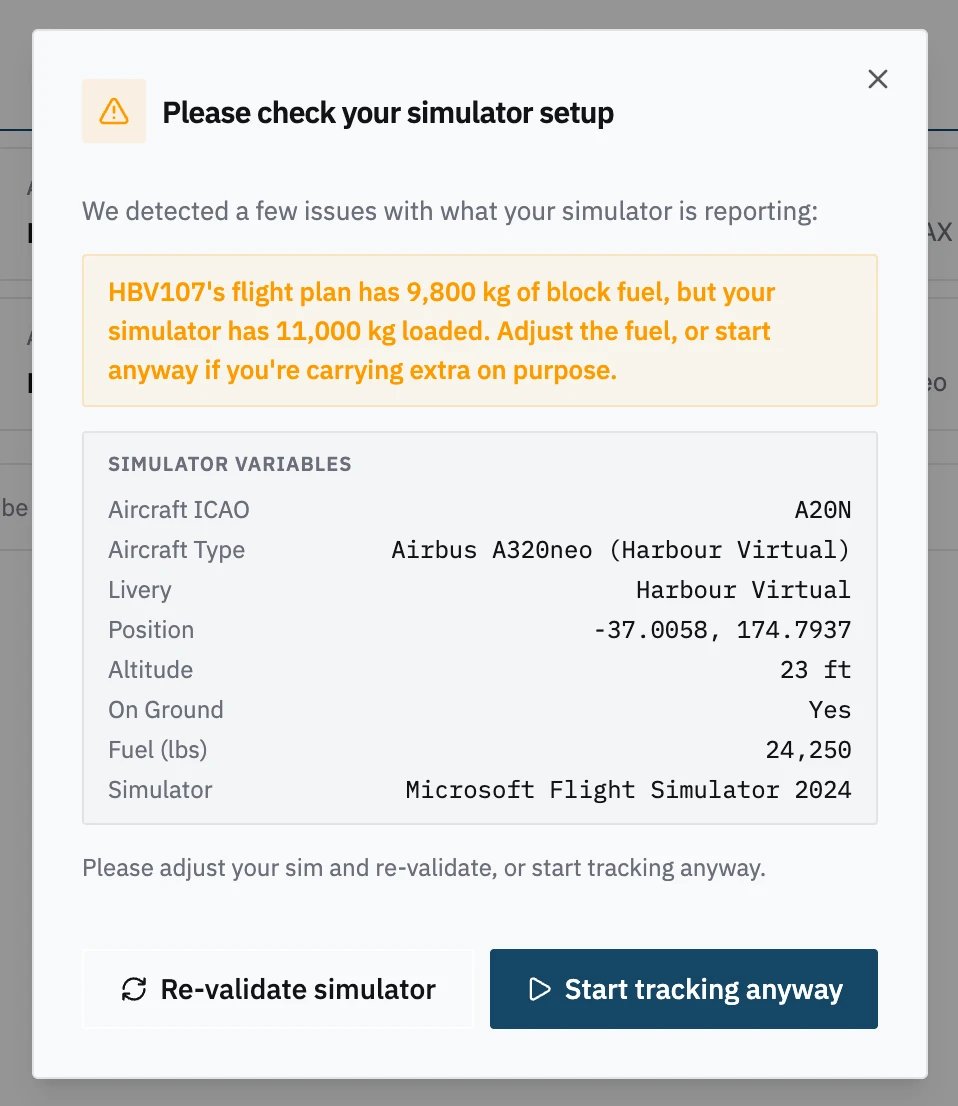
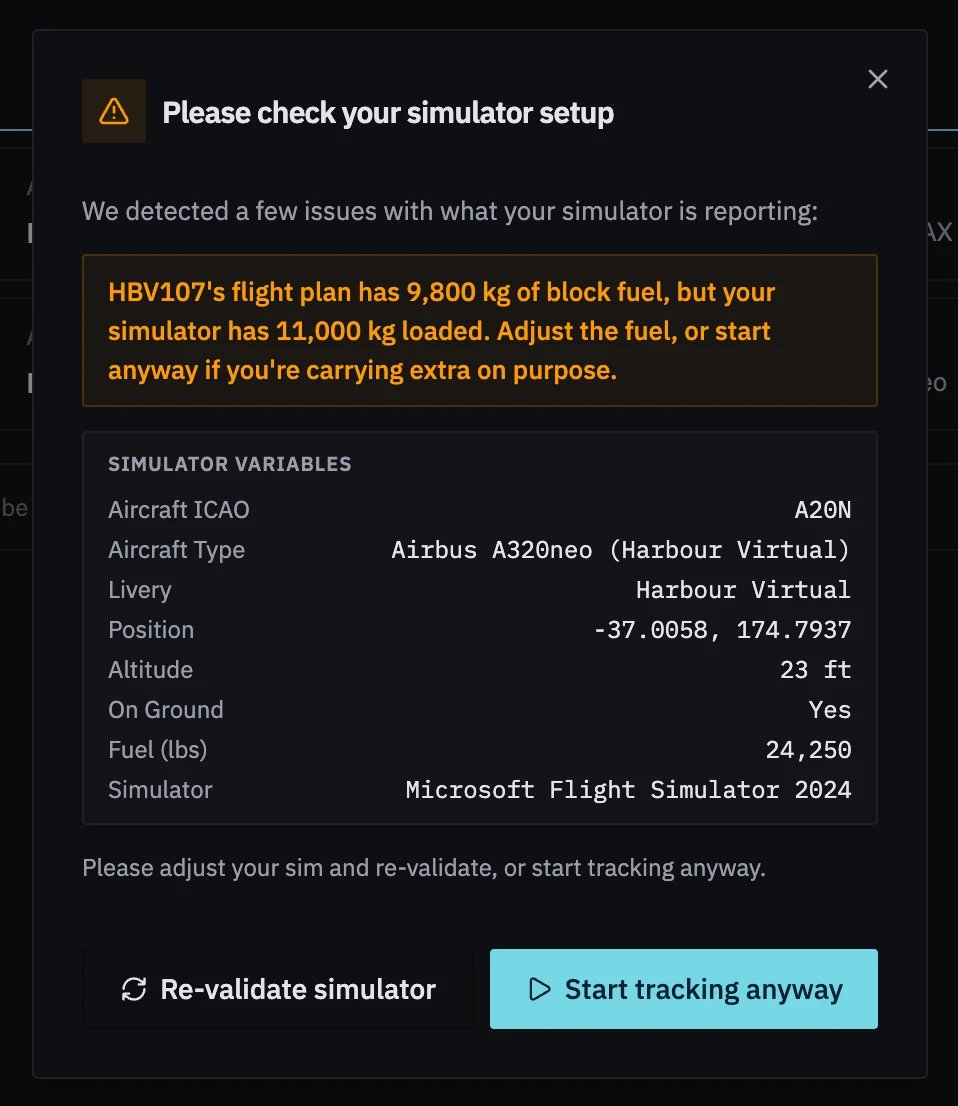
- Fix it in the simulator (load the right aircraft or livery, for example), then press Re-validate simulator to ask your airline again.
- Or press Start tracking anyway to start as things are.
Start automatically
With auto-start on, you don’t press anything: load up at a booked departure airport and Stratos starts the flight. To turn it on, open Settings → Plugins, choose Flight Tracking, and switch on Auto-Start Tracking under Your settings. It’s off until you turn it on. When your aircraft is within 5 nm of a booked departure airport, Stratos gives you a few seconds to settle in, then starts that booking. If several bookings leave from that airport, it picks the one whose aircraft type matches the aircraft in your simulator, or leaves you to choose. The same pre-flight checks and airline confirmation apply. If your airline asks you to confirm, Stratos opens Flight Tracking and shows the prompt. If the start is turned down three times in a row, by your airline or by a pre-flight check, Auto-start blocked tells you which and why, and auto-start leaves that booking alone for 5 minutes.Why hasn’t auto-start started my flight?
The bookings list tells you. Under the heading, Auto-start is waiting: gives the reason:Change the aircraft
If your airline allows it, the Aircraft on each booking is a dropdown. Pick another aircraft and the booking updates straight away; you don’t need to save. The list only offers aircraft your airline lets you fly on that flight, grouped by type and shown by registration, and you can type to search it.- No alternative aircraft means there’s nothing else eligible for this flight.
- Set by your SimBrief flight plan. Re-plan in SimBrief to fly a different aircraft. means the aircraft comes from your SimBrief plan. See SimBrief.
- If your airline refuses the change, Stratos shows its reason and puts the old aircraft back.
Cancel a booking
If your airline allows it, an open booking has a Cancel Booking button. Press it, then Cancel Booking again to confirm (or Keep Booking to back out). The booking is removed from your bookings on your airline’s site too. If your airline refuses, Stratos shows its reason. No Cancel Booking button? Your airline doesn’t allow it from Stratos. Cancel the booking on your airline’s website.For VA owners
Three of your Flight Tracking settings change what pilots see here: Change aircraft (the aircraft dropdown), Cancel bookings (the Cancel Booking button), and Allow Start anyway (whether Start Anyway and Start tracking anyway work). Your flight-start API can returncan_override to decide Start tracking anyway for one start. See Flight Tracking.