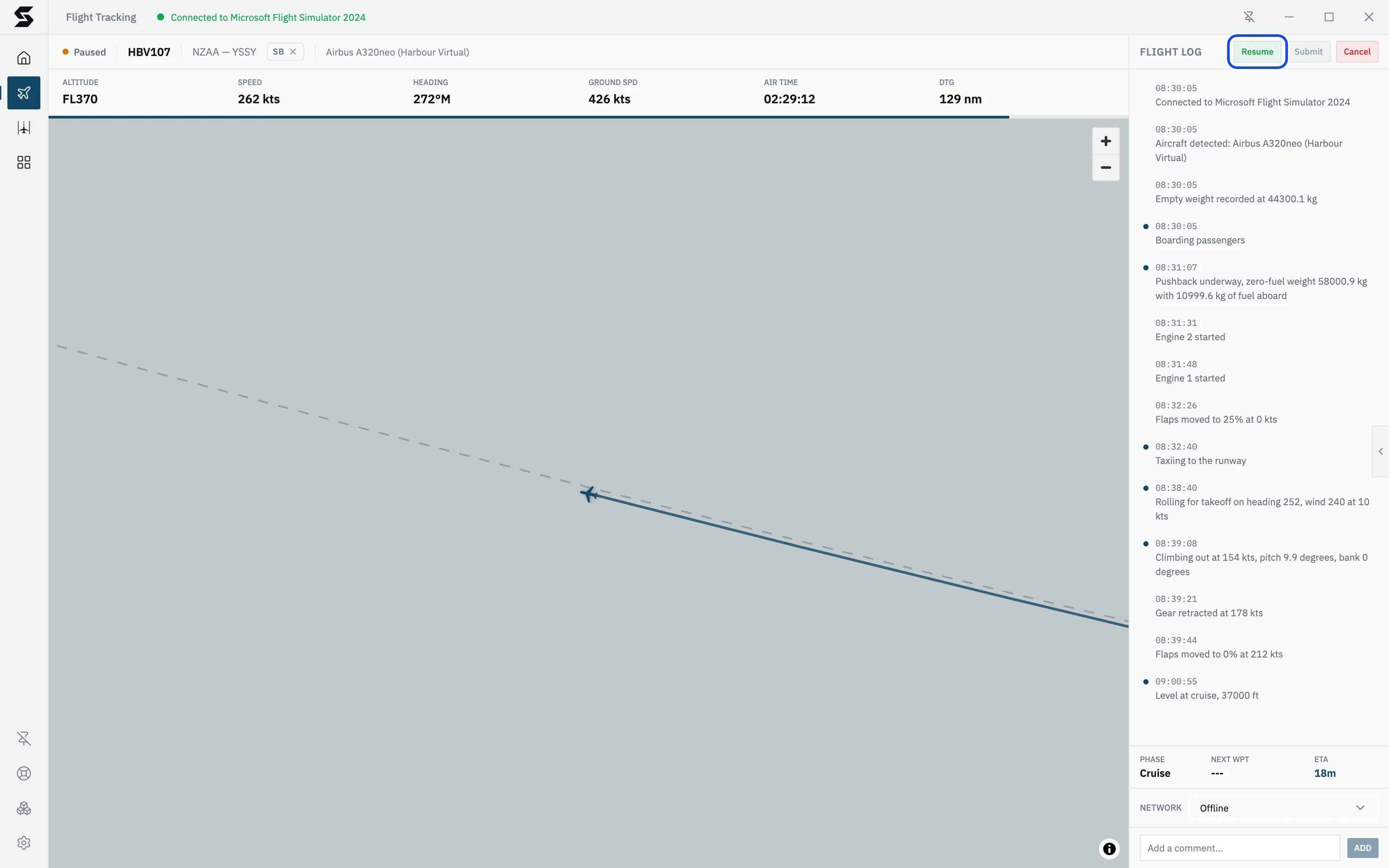
At a glance
- Switch on Pause TOD in the header of the tracking screen. It’s set for each flight, not in Settings.
- TOD in counts down the distance to where Stratos will pause.
- On Auto, Stratos pauses about 3.5 nm from the arrival airport for every 1,000 ft of cruise altitude: about 130 nm out at FL370.
- Press Resume in the flight log when you’re ready to descend.
Turn it on
- Start tracking your flight and climb to your cruise altitude.
- Check TOD in and the distance in the header of the tracking screen. This is how far you have to fly before Stratos pauses.
- Switch on Pause TOD next to it.


Automatic
Unless you set your own distance, Stratos works the point out for you. It allows 3 nm for every 1,000 ft you have to come down, plus another 0.5 nm for every 1,000 ft so you have room to slow down and set up the arrival: 3.5 nm for every 1,000 ft in all. The altitude it uses is the highest you’ve reached on the flight, so the distance grows while you climb and settles once you’re at cruise. The distance is in a straight line from the aircraft to the arrival airport, not along your route.A worked example: HBV107, Auckland to Sydney at FL370
A worked example: HBV107, Auckland to Sydney at FL370
- Highest altitude reached: just under 37,000 ft.
- That is a touch under 37 × 3.5 = 129.5, so Stratos pauses at 129 nm from Sydney.
- Halfway across the Tasman, DTG in the stats bar shows 578 nm to go, so the header shows TOD in 449 nm (578 less 129).
- The pause comes with 129 nm to go, a little earlier than a 3° descent alone would need.
Set your own distance
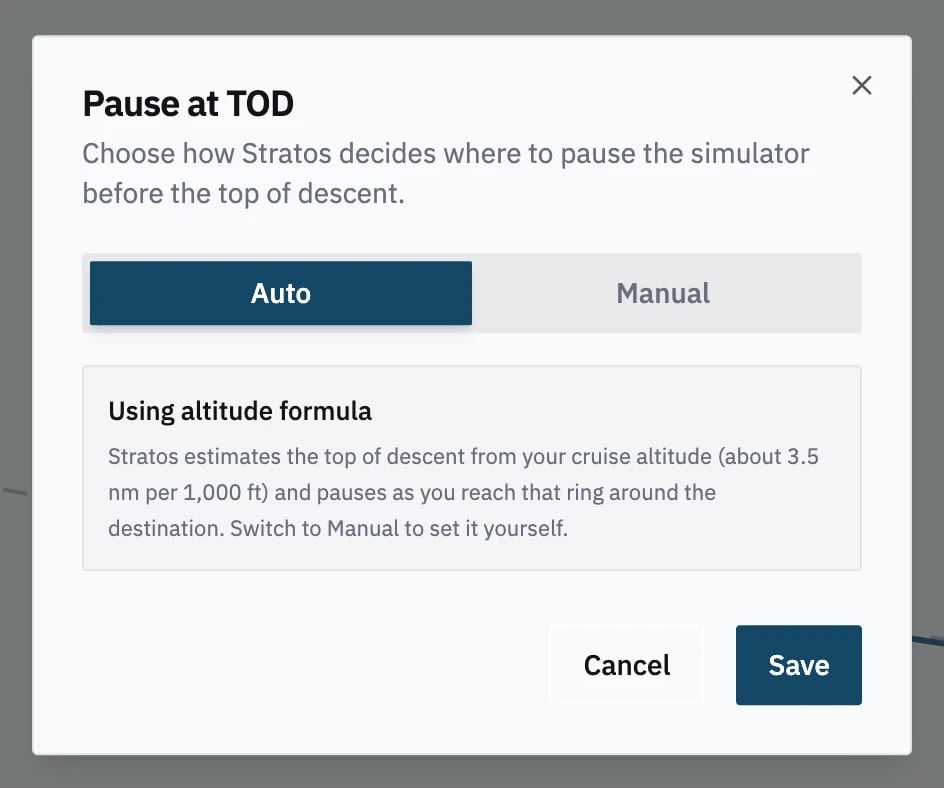
If your FMS or flight plan has its own top of descent, use that instead.- Click TOD in in the header. Pause at TOD opens on Auto.
- Click Manual.
- Enter Distance to destination, in nautical miles to go. It must be less than the distance you still have to fly.
- Press Save.
When it pauses
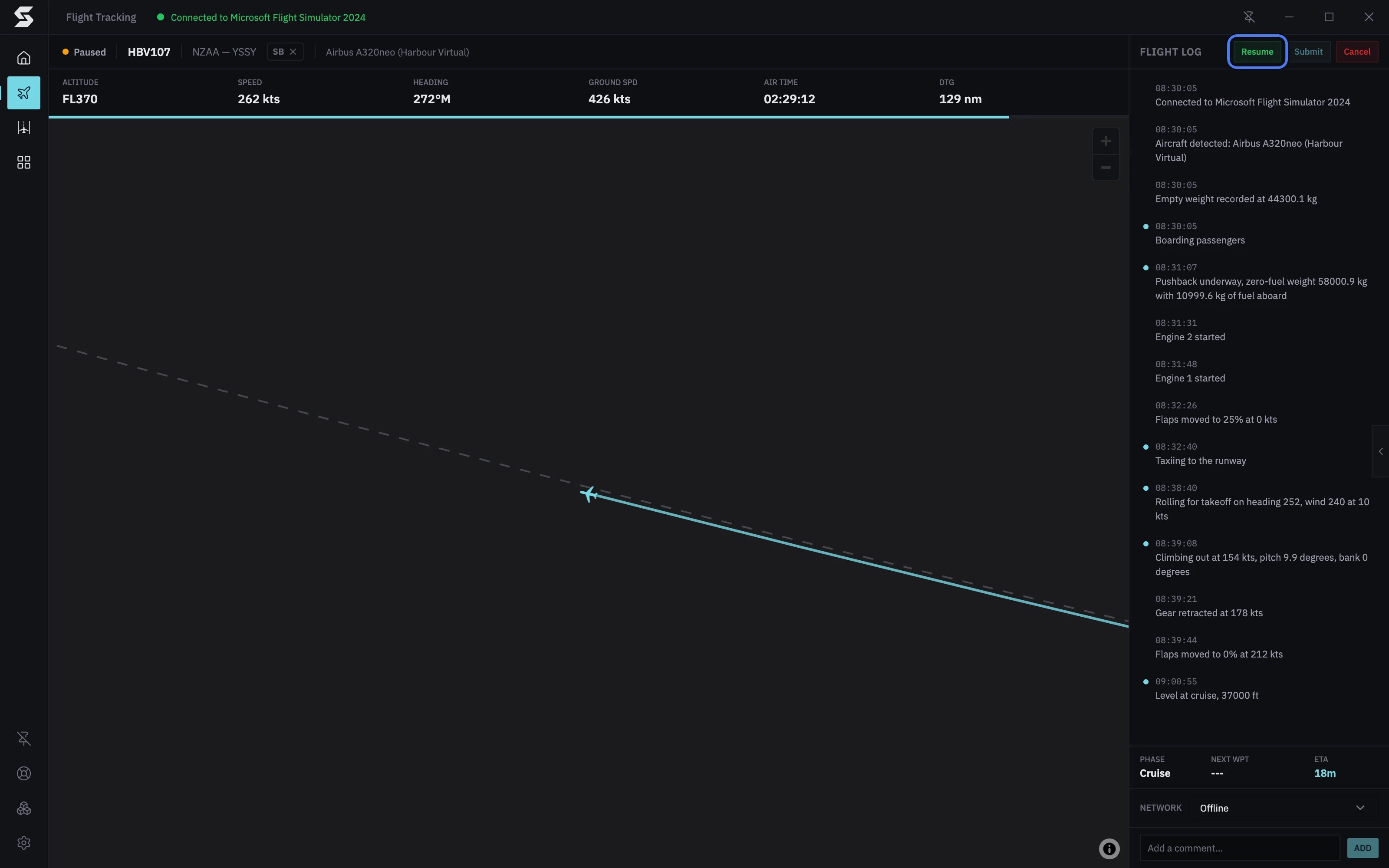
At the point, Stratos pauses the simulator and the flight, and plays a sound (if Sound is on in Settings → Notifications). On the tracking screen:- The header shows Paused with an orange dot, and TOD in and the Pause TOD switch are gone.
- The flight time stops while you’re paused.
- Resume takes the place of Pause at the top of the flight log.