

At a glance
- Press Submit once you’ve landed. Most airlines only allow it once you’ve arrived at the gate.
- Turn on Auto-Submit Flight and Stratos submits for you when you park at the destination with the engines off.
- Cancel ends the flight without filing anything. It can’t be undone.
- Quitting Stratos mid-flight doesn’t lose the flight: you can resume it next time you open Stratos.
Submit your flight
- Land, taxi to the gate and park.
- Press Submit at the top of the flight log.
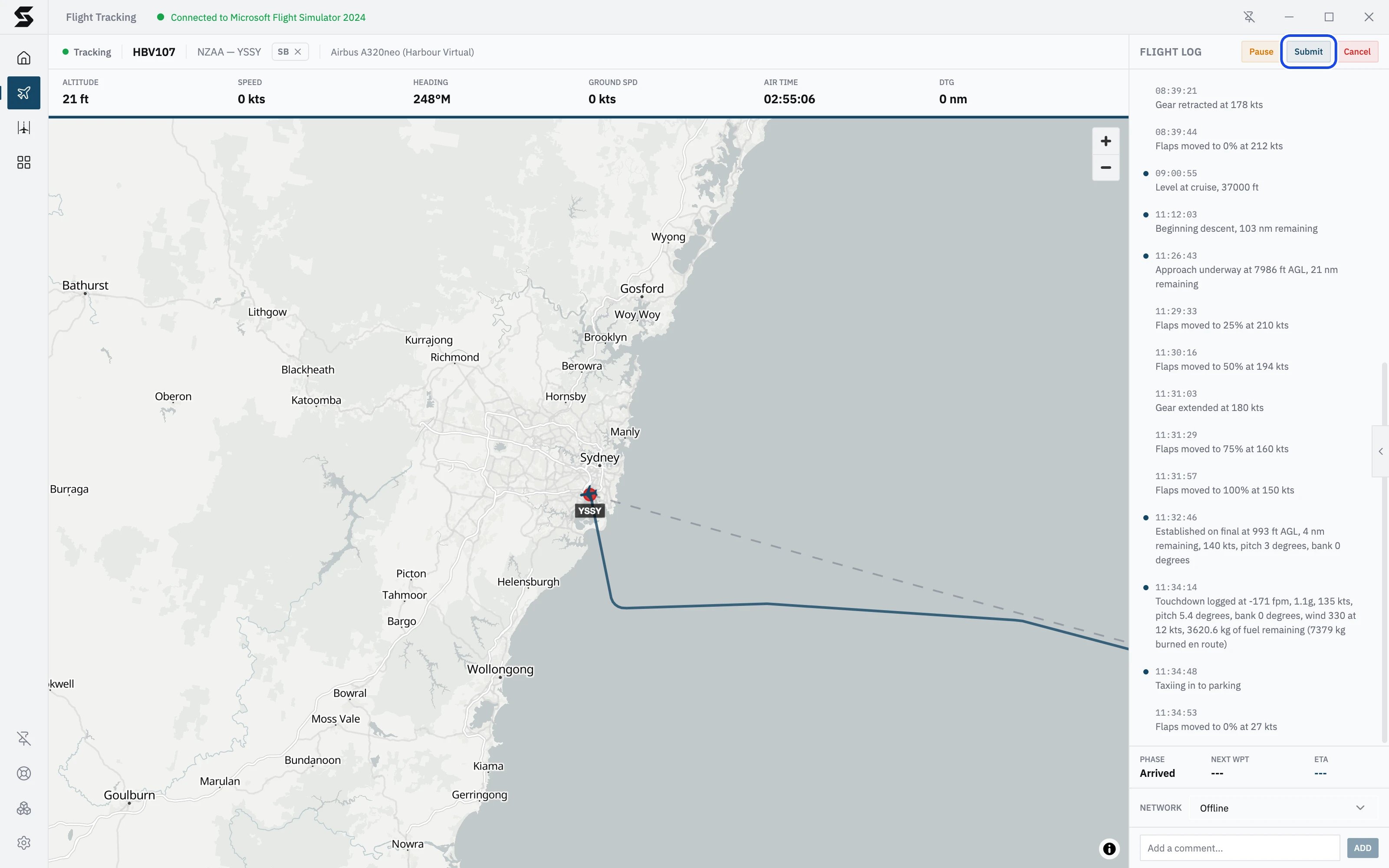
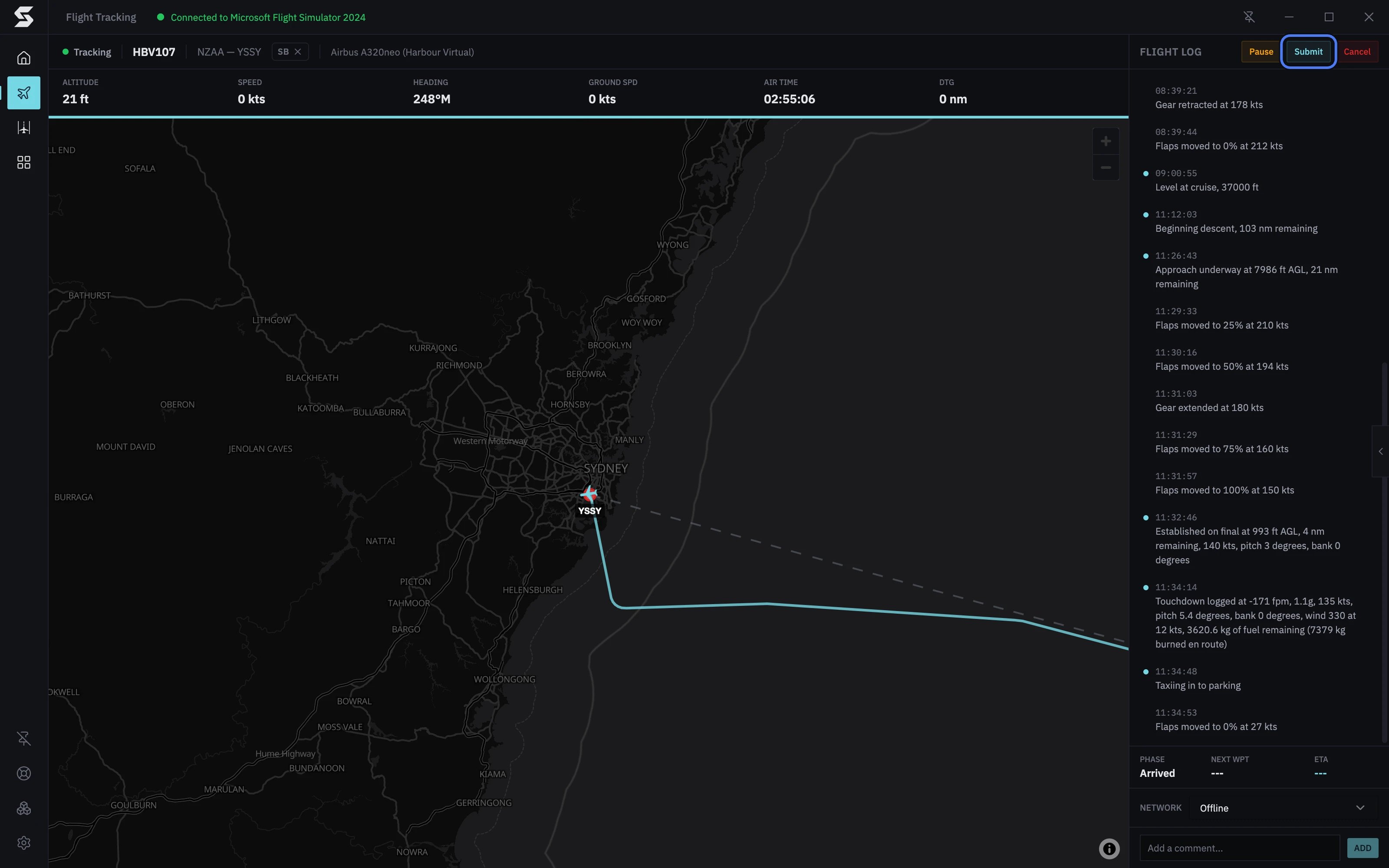
Why Submit is greyed out
Most airlines only accept a flight once it has reached the Arrived or Deboarding phase. Until then, Submit is greyed out; hover over it to see Your virtual airline requires the flight to reach the Arrived or Deboarding phase before it can be submitted. You reach Arrived a few seconds after you stop at the gate. See Flight phases for the exact rules.Submit early
If your airline lets you submit before arriving, pressing Submit before you’ve landed asks first: Submit Flight Early? Press Submit Anyway to file it now, or Continue Flying to carry on. From touchdown onwards it submits without asking.Submit automatically
Turn on auto-submit and you don’t need to press anything at the end of a flight. Open Settings → Plugins, choose Flight Tracking, and switch on Auto-Submit Flight under Your settings. It’s off until you turn it on. Stratos submits a few seconds after all of these are true:- the flight has reached Deboarding
- every engine is off
- you’re within 5 nm of the arrival airport
Cancel a flight
- Press Cancel at the top of the flight log.
- In Cancel Flight?, press Cancel Flight to confirm, or Continue Flying to go back.
When your airline cancels the flight
If the flight is removed or closed on your airline’s side while you’re flying (staff deleted it, for example), Stratos can’t file it anywhere. It stops tracking and shows Flight cancelled: “Your VA backend reported that this flight is no longer present or active”. Press OK. If you were away, it’s waiting when you come back. Ask your airline what happened before you fly it again.Quitting Stratos during a flight
If you close Stratos while a flight is being tracked, it asks first: Flight in Progress. Press Cancel to keep flying, or Quit to close anyway. With Minimise to tray on (in Settings → General), closing the window doesn’t quit: Stratos keeps tracking in the system tray. Quitting doesn’t end the flight. The next time you open Stratos, it goes to Flight Tracking and shows Flight Recovery: “A previous flight was interrupted. Would you like to resume?”, with where the aircraft was last seen.- Resume Flight carries on tracking. Load the simulator at the same place first, or use Auto Reposition to move the aircraft there.
- Cancel Flight cancels it with your airline, as above.