

plugin.json and the shell renders a settings UI for pilots automatically: no settings page required in your plugin.
Declaring Settings
Add anavailable_settings array to your plugin.json:
Setting Types
For
list and radio types, options is an array of { value: string; label: string } objects.
Setting Scopes
"user" scope
Appears on your plugin’s page in Stratos Settings → Plugins. Each pilot can configure their own value independently. Use user-scoped settings for:
- Unit system preferences (imperial vs metric)
- Display toggles (show/hide sections)
- Notification preferences
- Refresh intervals
"airline" scope
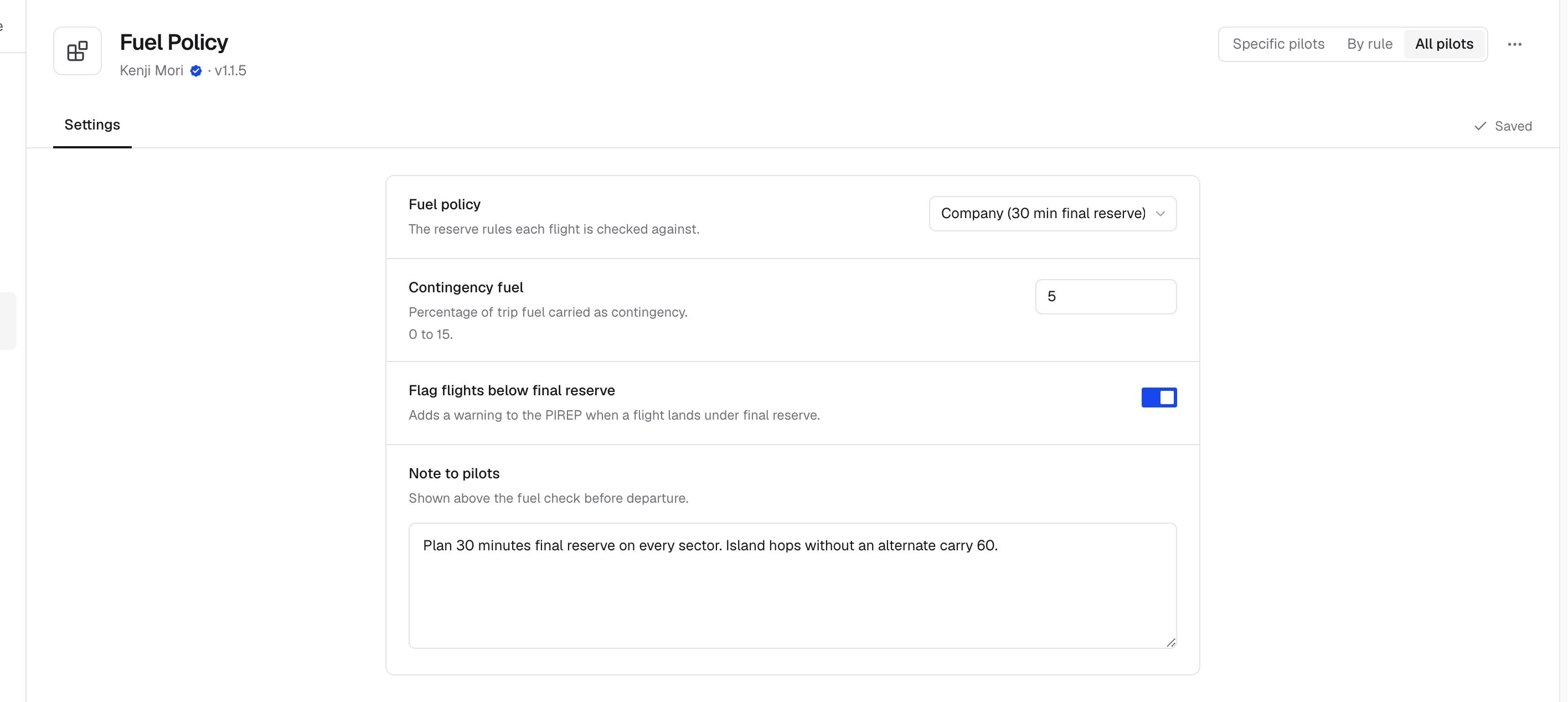
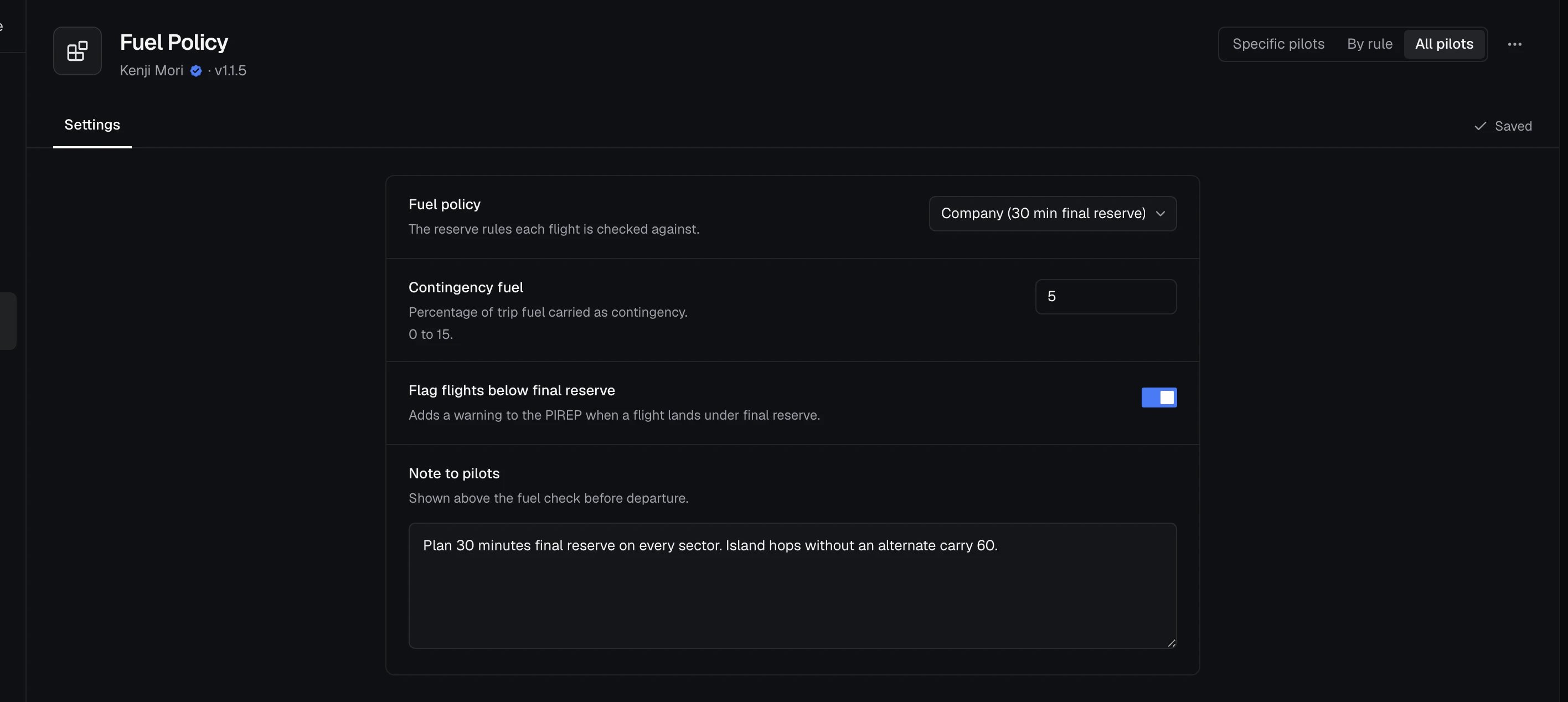
Set by the airline on skyvexsoftware.com and pushed to all pilots. Not shown to pilots in Stratos. Stratos fetches the values when the pilot signs in and picks up the airline’s changes while it’s running, holding them until the flight ends if one is in progress (see Reacting to airline changes). Use airline-scoped settings for:
- Welcome messages and branding
- Quick links and resources
- Event detection rules
- Route configurations
- Any content the VA wants to control centrally
Reading Settings in the UI
UseusePluginContext() to access settings from any component:
useShellConfig() hook directly:
Note: config.get() in the UI context reads airline-scoped settings only: those managed by the airline on skyvexsoftware.com. User-scoped settings (personal preferences like unit system, display toggles, and refresh intervals) are managed through the shell’s settings UI and are not accessible via this API.
Reading Settings in a Background Module
Background config access usesctx.config and is async:
Always Provide Defaults
Your plugin should work out of the box without any settings configured. The second argument toconfig.get is the fallback value returned when the setting has not been set: